| Product Documentation
Hybrid Control Panel (v10)
Configuring web console settings
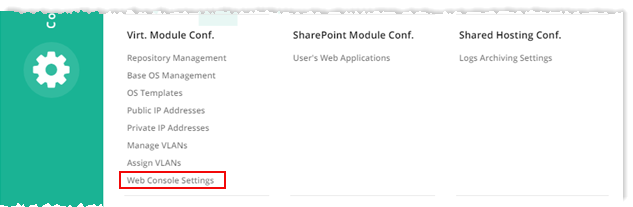
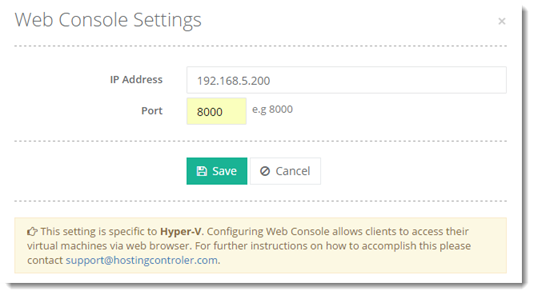
To configure web console settings, from top right corner of your screen, click  and then go to Virtual Module Configuration >> Web Console Settings.
Once web console settings are configured, clients can access their virtual machine via any web browser. This setting is required only in the case of Hyper-V. VMware web consoles can be directly accessed through  in front of the virtual machines.
in front of the virtual machines.