| Product Documentation
Hybrid Control Panel (v10)
Subscribing a plan
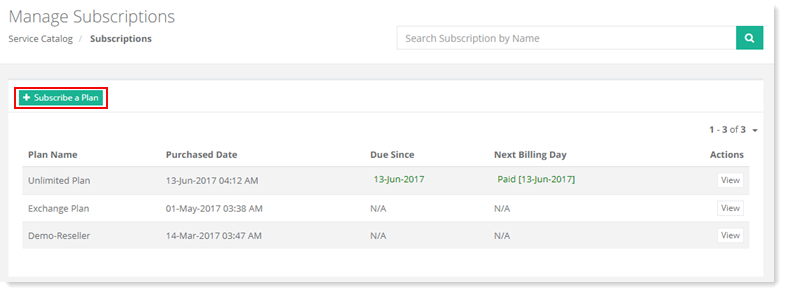
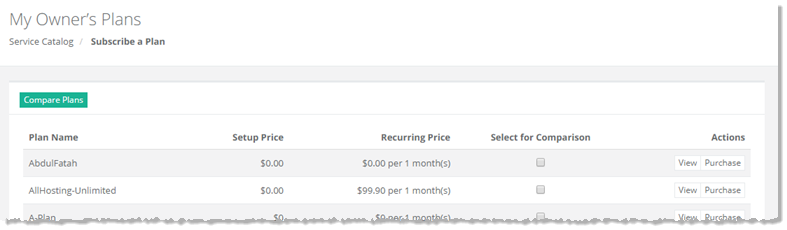
To subscribe a plan, go to Service Catalog >> Subscriptions and click + Subscribe a Plan.
|
Manage Subscriptions page shows list of subscriptions with additional information as:
|
Fields marked in red are required fields and cannot be left empty.
Manage Subscriptions section allow admins to view/purchase plans. For further details, refer to the following sections:
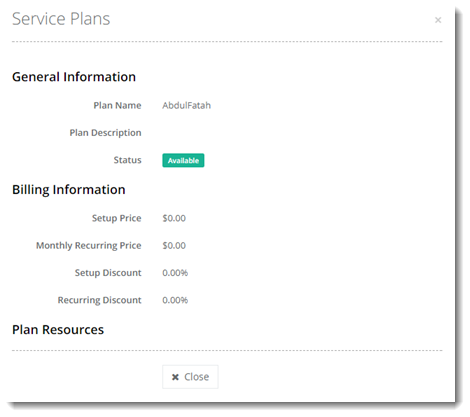
Viewing a Plan
To view any new plan, click View under Actions column.
Purchasing a Plan
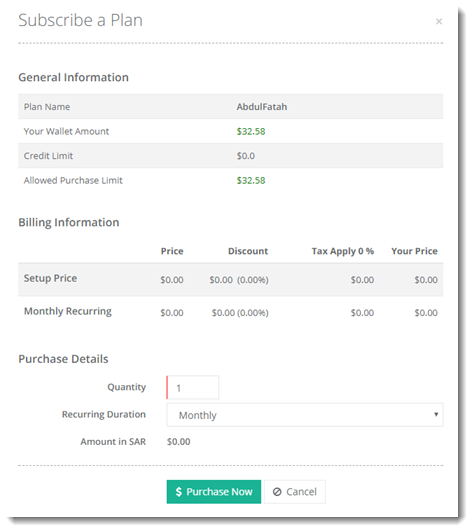
To purchase any new plan, click Purchase under Actions column.