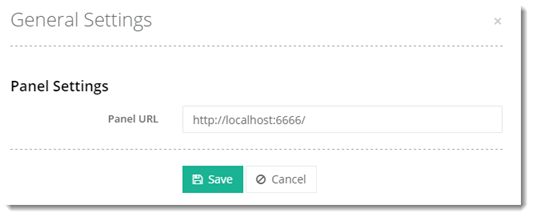
Panel settings let you select how HC10 panel should be accessed.
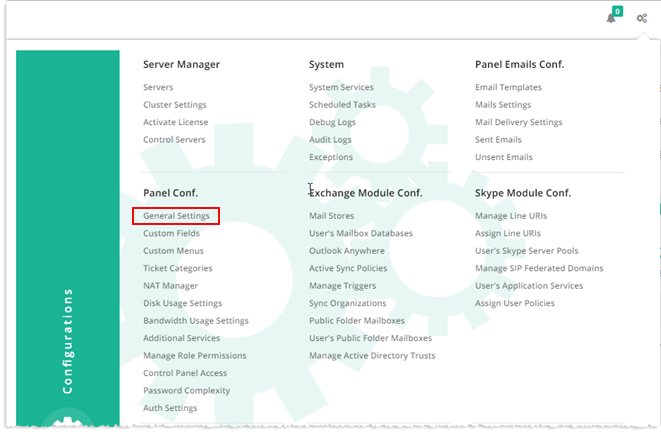
To configure general settings of the panel, from top right corner of your screen, click and then go to Panel Configuration >> General Settings.
 and then go to Panel Configuration >> General Settings.