
| Product Documentation
Hybrid Control Panel (v10)
Managing System Services
Windows Services are applications that run in the background and can automatically be started when the OS starts. These services can be started, paused or restarted manually as well. HC10 offers simple and user friendly graphical interface to control all system services.
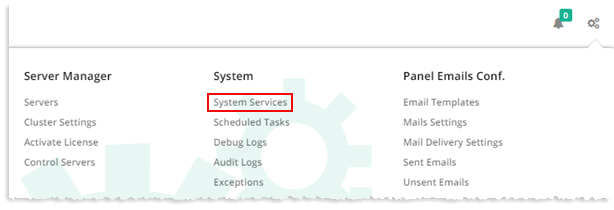
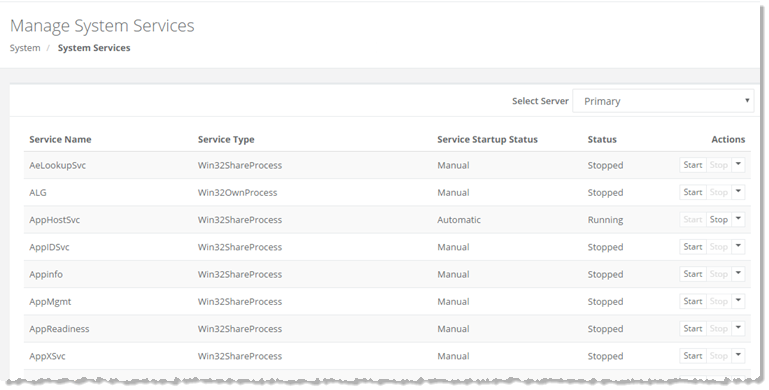
To manage system services, from top right corner of your screen, click  and then go to System >> System Services. Select server from the drop-down list box as required. Under Actions column, select status of the service as Start/Stop/Restart/Pause/Enable/Disable/Automatic/Manual.
|
System Services page shows all the available services for the selected server and additional information as:
|