| Product Documentation
Hybrid Control Panel (v10)
Adding a service plan
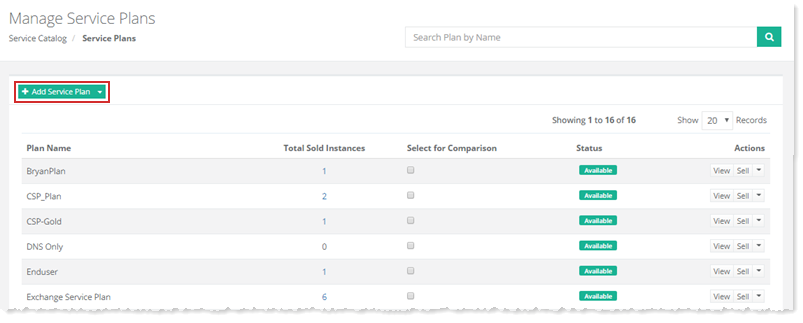
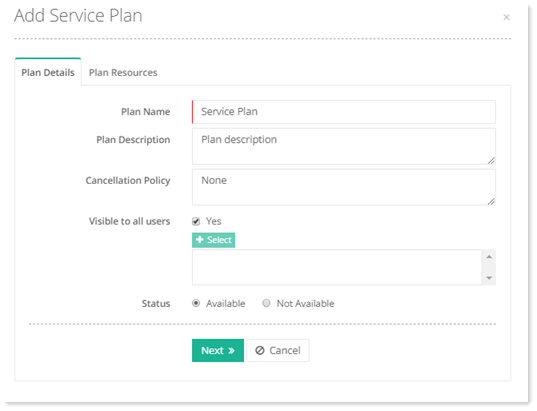
To add a service plan, go to Service Catalog >> Service Plans >> + Add Service Plan and specify required information to proceed.
Managing Office 365 SKUs
SKUs are Office 365 plans which provide Customers access to the Office 365 services that are defined for those plans. This section deals with the management of these Stock Keeping Units (SKUs).
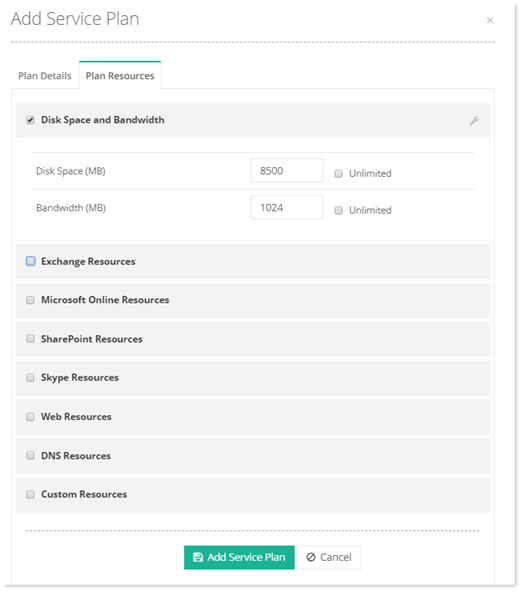
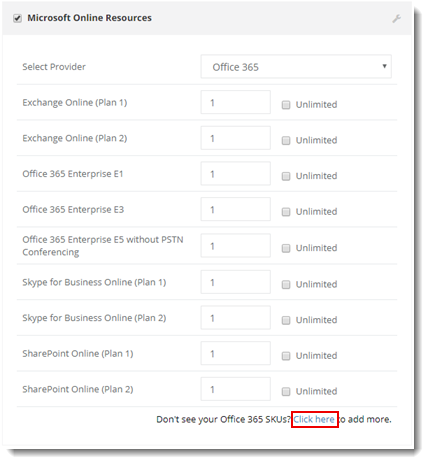
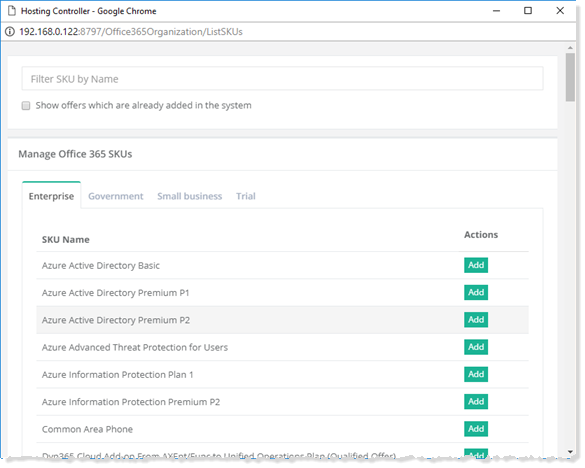
To manage Office 365 SKUs, select Microsoft Online Resources check box and then click Click here to proceed. HC then pulls SKUs from Office 365 and displays them in categories. Click Add to add the relevant SKUs to the plan.
IaaS Computing Resources
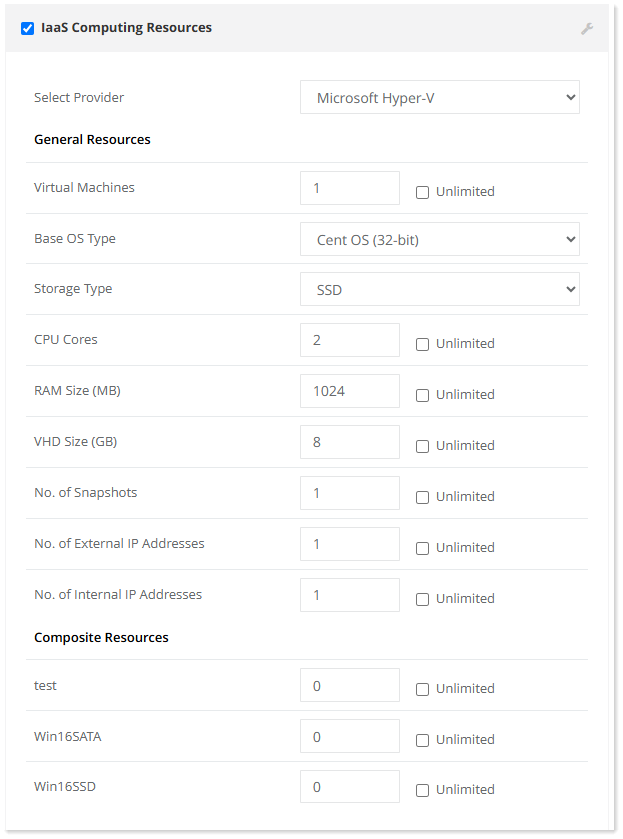
To manage computing resources, select provider modify information as required.
Managing Composite Resources
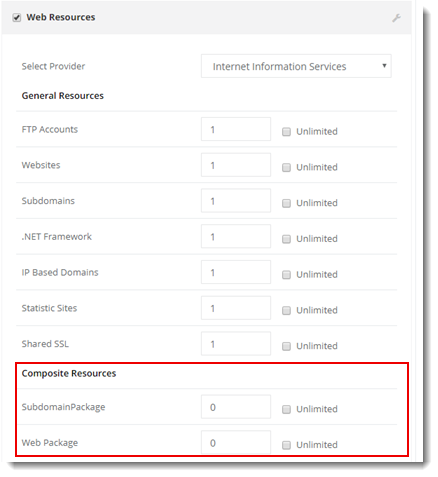
To manage composite resources, click any resource in which composite resources are added and modify as required such as Web Resources.