
| Product Documentation
Hybrid Control Panel (v10)
Mail Disclaimer
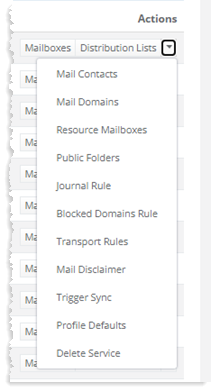
To manage mail disclaimers click Mail Disclaimer under Actions column.
|
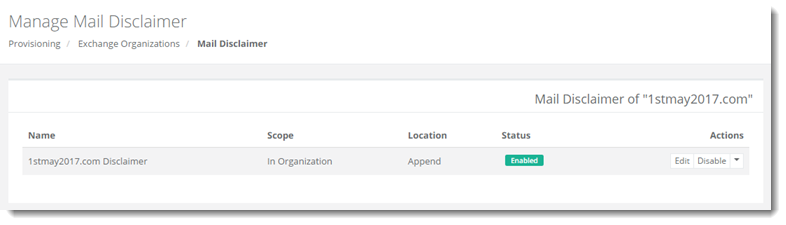
Manage Mail Disclaimer page shows the mail disclaimer for the organization, with additional information as:
|
To manage mail disclaimers click Mail Disclaimer under Actions column.
|
Manage Mail Disclaimer page shows the mail disclaimer for the organization, with additional information as:
|