| Product Documentation
Hybrid Control Panel (v10)
Installing HC Hyper-V Component
HC Hyper-V component should be installed on the Master Virtual Machine to be used as OS template. It is recommended to install .NET Framework 2.5 or later before commencing the install of HC Hyper-V Component.
To install Hyper-V component:
-
Double click the HCHyperVComponent setup file.
The installation starts and a Welcome screen displays.HC Virtualization Module Hyper-V Component for Windows can be downloaded from here or from HC website Downloads section for Misc. Utilities.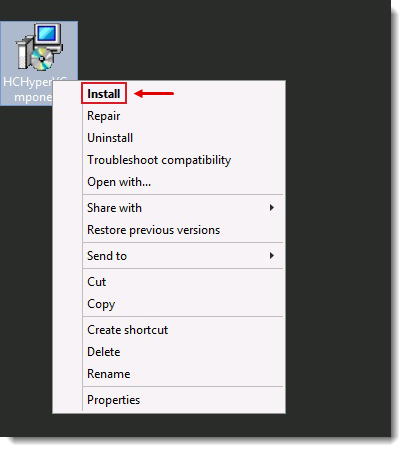
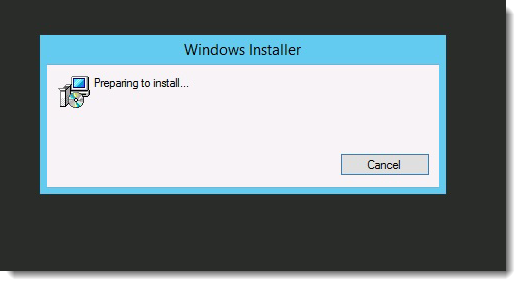
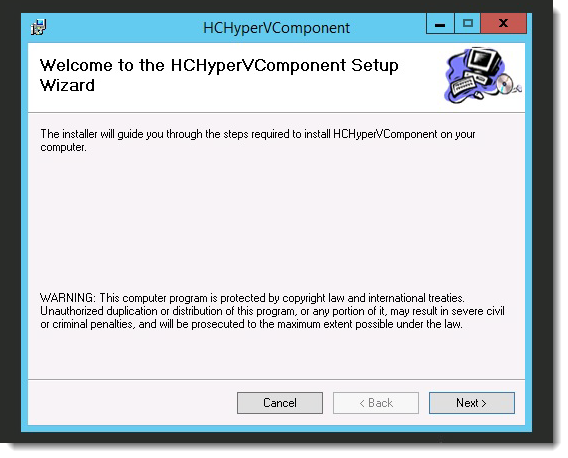
Click Next to proceed or Cancel otherwise. - On the Select Installation Folder screen, click ?Browse to specify path for HC Hyper V Component installation.
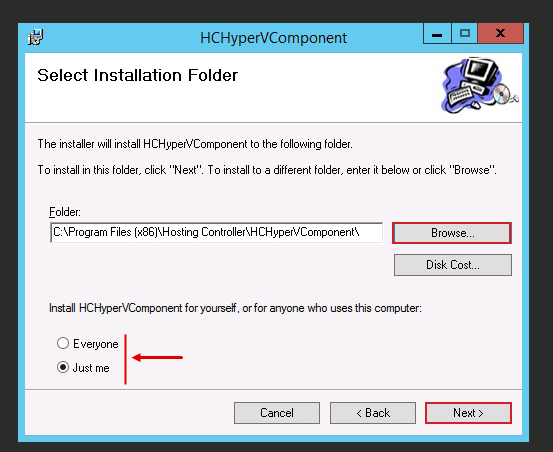
Click Next to proceed or Cancel otherwise. - On Confirm Installation screen click Next to proceed or Cancel otherwise.
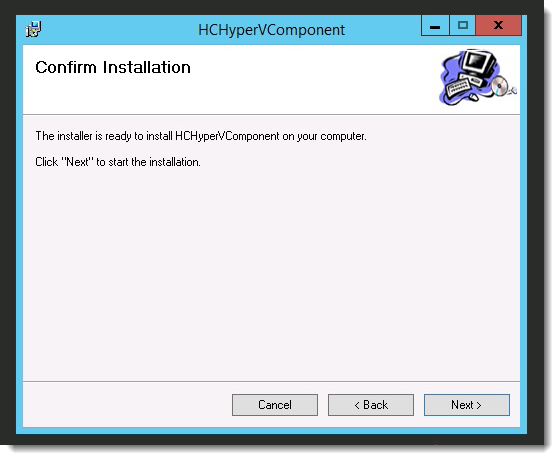
Installation may take few minutes to complete.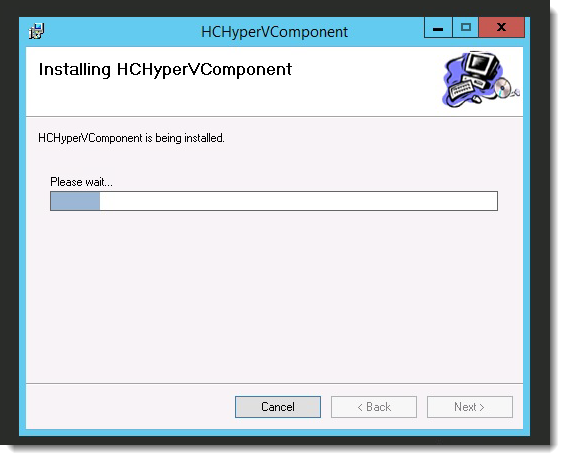
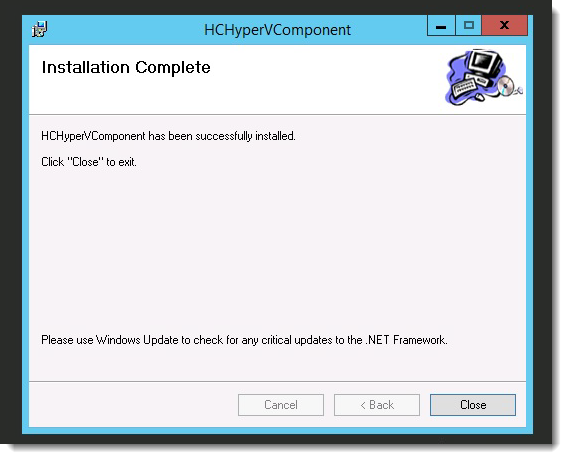
HC Hyper-V Component is installed successfully.
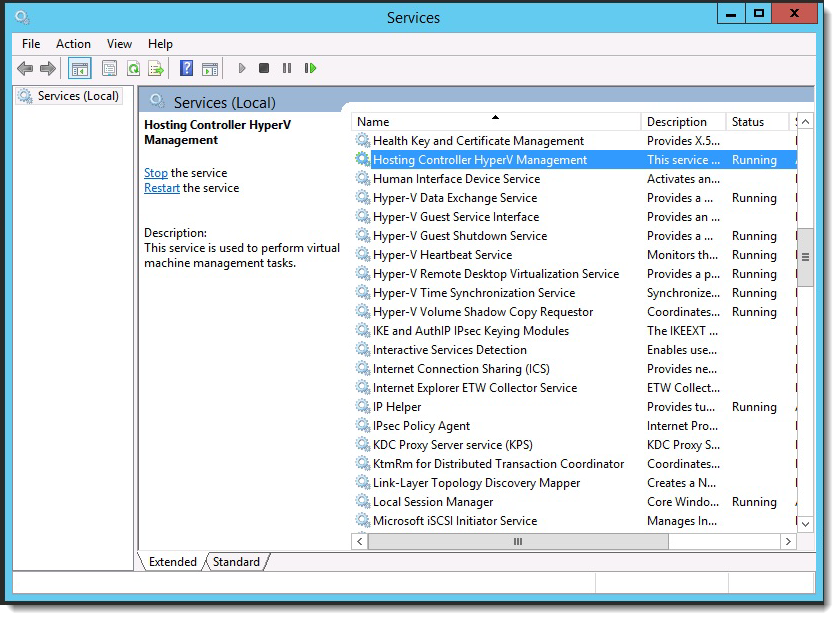
The setup installs the Hosting Controller Hyper-V Management service.