| Product Documentation
Hybrid Control Panel (v10)
Viewing hosting quota report
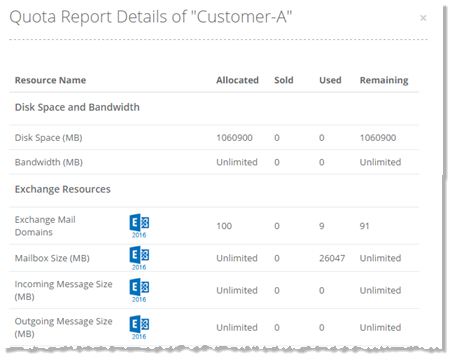
Hosting quota report shows the total quotas assigned to all the users under the admin. It shows the total resources, against all the subscriptions purchased by a user. The breakdown further shows the total resources allocated to the user and the resources consumed by it.
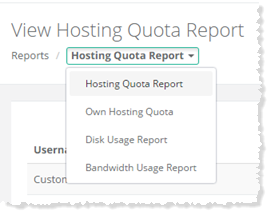
To view hosting quota report, go to Reports >> Quota Reports and select Hosting Quota Report to proceed.
|
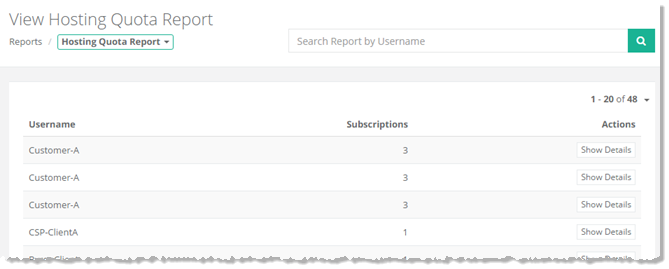
View Hosting Quota Report page shows hosting quota reports of individual users under the admin, with additional information as:
|
To view detailed report, click Show Details under Actions column.