| Product Documentation
Hybrid Control Panel (v10)
Deleting a SP site
If you delete a SharePoint site or items in it, the site and the items are sent to the site Recycle Bin (also called the first-stage Recycle Bin) where you can restore them if needed. When you delete items from a site Recycle Bin, they are sent to the site collection Recycle Bin (also called the second-stage Recycle Bin). Only a SharePoint site collection administrator can view and restore deleted items from the site collection Recycle Bin to their original locations. If an item is deleted from the site collection Recycle Bin, or it exceeds the retention time, it is permanently deleted.
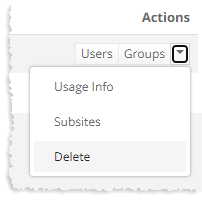
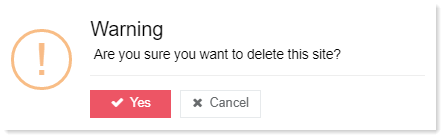
To delete a SharePoint site, click Delete under Actions column to proceed.