| Product Documentation
Hybrid Control Panel (v10)
Creating a mail contact
Mail contacts are mail-enabled Active Directory objects that represent people or organizations that exist outside an Exchange organization. They do not have corresponding user mailboxes or logon credentials to the Exchange organization. They just appear in the Global Address List (GAL) and have external email addresses associated with them. Mails sent to the mail contacts will route to these external email addresses.
To create a Mail Contact, + Create Mail Contact and specify required information to proceed.
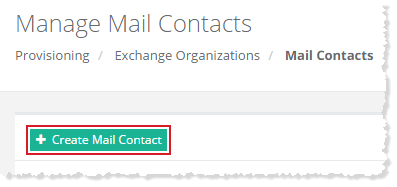
Fields marked in red are required fields and cannot be left empty.
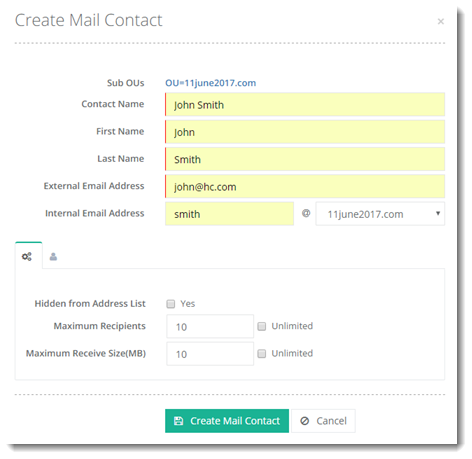
- External Email Address: Outside email address of the contact. Mail sent to the contact will be forwarded to this external email address.
- Internal Email Address: Internal email address of the contact within the organization. It will appear with this email address in the GAL.
To create a mail contact you need to specify some other information as well such as Advanced Settings and User Profile.
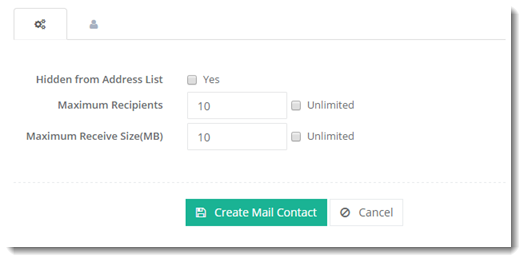
Advanced Settings
Click  to specify some advanced level configurations as:
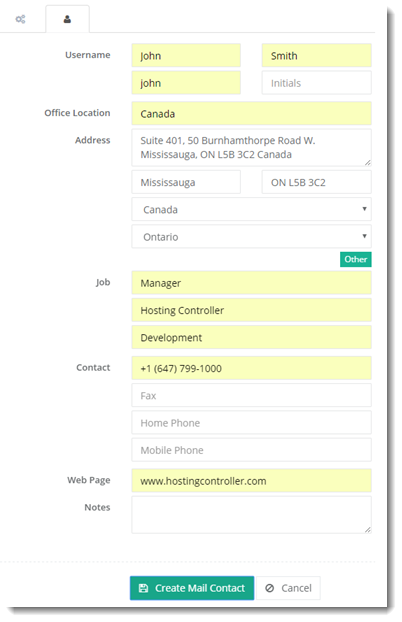
User Profile
Click  to specify user information as: