| Product Documentation
Hybrid Control Panel (v10)
Viewing dashboard of user
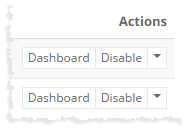
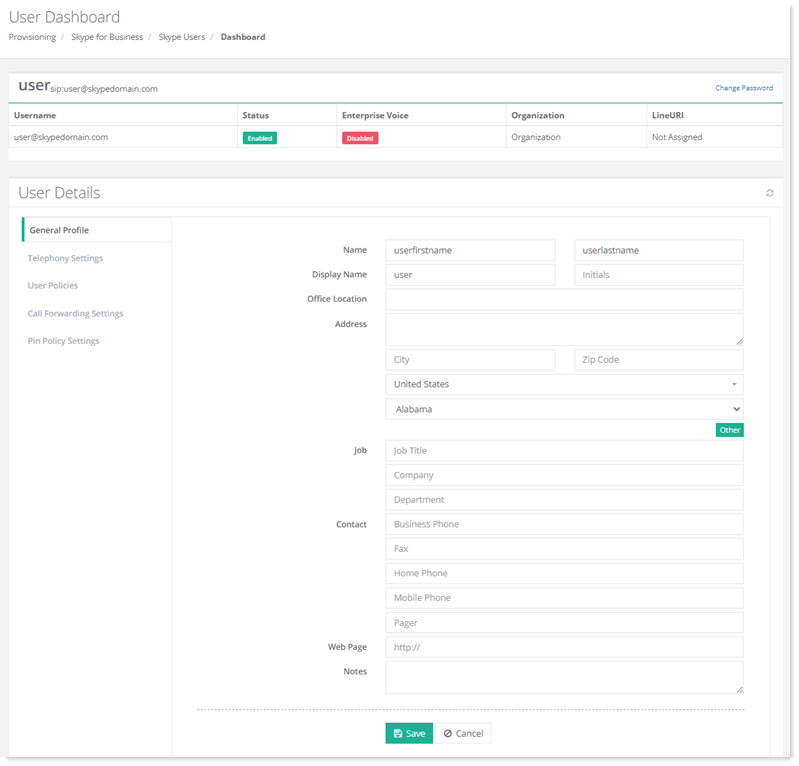
To view dashboard or modify information of a Skype user, click Dashboard under Actions column. User's dashboard page allow admins to view detailed information of Skype user such as user name, status, enterprise, organization and line URI from top left. Also, it allow admins to change user password from top right corner.
To view/modify user details, refer to the following section:
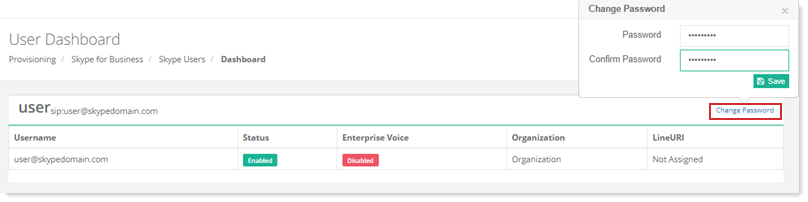
Change Password of a Skype User
To change password of a Skype user, click ?Change Password.
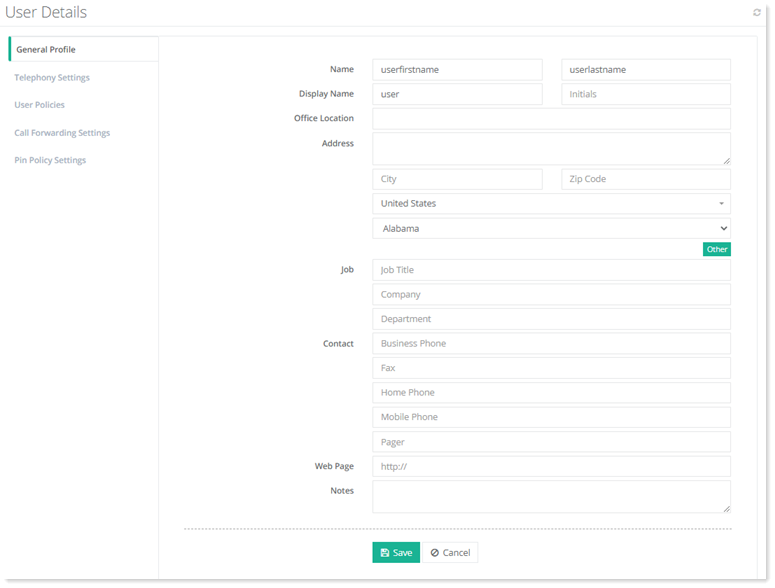
General Profile
To view/modify general profile information, click General Profile.
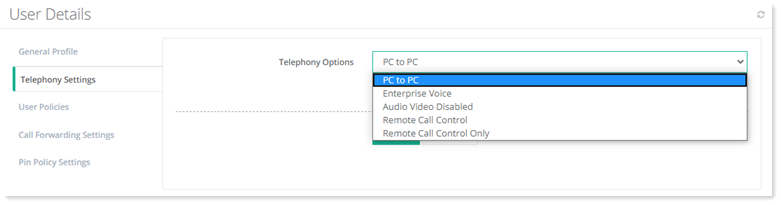
Telephony Settings
To view/edit telephony settings, click Telephony Settings.
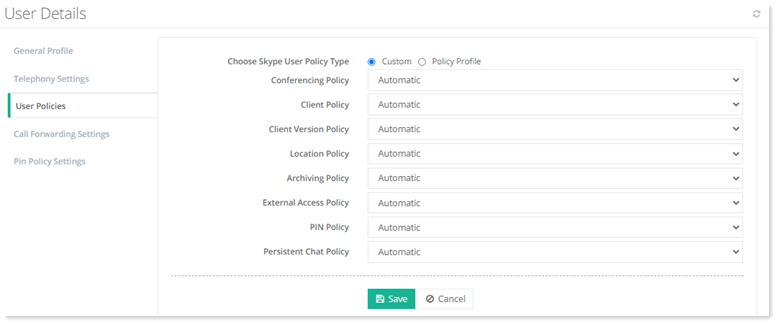
User Policies
To view/edit user policies, click User Policies.
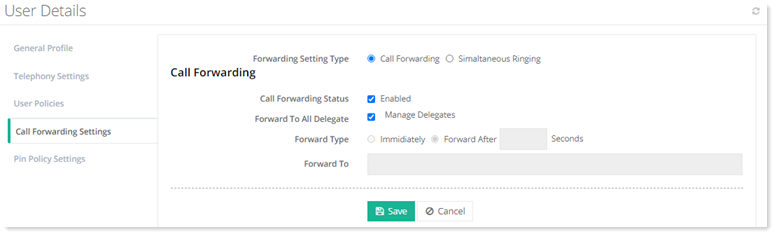
Call Forwarding Settings
To view/edit call forwarding settings, click Call Forwarding Settings.
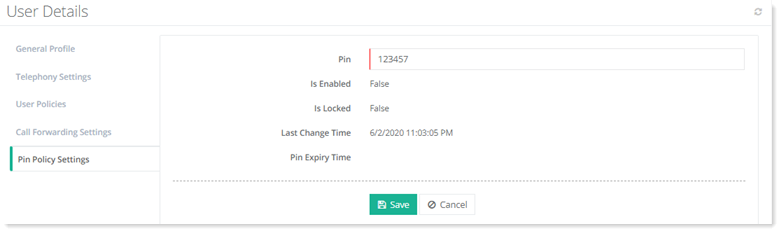
Pin Policy Settings
To view/edit Pin policy settings, click Pin Policy Settings.