| Product Documentation
Hybrid Control Panel (v10)
Viewing journal mailbox dashboard
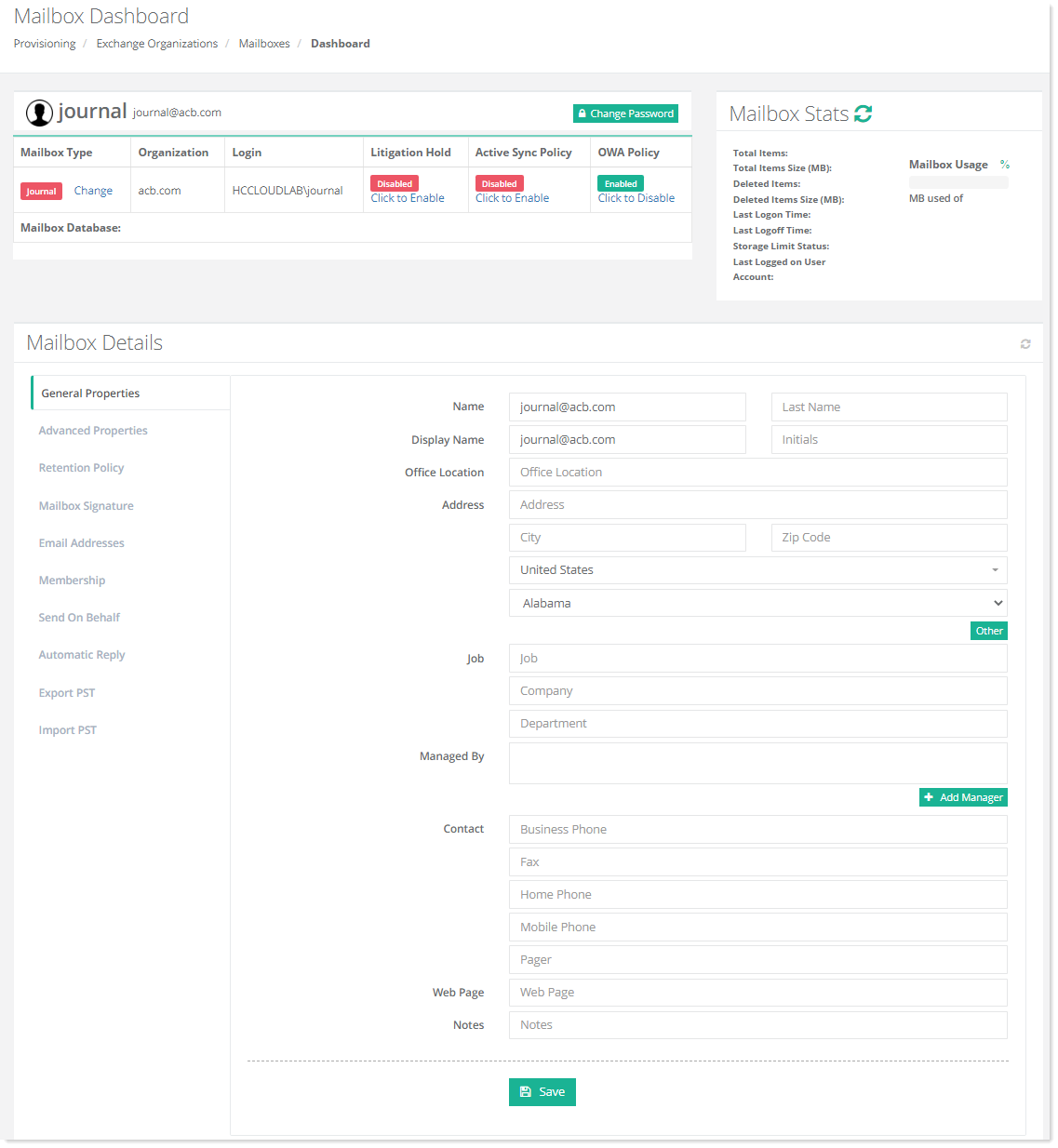
The journal mailbox dashboard presents an elaborate view of the mailbox and allows certain operations to be performed on it such as specifying its general information and defining its size.
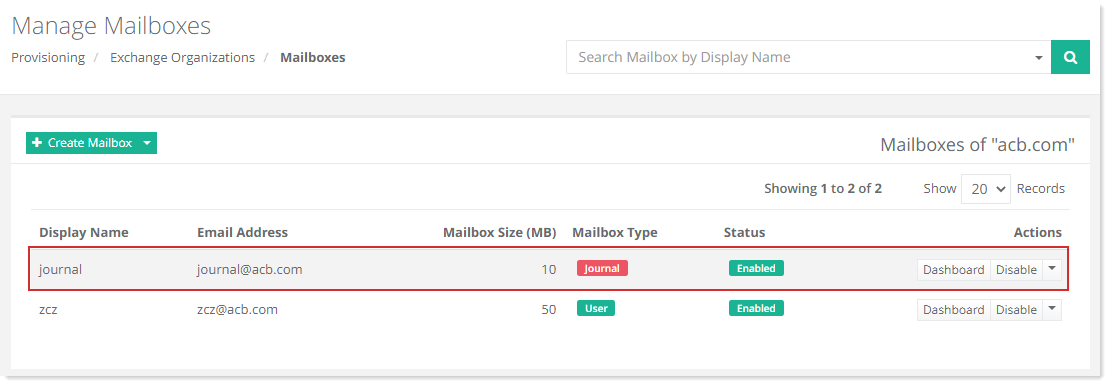
To view the mailbox dashboard, go to Provisioning >> Exchange Organizations. For the specific organization, click Mailboxes. Now to view the journal mailbox dashboard, click Dashboard under the Actions column for that journal rule.
General Properties
To view/modify user related details, click General Properties.
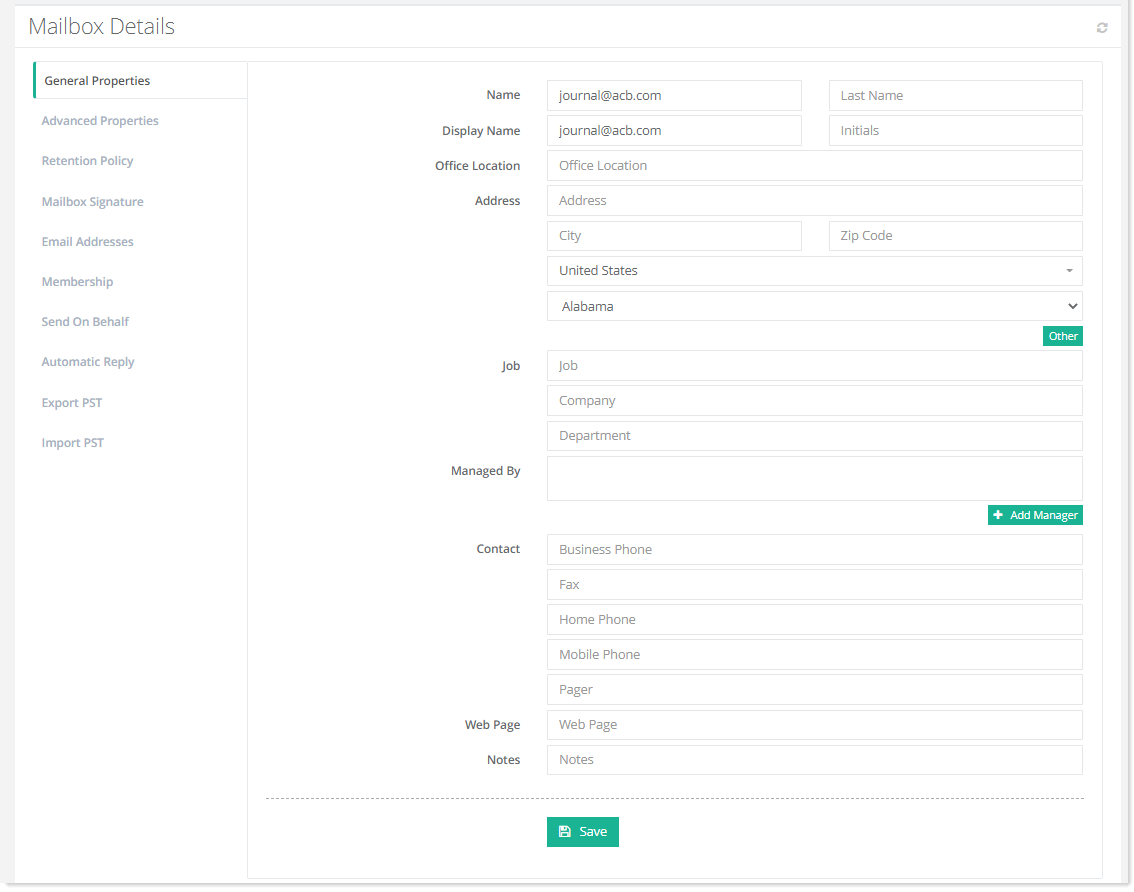
- Managed By: This is an Active Directory attribute that specifies the person who manages the user. The user reports to this manager.
If the Sync AD option is enabled against an Exchange organization from Configurations >> Exchange Module Configuration >> Sync Organizations at the Global Admin level, the General Properties will be shown as greyed out (disabled).
Advanced Properties
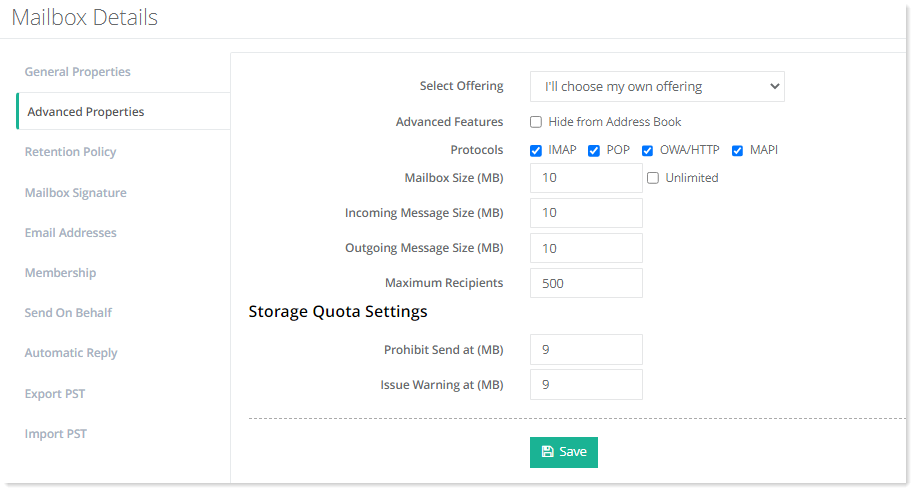
To view/modify storage related configurations, click Advanced Properties.
Retention Policy
To view/modify retention policy, click Retention Policy.
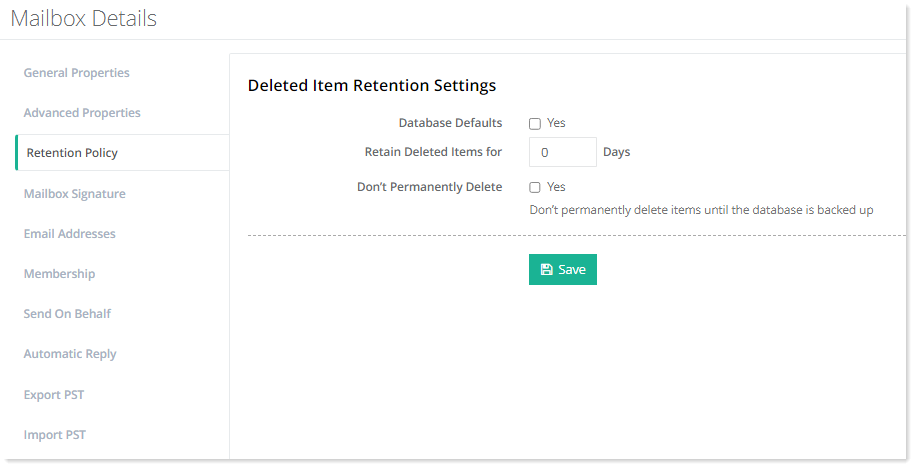
- Database Defaults: Select Yes check box to use default settings for retention policy.
- Retain Deleted Items for: Type number of days for which deleted items are retained.
- Don't Permanently Delete: Select Yes to retain the deleted items till the database is backed up.
Mailbox Signature
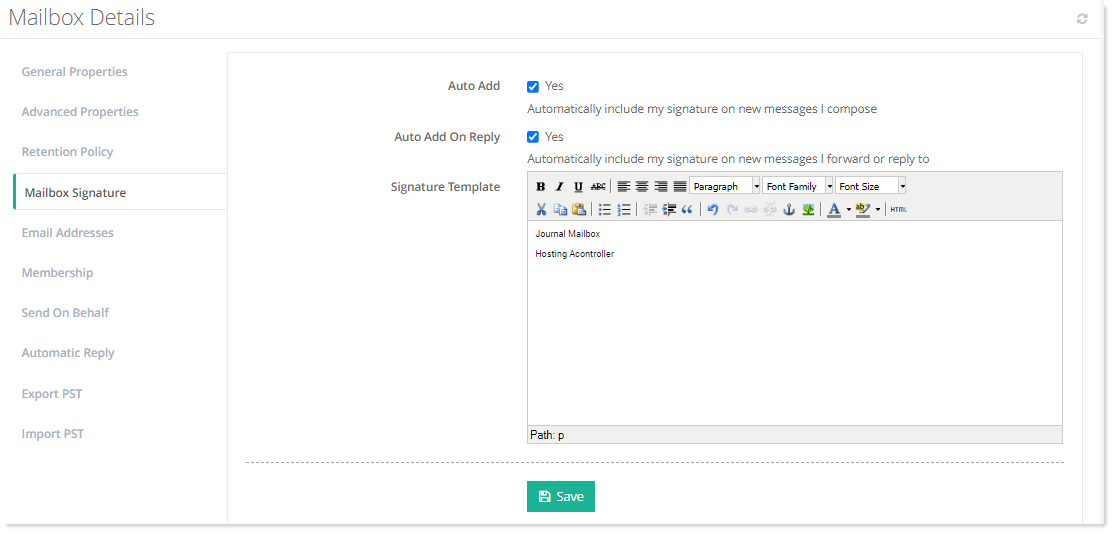
To view/modify mailbox signature, click Mailbox Signature.
Email Addresses
Email aliases are additional email addresses for a primary email mailbox. Aliases use the same inbox, contact list, and account settings as the primary mailbox but have different names.
To view/add email addresses of the mailbox, click Email Addresses.
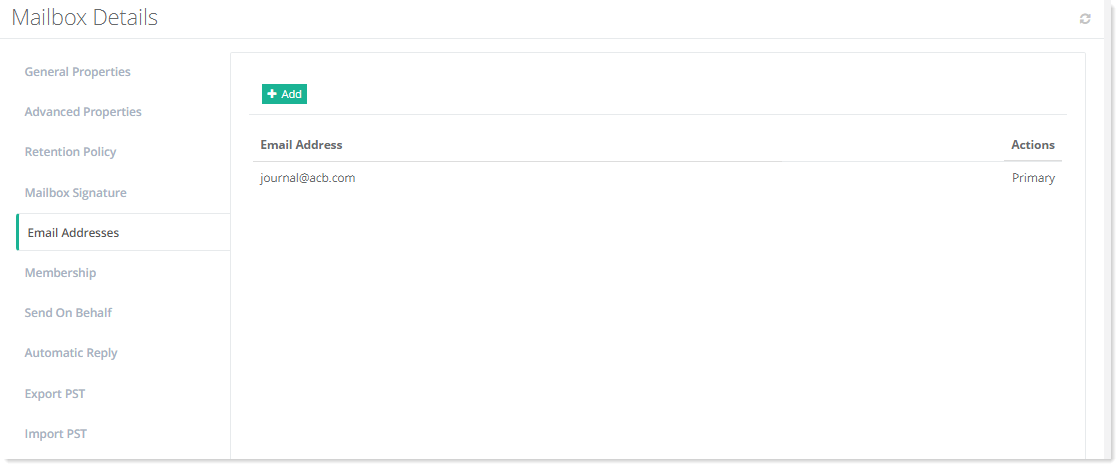
- Email Addresses: These specify aliases for the primary mailbox. More than one aliases can be added for any mailbox.
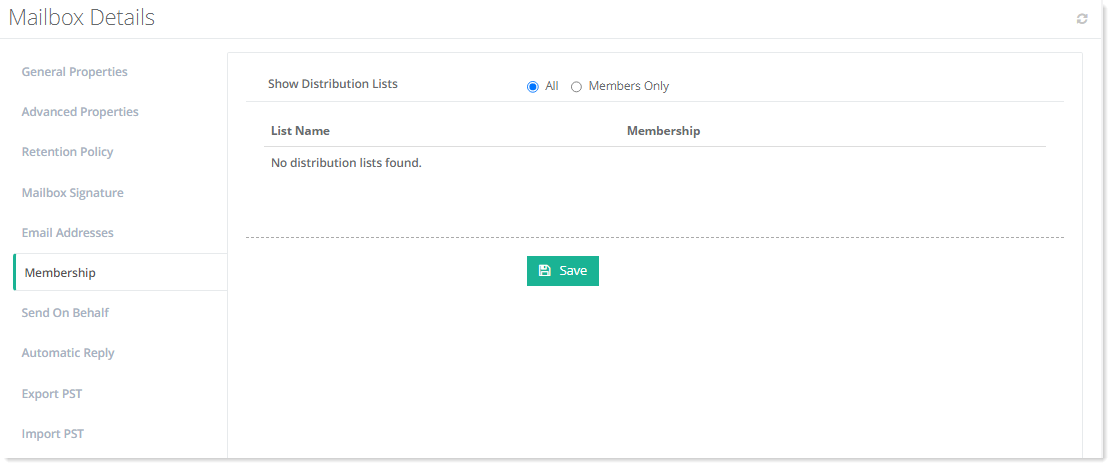
Membership
To view/modify members related information, click Membership.
Send On Behalf
A mailbox user can delegate someone else to send mail on its behalf. When the mailbox user enables Send on Behalf permissions for another user, the delegate can choose the mailbox user’s email address in the From field when composing a message in Outlook. However, message recipients will see both the mailbox user’s address and the delegate's address (as the actual author of the message).
To view/modify send on behalf information, click Send On Behalf.
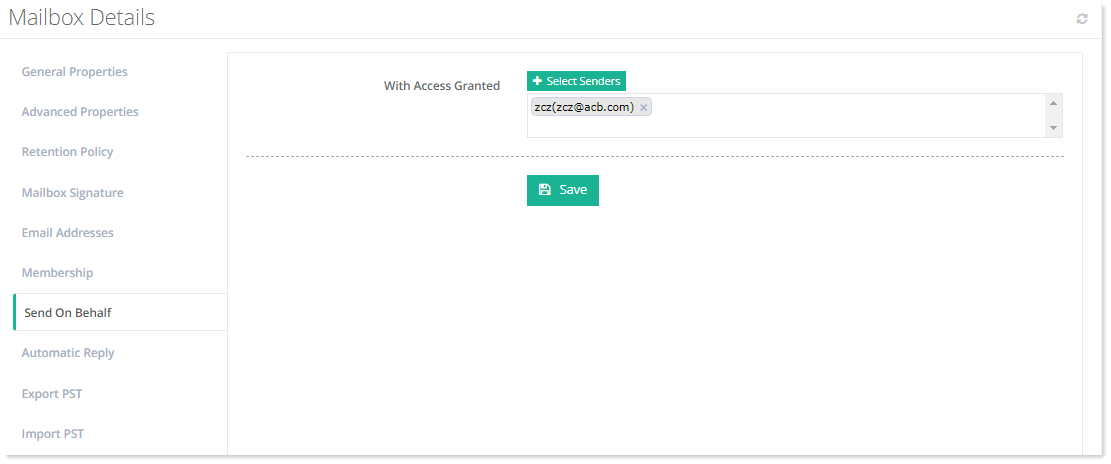
- Select Users: These are all the delegates that are to be granted Send on Behalf permissions for the primary mailbox.
The users that are assigned this permission on other mailboxes are called delegates.
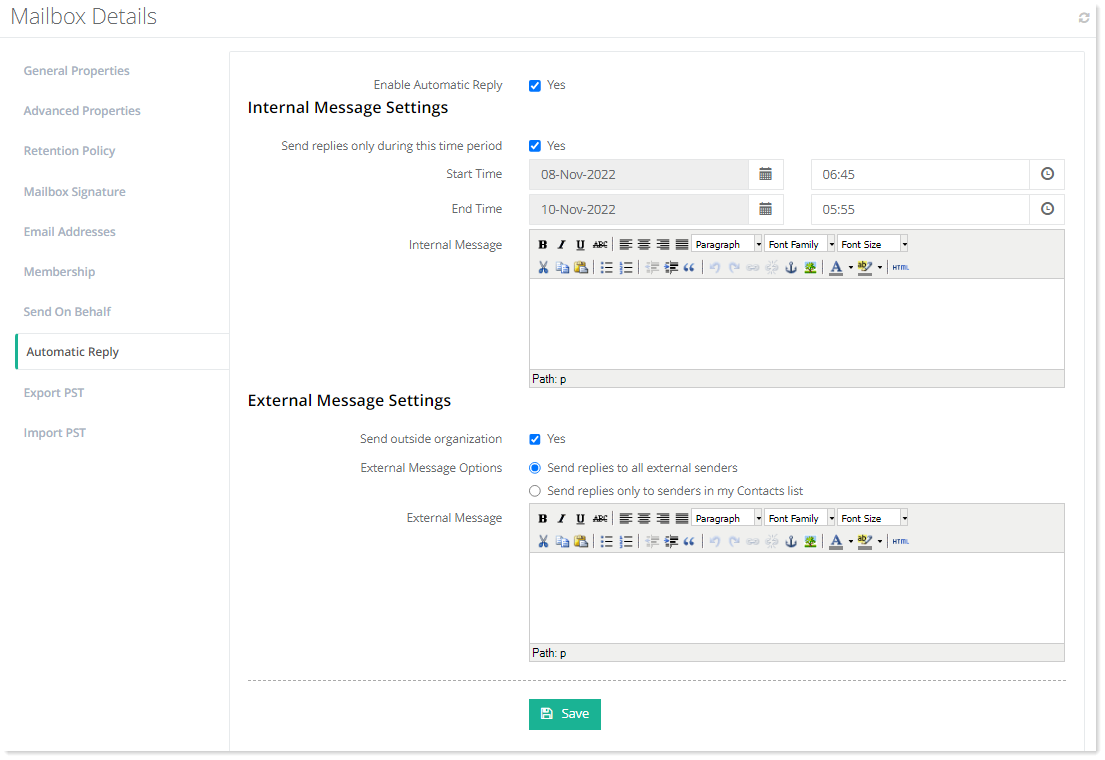
Automatic Reply
To view/set automatic replies, click Automatic Reply.
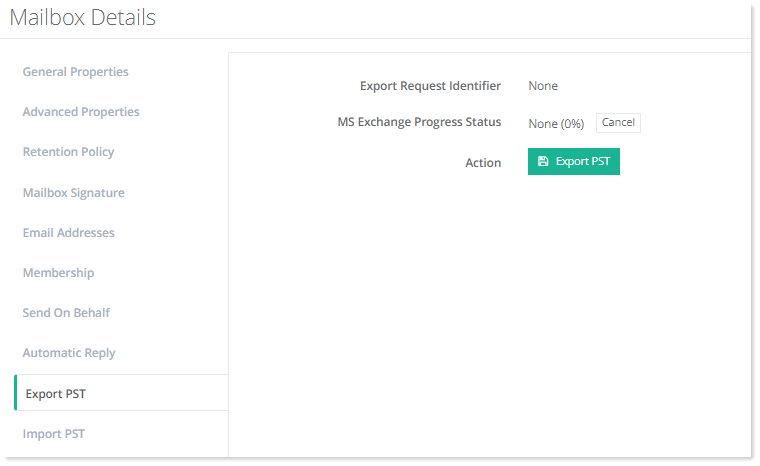
Export PST
To view/modify export settings, click Export PST.
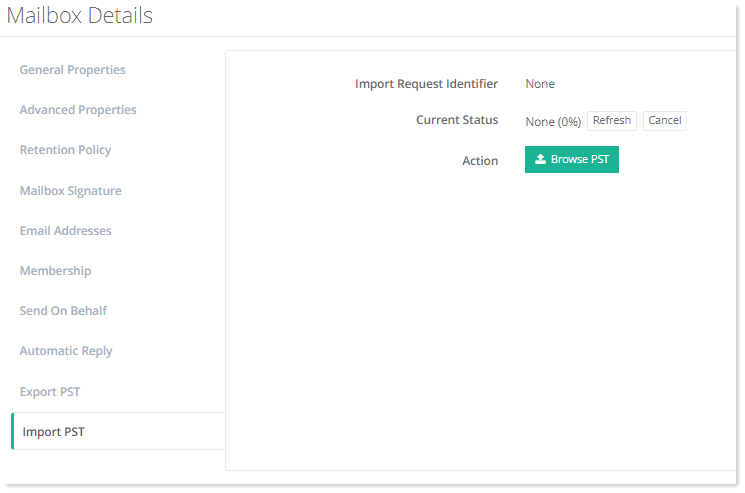
Import PST
To view/modify import settings, click Import PST.