| Product Documentation
Hybrid Control Panel (v10)
Installing dedicated SSL
Dedicated SSL enables web hosts and Internet Service Providers (ISPs) to offer dedicated SSL (Secure Sockets Layer) certificates with their hosting services and install certificates on their customer's domains through HC.
The below steps detail the procedure of installing dedicated SSL on a website through HC:
Generating CSR
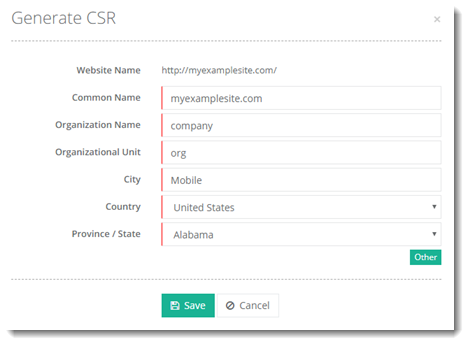
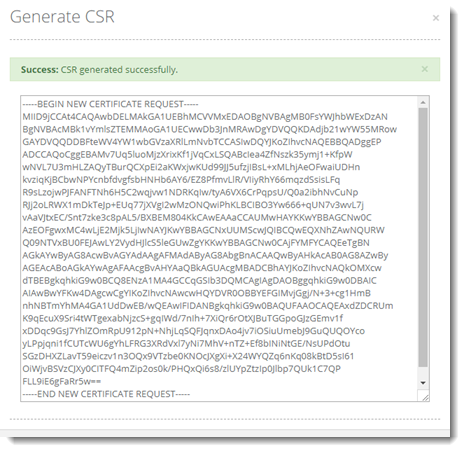
Generate a CSR file for the domain by navigating to Provisioning >> Websites >> Dashboard >> Website Details >> Dedicated SSL >> Generate CSR.
Acquiring Certificate
Acquire a certificate against the generated CSR from a CA (Certificate Authority).
Placing Certificate
Place the certificate file at web root path (special folder) of the website. You may also upload certificate file from File Explorer if convenient.
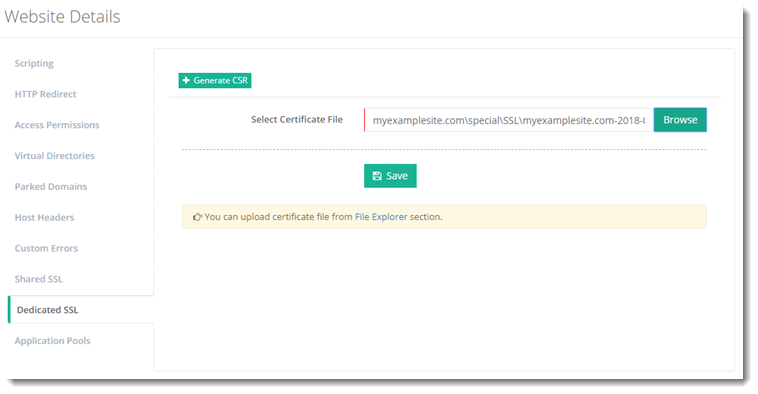
Installing Certificate
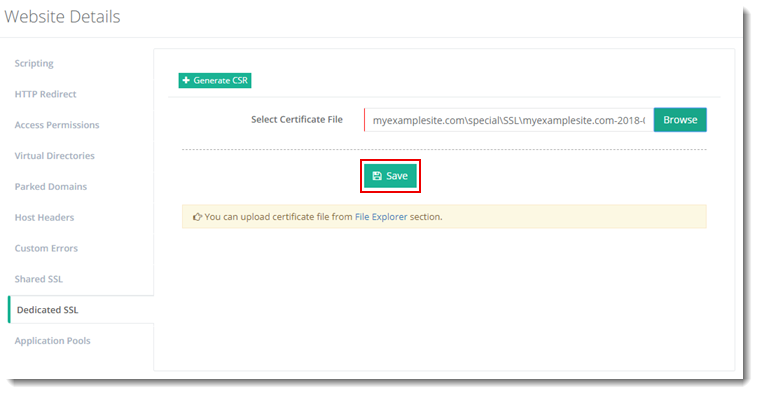
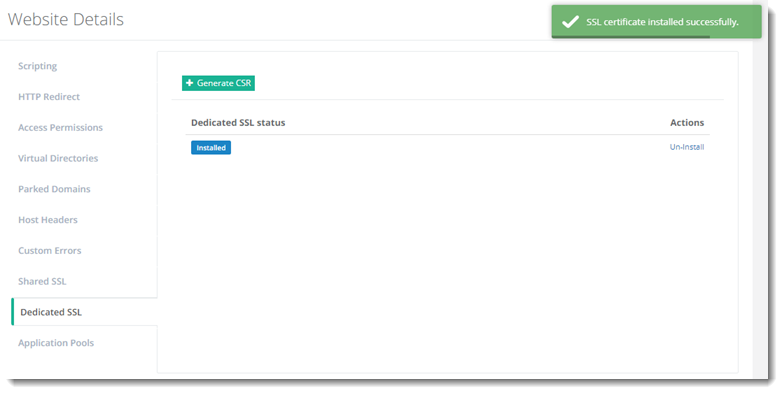
Install the SSL certificate on the domain by simply hitting the Save button.