| Product Documentation
Hybrid Control Panel (v10)
Viewing website dashboard
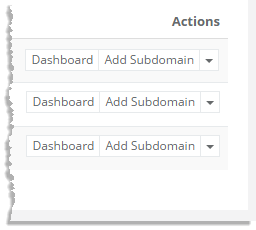
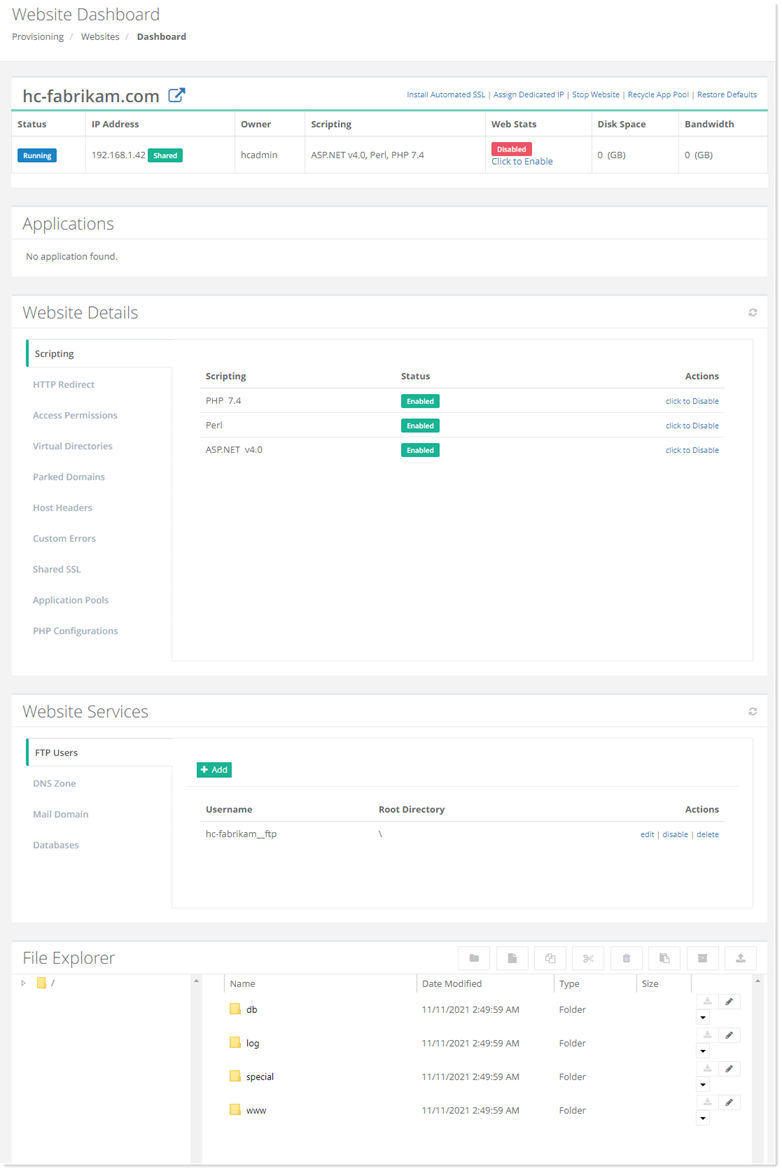
To view a website dashboard, click Dashboard under Actions column.
Scripting
Hosting Controller allows you to o?er and use four of the most powerful scripting languages available on the Internet. The available languages are:
- PHP
- Perl
- .NET Framework
- ColdFusion MX
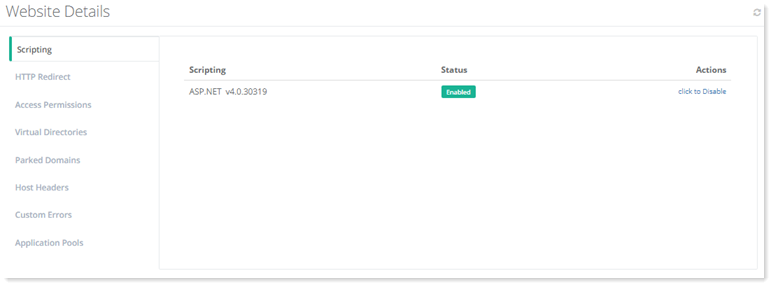
To view/modify scripting related details, click Scripting. In case, scripting is disabled, enable it under Actions column. The supported .NET versions are v1.1, v2.0, v4.0, and Core 3.1.

- PHP: A widely-used general-purpose scripting language that is especially suited for Web development and can be embedded into HTML. PHP is a recursive acronym for PHP Hypertext Pre-processor.
- Perl: Perl is a high-level programming language with an eclectic heritage originally written by Larry Wall. It’s process, ?le, and text manipulation facilities make it particularly well-suited for tasks involving quick prototyping, system utilities, software tools, system management tasks, database access, graphical programming, networking, and world wide web programming. Perl may stand for PERL or Practical Extraction and Report Language.
- .NET Framework: It is a complete programming framework by Microsoft intended for building mobile, desktop, and web applications for Windows. The supported .NET versions are v1.1, v2.0, v4.0, and Core 3.1.
- ColdFusion MX: It is a proprietary web application development platform that allows you to create sites and applications without the need of coding in traditional programming languages such as C, C++, Java and XML.
- Status: You can enable or disable scripting for each Website that you have. This gives you maximum control over what each client can or cannot do, and you can change these settings quickly and easily.
HTTP Redirect
HTTP redirect allows clients requests to be redirected to new URL. To view/modify HTTP redirection details, click HTTP Redirect.
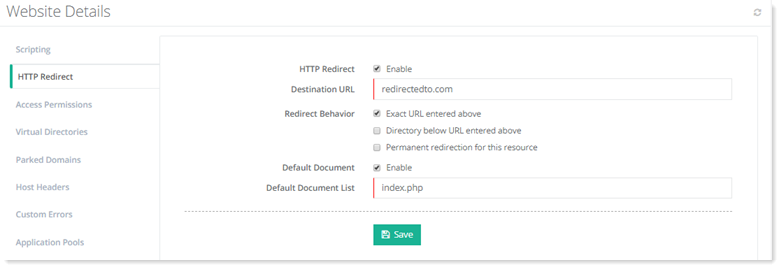
- Destination URL: It is the new URL client requests will be redirected to.
- Exact URL entered above: This option prevents the Web server from appending the original file name to the destination URL. Destination URL is to be considered as an absolute target location, not a relative location.
- Default Document: It tells the web server how to behave when it receives a request for site that does not mention a specific page. For example, when a web server receives a request for http://mycompany.com, its display can be automatically set to a document titled as default.htm, followed in order by default.asp, default.html etc., or any other name or type of file as required.
Access Permissions
-
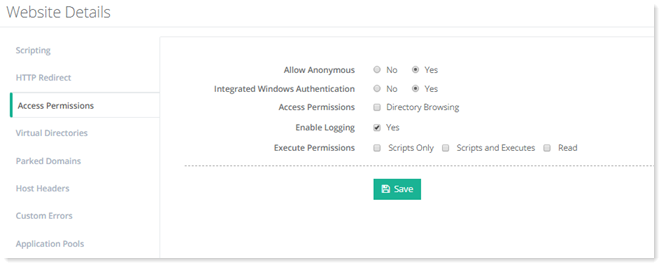
Allow Anonymous: It allows every one (without any prompt for a user name or password) to access the website.
By default Anonymous access is ON. - Integrated Windows Authentication: ASP.Net uses Integrated Windows Authentication while accessing different resources in the website. In case of Yes, it does not prompt for the login credentials when a user accesses a website. The browser supplies the current Windows user information from the client computer.
By default Integrated Windows Authentication is ON. - Access Permissions: Directory Browsing allows browsers to view the directory structure of a website.
- Enable Logging: It keeps a track of unique visit reports, referral reports, error reports, and a variety of other useful information. All the logs are generated in '\log' folder of the website.
It is recommended to enable logging, in case if any unusual problem occurs with the website.
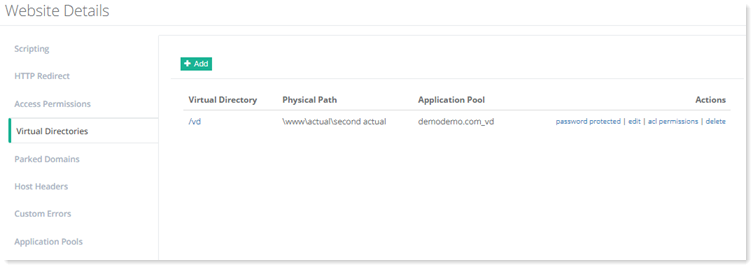
Virtual Directories
Password Protected
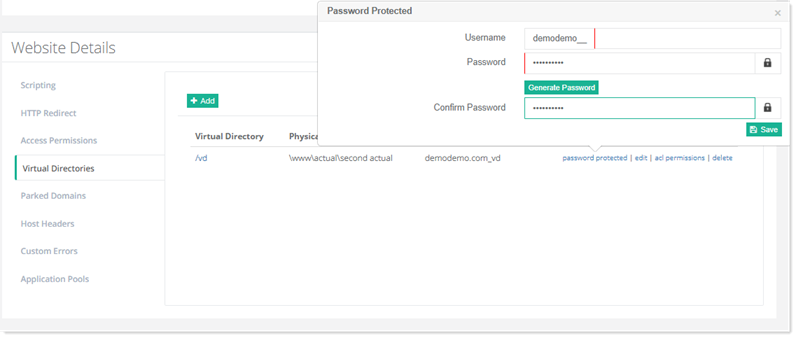
To modify password, click password protected and type/generate new password.
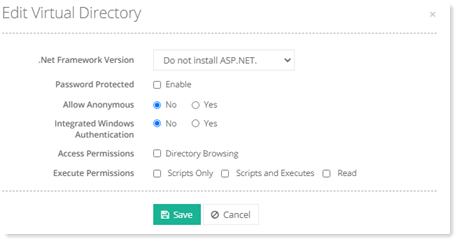
Edit
To modify virtual directory information, click edit and modify information as required.
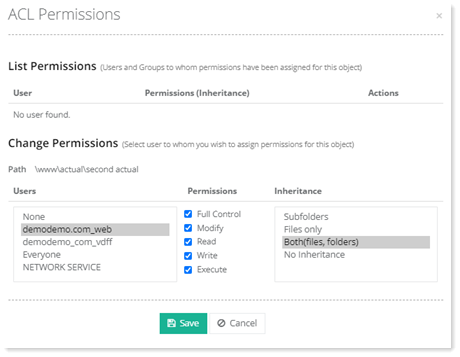
ACL Permissons
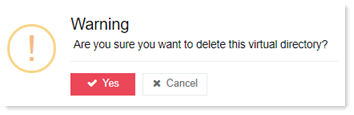
Delete
To remove any virtual directory, click delete.
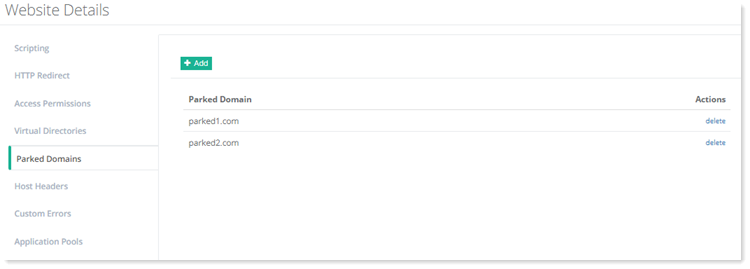
Parked Domains
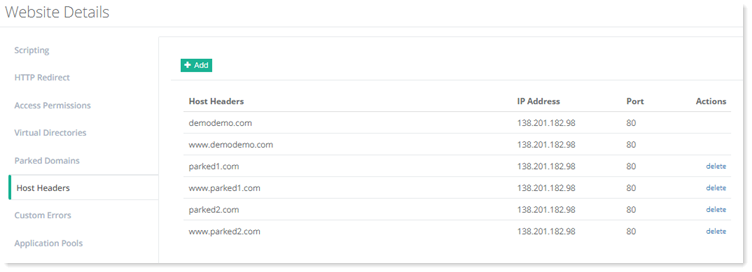
Host Headers
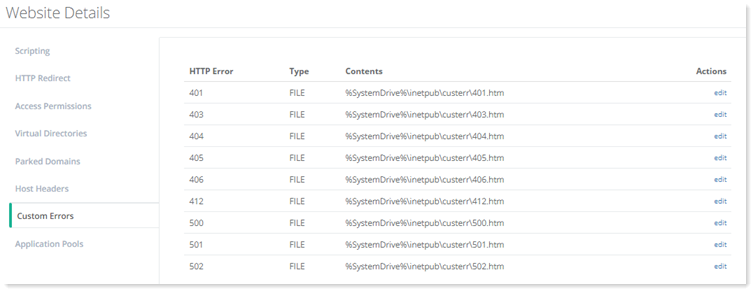
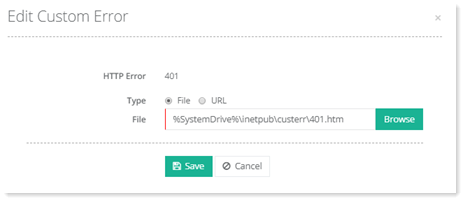
Custom Errors
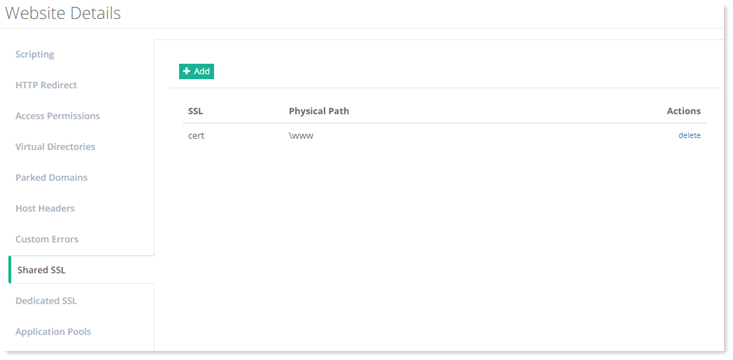
Shared SSL
Dedicated SSL
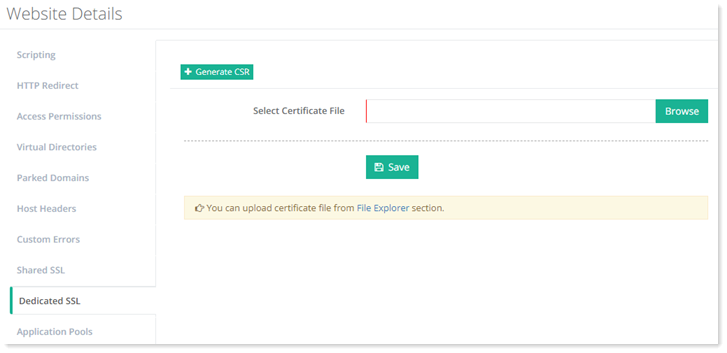
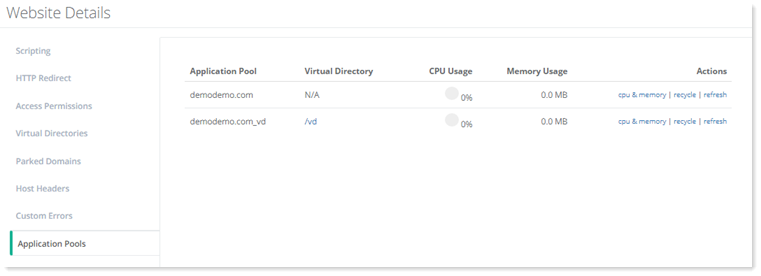
Application Pools
To view/modify application pools related details, click Application Pools.
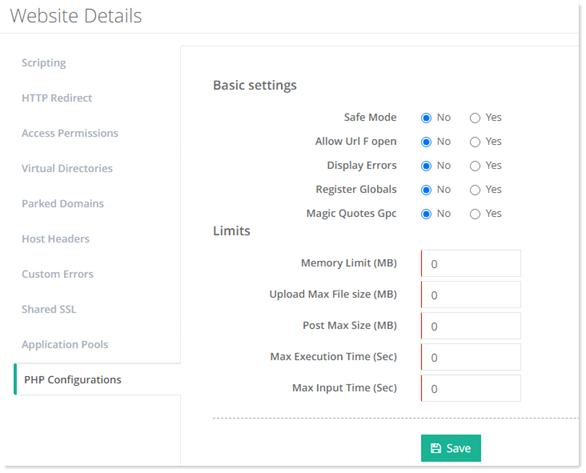
PHP Configurations
To view/modify PHP details, click PHP Configurations.
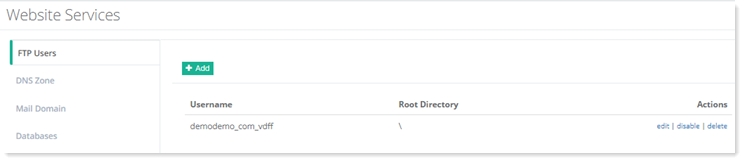
FTP Users
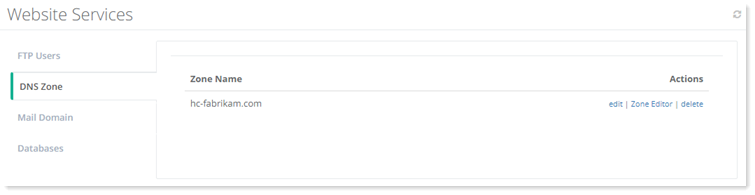
DNS Zone
HC allows you to edit and delete the DNS zones associated with the website. The zones can be edited via a simple text editor or through the user friendly zone editor.
To manage DNS zones, click DNS Zones.
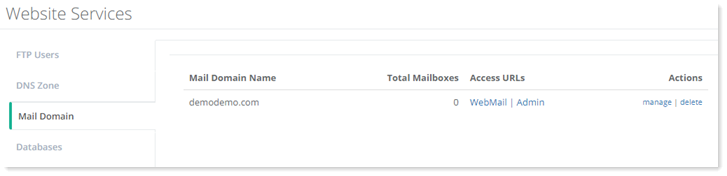
Mail Domain
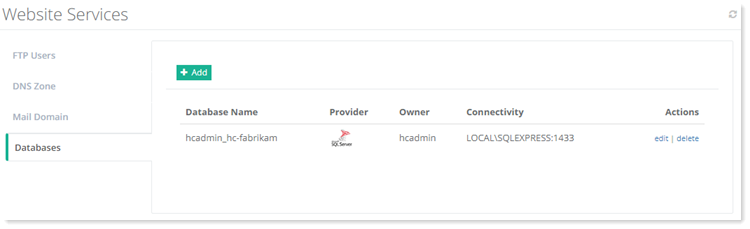
Databases