| Product Documentation
Hybrid Control Panel (v10)
Managing domain registrar
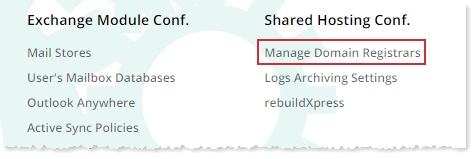
To manage domain registrars, from top right corner of your screen, click  and then go to Shared Hosting Configuration >> Manage Domain Registrar.
|
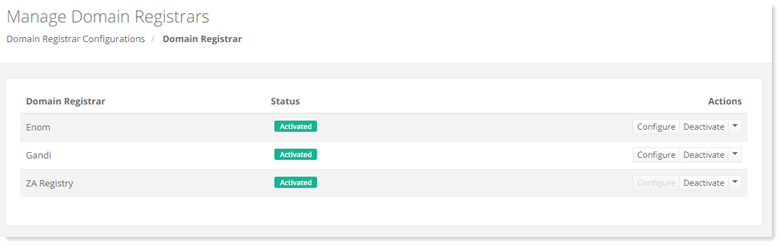
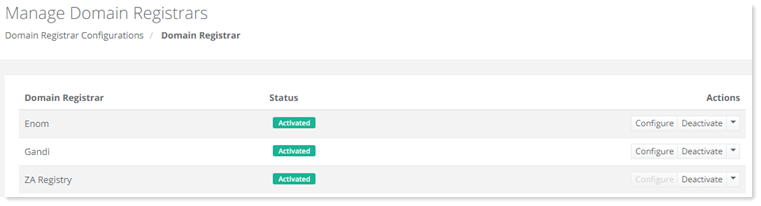
Manage Domain Registrar page shows all the available domain registrars and additional information as:
|
Configuring Domain Registrars
HC supports various domain name registrars but before you can use them, you need to configure them in the panel.
Enom
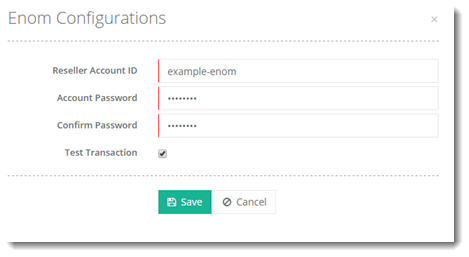
To configure Enom, click Configure under Actions column and specify required information to proceed.
Gandi
Configuring Gandi.net with Hosting Controller requires a valid reseller account from Gandi.net. To learn more about configuring Gandi.net registrar with Hosting Controller, see How to Configure Gandi.net.
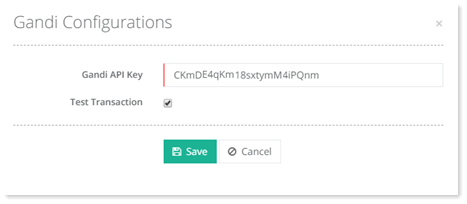
To configure Gandi, click Configure under Actions column and specify required information to proceed.
ZA Registry
Configuring ZA Central Registry with Hosting Controller requires a valid reseller account from ZA Registry. To learn more about configuring ZA Central Registry registrar with Hosting Controller, see How to configure ZA Central Registry (ZACR).
To configure ZA Registry, click Configure under Actions column and specify required information to proceed.
Managing TLDs
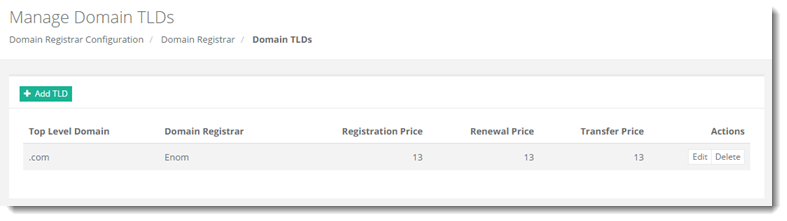
To manage TLDs, click Manage TLDs either from top left or under Actions column.
Adding a TLD
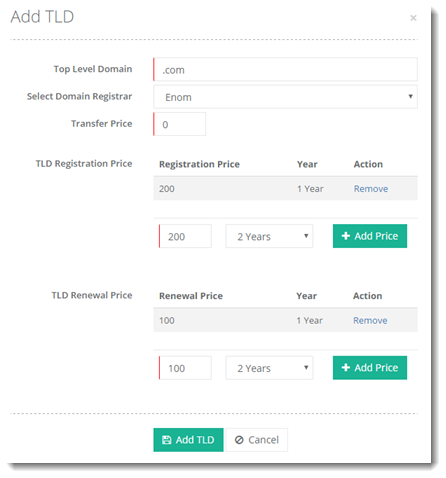
To add a TLD, click + Add TLD and specify required information to proceed.
Importing a TLD
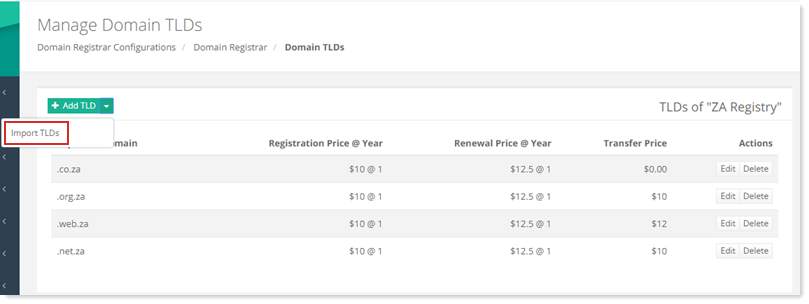
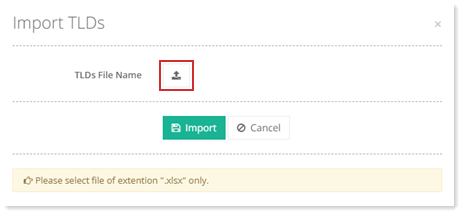
To import a TLD, click  and then Import TLDs. Import required excel file and click Import to proceed.
Editing a TLD
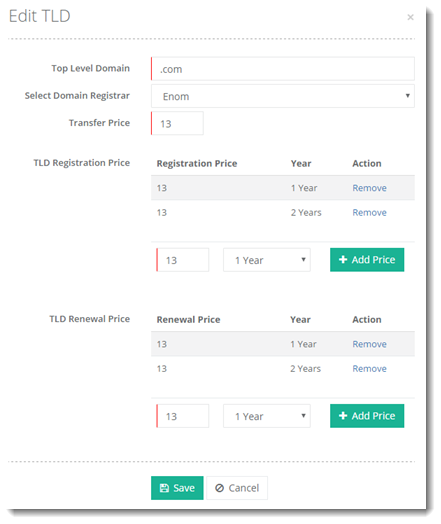
To edit a TLD, click Edit under Actions column and modify information as required.
Deleting a TLD
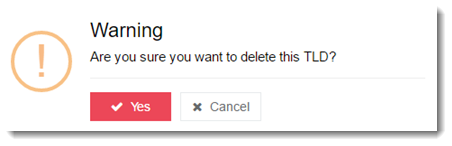
To delete a TLD, click Delete under Actions column.
?Deactivating a Domain Registrar
To deactivate the domain registrar, click DeActivate under Actions column.
Configuring Domain Privacy Settings
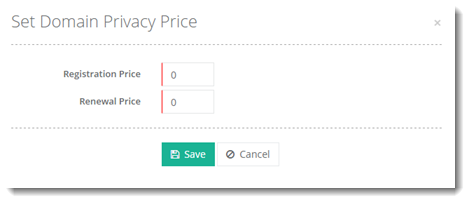
To configure domain privacy price settings, click Domain Privacy Settings under Actions column.