| Product Documentation
Hybrid Control Panel (v10)
Managing registered domains
Domain Name Registration refers to the process of reserving domain names on the internet. With the help of supported Domain Name Registrars, HC10 lets its users register, transfer, check availability etc of domains.
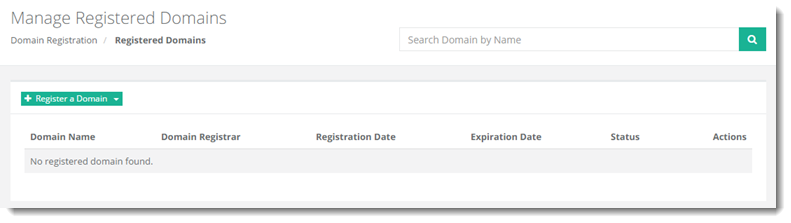
To manage registered domains, go to Domain Registration >> Domains.
|
Manage Registered Domains page shows list of existing domains with additional information as:
|
Registering a Domain
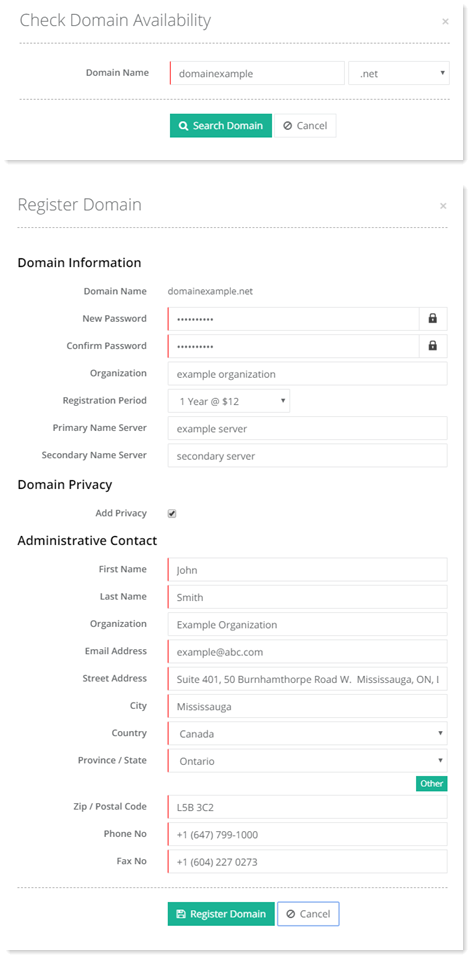
Registering a domain refers to the process of purchasing a domain name from a registrar. The process involves registering the name you want with an organization called ICANN through a domain registrar. To purchase a domain name for your company, you need to go to a registrar, pay a registration fee and register a domain name for a year or more. Depending on the registration period you can then renew it annually or for a period greater than a year. HC allows you accomplish this process of registration through its interface, provided a domain registrar is configured.
To register a domain, first check it's availability. If your required domain is available, only then you can register it. To proceed with checking domain availability, insert the domain name and click Search Domain.
Adding a Domain
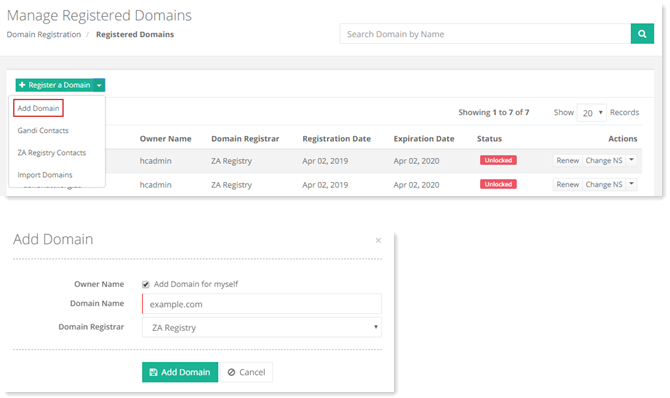
There are a number of operations that need to be performed on registered domains. These operations may include domain renewals, change of name servers, WHOIS lookups etc. HC extends facility for performing these operations, provided the domains are added to it.
You can add a domain either for yourself or for a user under you. In either case, to add a domain, click  and then Add Domain. If you want to add a domain for yourself then select the Add Domain for myself checkbox otherwise keep it deselected. In case you want to add a domain for any other user, deselect the checkbox and type username in the appearing field. Then type your required domain name and select required registrar from the drop-down list box.
Managing Gandi Contacts
Typically there are four types of contacts for a domain. They are as follows:
- Registrant
- Administrative Contact
- Technical Contact
- Billing Contact
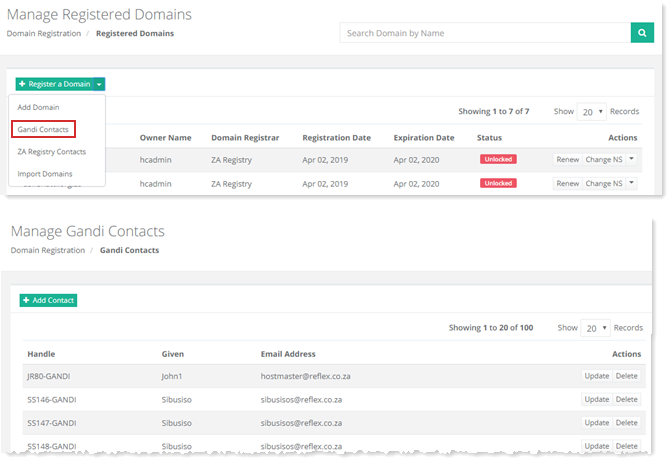
Through HC you can add/update/delete contacts for Gandi.net. To manage Gandi contacts, click  and then Gandi Contacts.
Managing ZA Registry Contacts
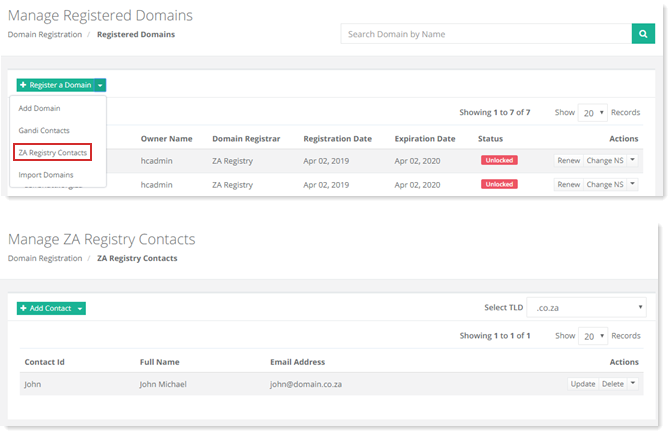
Similarly you can also add/update/delete/copy contacts for ZA Central Registry. To manage ZA Registry contacts, click  and then ZA Registry Contacts.
Importing Domains
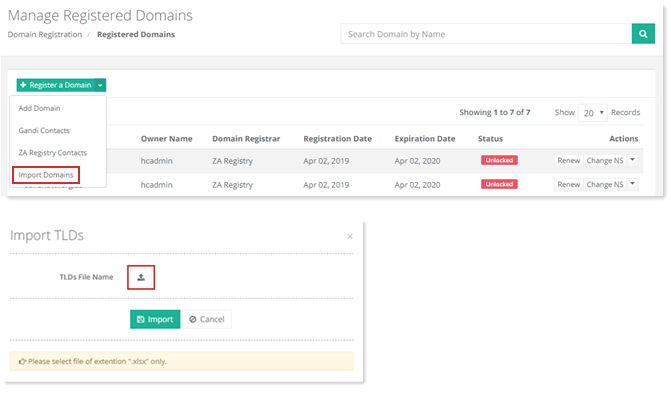
If domains are to be added in bulk to HC, they can be imported through an Excel file. To import domains, click  and then Import Domains.
Renewing a Domain
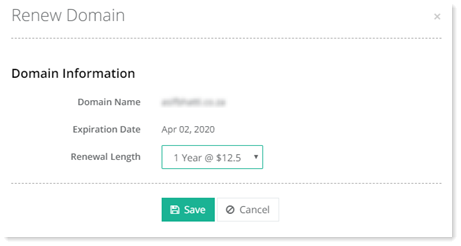
Domain renewal is the process of paying a fee to renew the ownership of a domain and hence prevent it from expiring. Domains can be renewed annually or for periods of 2, 3 or 5 years. To renew a domain, click Renew under Actions column.
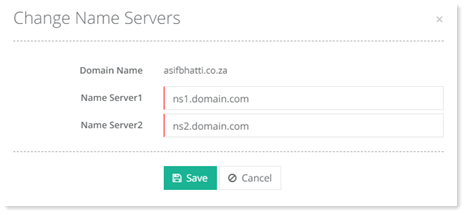
Changing NS
To change name servers, click Change NS under Actions column.
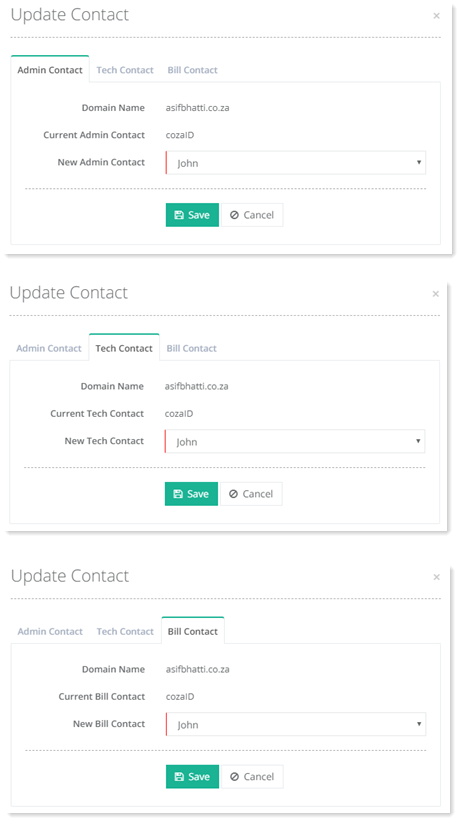
Updating Contact
To modify contact different types of information, click Update Contact under Actions column.
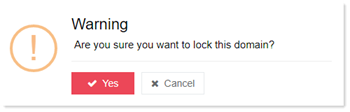
Setting Status to Lock
To lock status of any domain, click Set Status to Lock under Actions column.
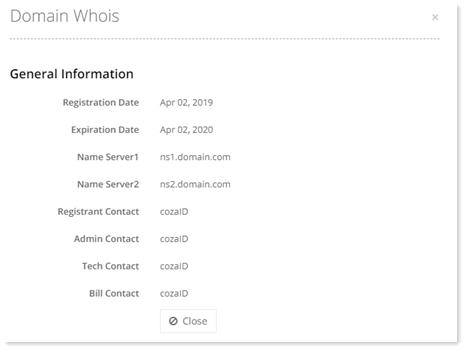
Viewing Whois
To view general information regarding any domain, click Whois under Actions column.
Getting Auth Info
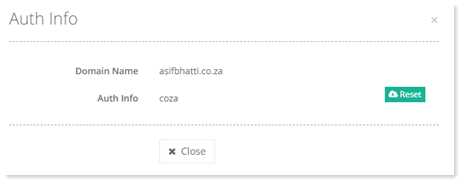
To view Auth informaiton of any domain, click Get Auth Info under Actions column. You can also reset it as required.
Verifying Auth Info
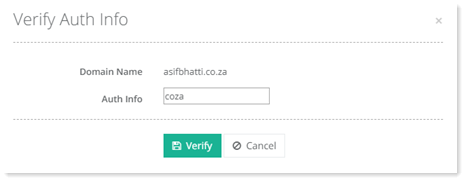
To verify Auth information click Verify Auth Info under Actions column.
Deleting a Domain
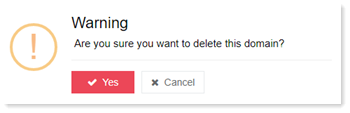
To remove any domain, click Delete under Actions column.