| Product Documentation
Hybrid Control Panel (v10)
Viewing Exchange in-active mailbox report
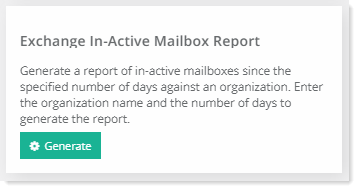
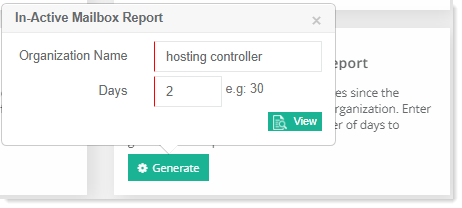
To generate Exchange in-active mailbox report, go to Reports >> Enterprise Reports and then click Generate under Exchange In-Active Mailbox Report section to proceed. Type required details to generate the report.
This report is available for all the three levels Global Admin, Reseller and Client.