| Product Documentation
Hybrid Control Panel (v10)
Managing SP users
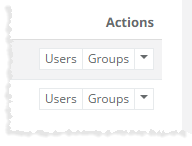
To manage users of any SharePoint site, click Users under Actions column.
|
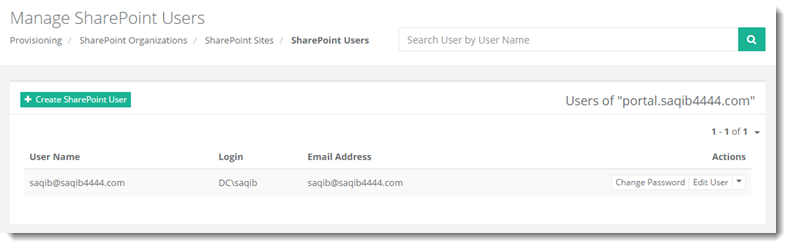
Manage SharePoint Users page shows list of existing SharePoint users with additional information as:
|
Manage SharePoint Users page allow Global Admins to create a SharePoint Site, change password, edit user information and delete user. For further details, refer to the following section.
Changing Password
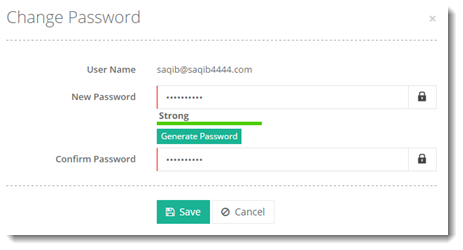
To change password of a user, click Change Password under Actions column to proceed.
Editing a User
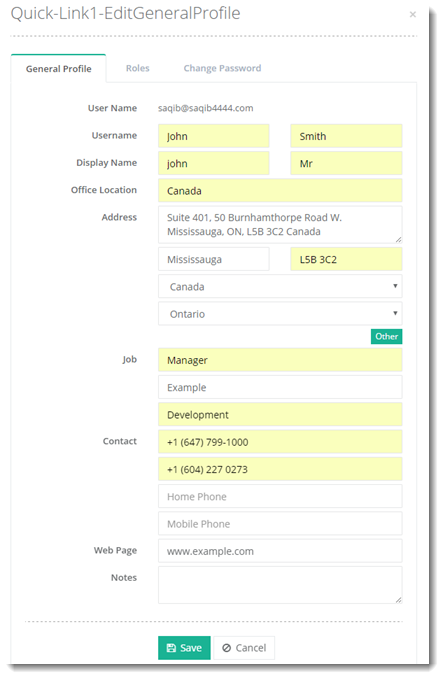
To edit user information, click Edit User under Actions column to proceed. To modify general information click General Profile tab. To modify user roles, click Roles tab and to modify password of a user, click Change Password tab.
Deleting a User
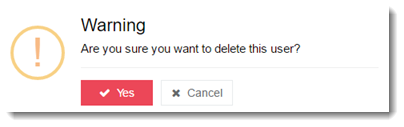
To delete a user, click Delete under Actions column to proceed.