| Product Documentation
Hybrid Control Panel (v10)
Creating a journal rule
Journaling refers to the process of recording all incoming and outgoing emails while they’re in transit and storing them in their own mailbox for an indefinite period of time. Its different from email archiving in that it creates a copy of an email and stores it in a mailbox on the main server. Email archiving, on the other hand, moves email messages from their native location and stores them elsewhere, typically in an off-site storage location. Journaling is used to respond to legal, regulatory, and organizational compliance requirements. Exchange offers built-in email journaling as part of its email retention strategy. Its journal rules dictate which messages the journaling agent is supposed to capture and to which mailbox these journaled messages are supposed to be delivered and stored in.
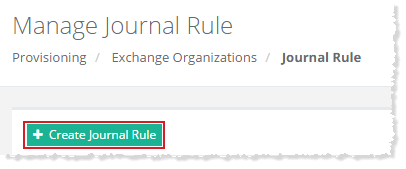
To create a journal rule, click + Create Journal Rule and specify required information to proceed.
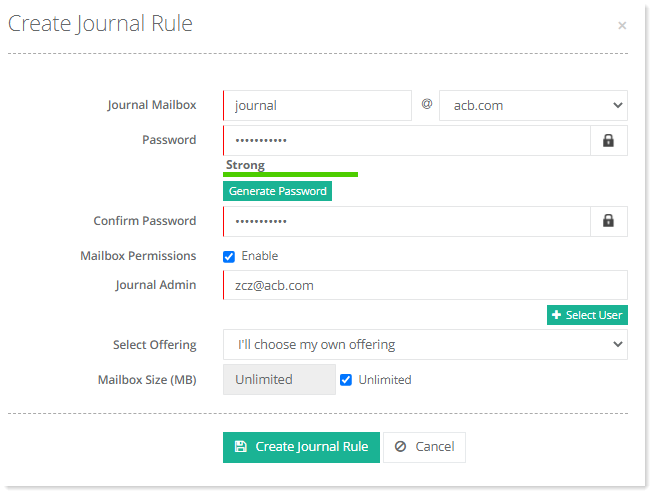
- Journal Mailbox: Type name of the journal mailbox. This is the journaling mailbox where the journaled messages are delivered.
- Password: Type or generate password.
- Confirm Password: Re-type password.
- Mailbox Permissions: Select the Enable checkbox to add journal admin.
- Journal Admin: Click Select User button to select an administrator of the journal mailbox.
- Select Offering: Select your own offering or select a pre-defined plan.
- Mailbox Size (MB): Specidy size of the mailbox or make it unlimited.
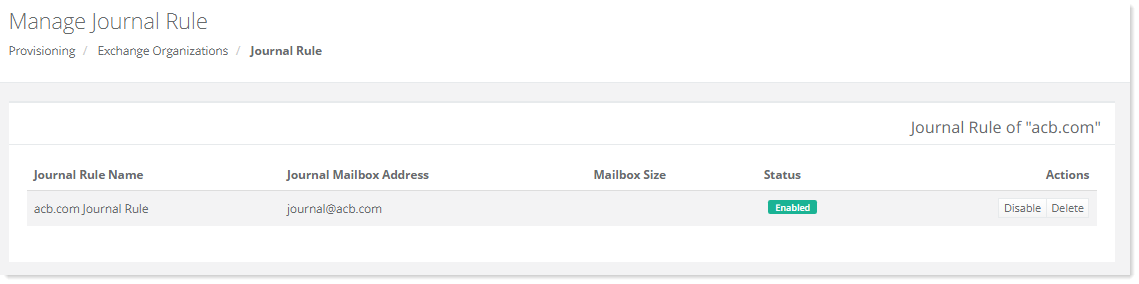
After creation, the journal rule can also be disabled or deleted. Disabling a journal rule through Hosting Controller, will disable the rule under Compliance Management, Journal Rules section in the ECP while deleting it will remove it completely from the ECP.
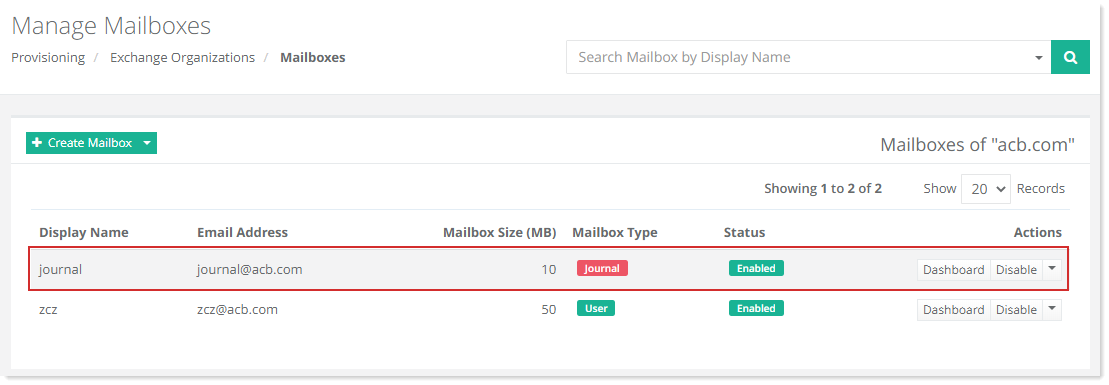
Once the journal mailbox is created, it will reflect in the mailboxes of the organization and its type will be journal instead of user.