| Product Documentation
Hybrid Control Panel (v10)
Editing a panel user
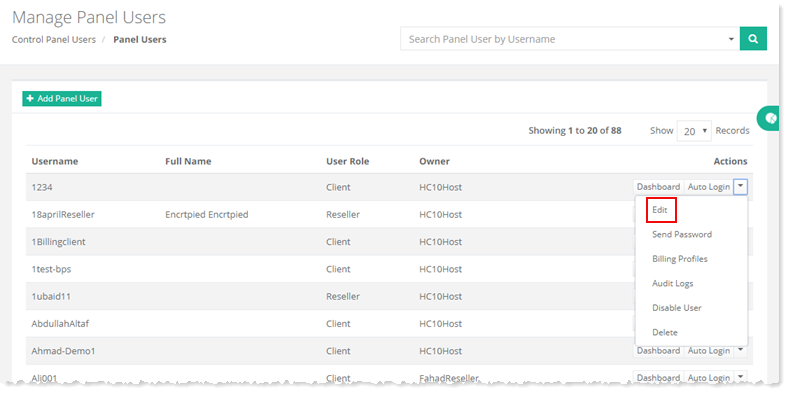
To edit a user, go to Control Panel Users >> Panel Users and click Edit under Actions column.
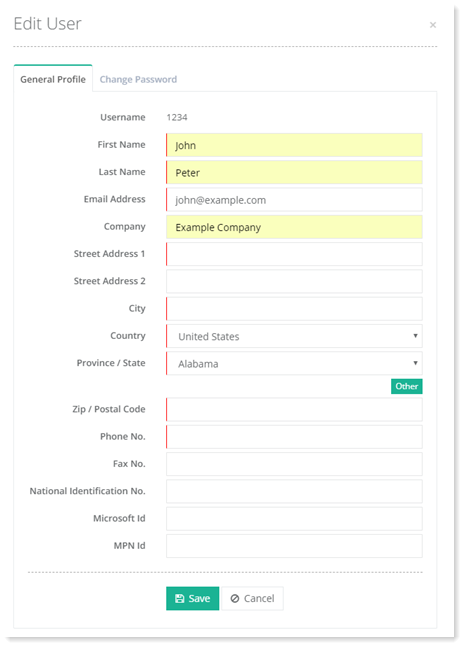
Fields marked in red are required fields and cannot be left empty.
General Profile
To edit general information of a panel user, modify details as required and click Save to proceed.
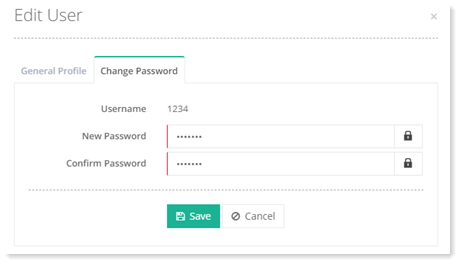
Change Password
To change password, specify new password and click Save to proceed.