
| Product Documentation
Hybrid Control Panel (v10)
Managing Site.pro
To manage Site.pro, go to Applications >> Site.pro.
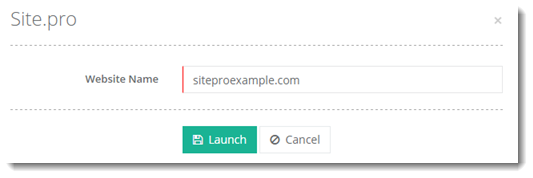
Prior to installing Site.pro on a website, an FTP user should be created via HC10, using which Site.pro will connect to your website. This FTP user must be associated with the website in HC10. The website must be a live site.
Adding FTP User
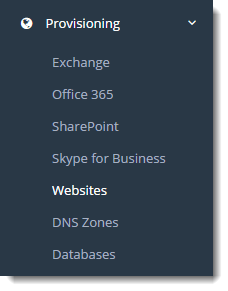
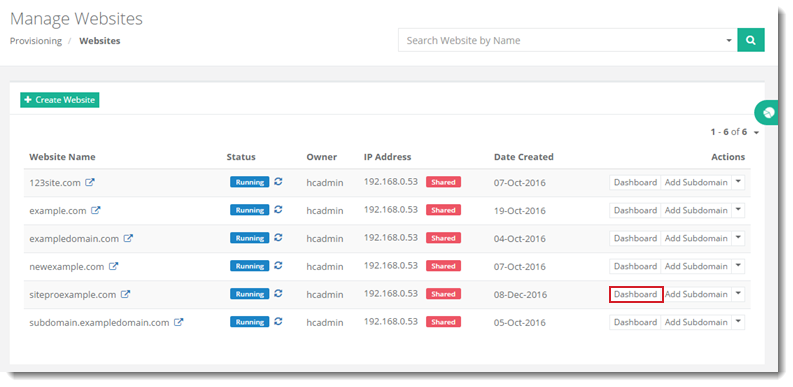
To add FTP user, click Provisioning >> Websites. Click Dashboard under Actions column. On the dashboard page, go to Website Services and then FTP Users section. To add FTP user click +Add and specify required information.
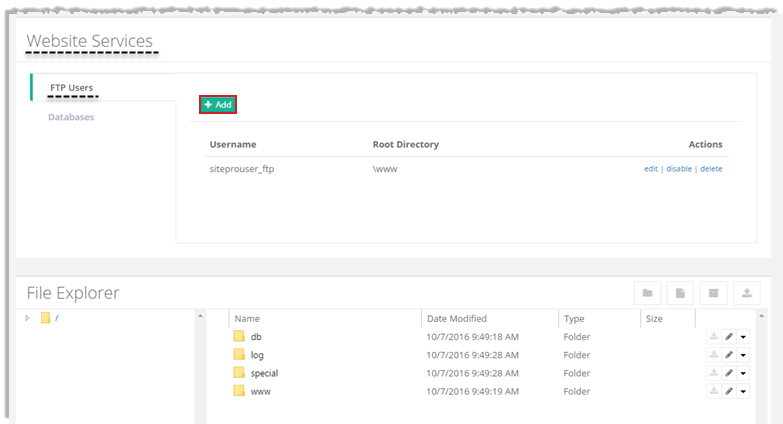
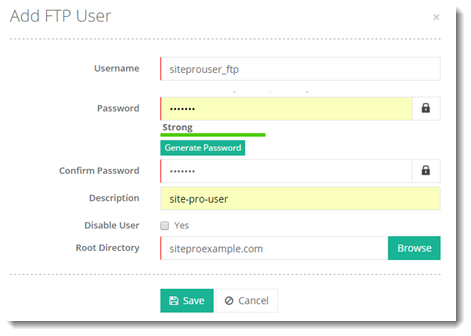
The root directory should point to the root of the website rather than to the www folder or any folder within.