| Product Documentation
Hybrid Control Panel (v10)
Managing Mail Stores
An Exchange mailbox database is an Exchange database (.edb) file containing Exchange mailboxes. It is the file where all the mailboxes are created and stored. HC10 provides a user friendly interface to create and view all Exchange mailbox databases.
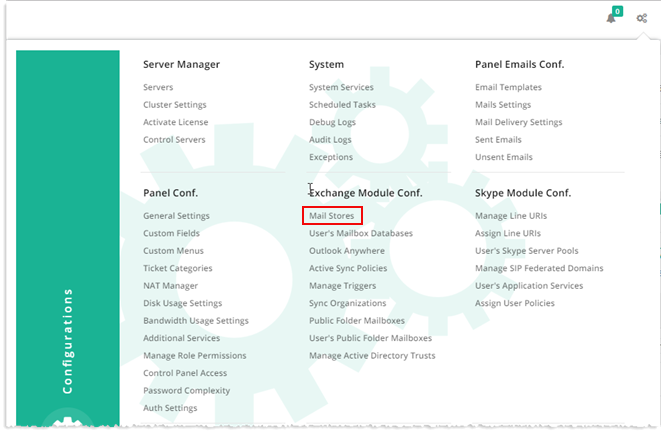
To manage Exchange module, from top right corner of your screen, click  and then go to Exchange Module Configuration >> Mail Stores.
|
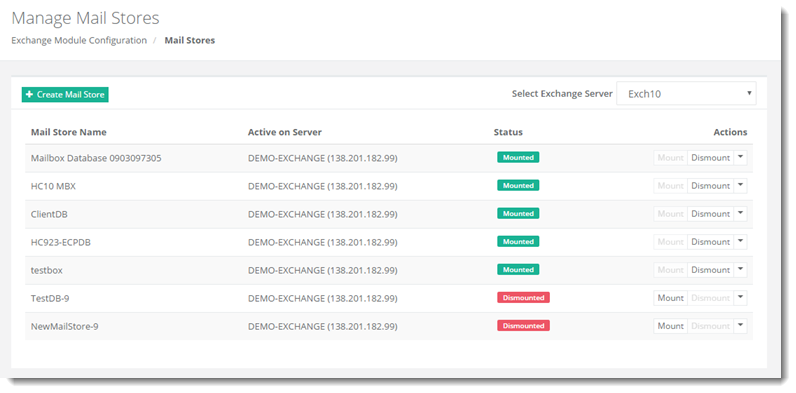
Mail Stores page shows list of existing mail stores with additional information as:
|
The Mail Stores section allow admins to create, mount, dismount and delete mail stores as required. For further details, refer to the following sections:
Creating a Mail Store
To create a mail store, click + Create Mail Store and specify required information to proceed.
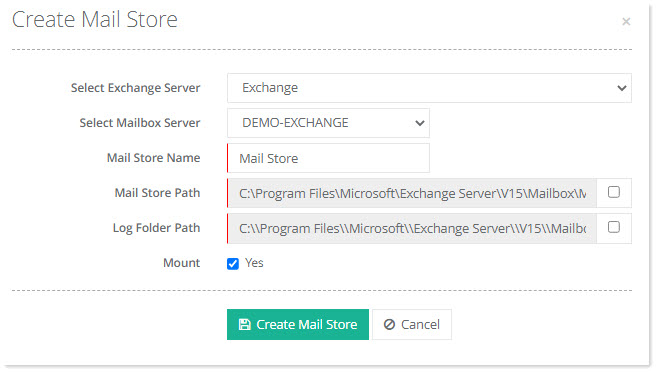
- Select Exchange Server: Select the hypothetical Exchange server, added with a friendly name in the Hosting Controller interface.
- Select Mailbox Server: Select the actual Exchange Mailbox server where the Exchange mailbox database is to be created.
- Mail Store Name: Specify the mailbox database name
- Mail Store Path: The physical path for the mailbox database file (.edb file) is automatically fetched from the Exchange mailbox server. However, the path can always be changed if required. Hosting Controller names the edb file after the mailbox database name and appends it to the path.
- Log Folder Path: The physical path for the log folder is automatically fetched from the Exchange mailbox server. However, the path can always be changed if required. Hosting Controller names the log folder after the mailbox database name and appends it to the path.
- Mount: Select the Yes checkbox to mount the mail store.
Mounting a Mail Store
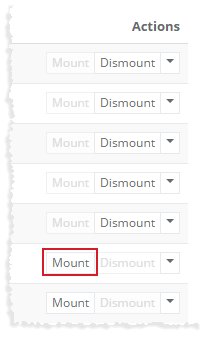
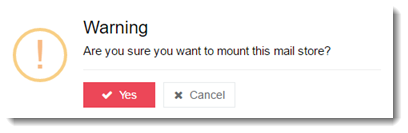
To mount a mail store, click Mount under Actions column.
Dismounting a Mail Store
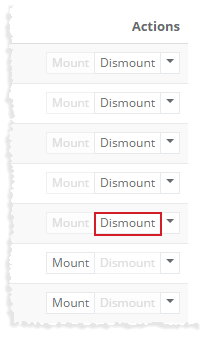
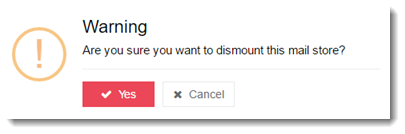
To dismount a mail store, click Dismount under Actions column.
Deleting a Mail Store
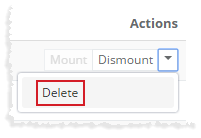
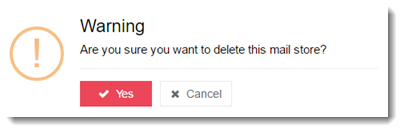
To remove a mail store, click Delete under Actions column.