| Product Documentation
Hybrid Control Panel (v10)
Managing Skype workflows
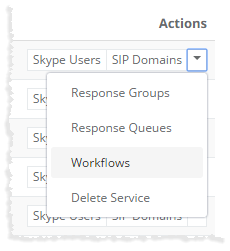
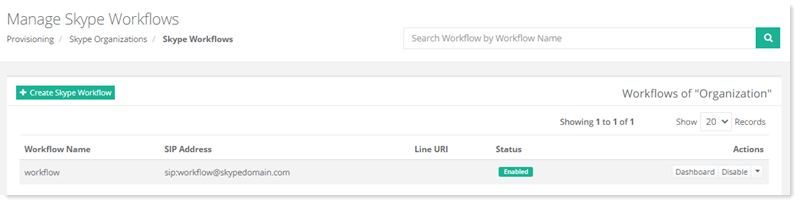
To manage Skype workflows, click Workflows under Actions column.
|
Manage Skype Workflows page shows list of existing Skype queues with additional information as:
|
Creating a Workflow
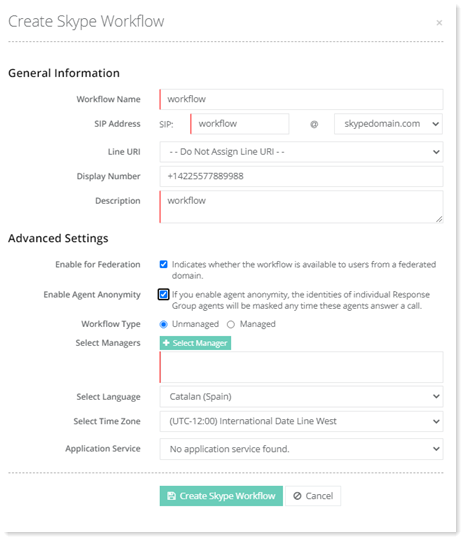
To create a workflow, click + Create Skype Workflow and specify information as required.
Updating Workflow Activation Status
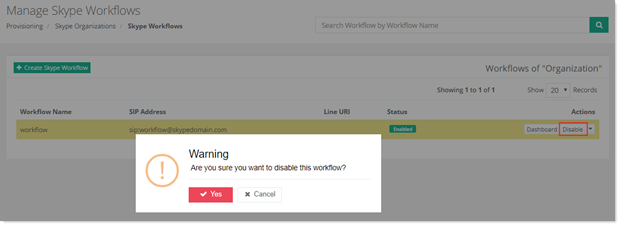
To update workflow activation status, click Disable/Enable under Actions column to disable/enable the workflow respectively.
Updating Workflow Anonymity Status
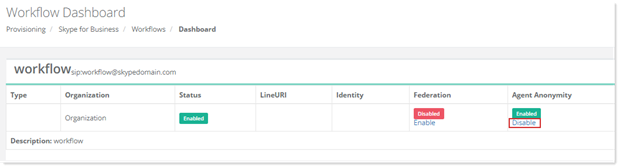
To update workflow anonymity status, click Dashboard under Actions column. Under Agent Anonymity, click Enable/Disable.
Updating Workflow Federation Status
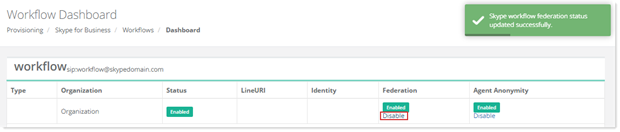
To update workflow federation status, click Dashboard under Actions column. Under Federation, click Enable/Disable.
Updating Workflow General Settings
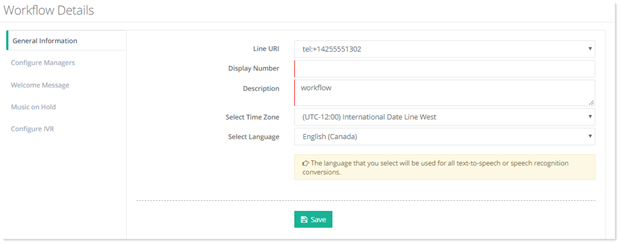
To update workflow general settings, click General Settings.
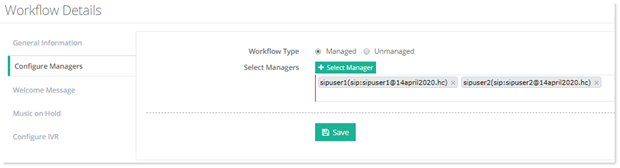
Updating Workflow Manager
To update workflow manager, click ?Configure Managers.
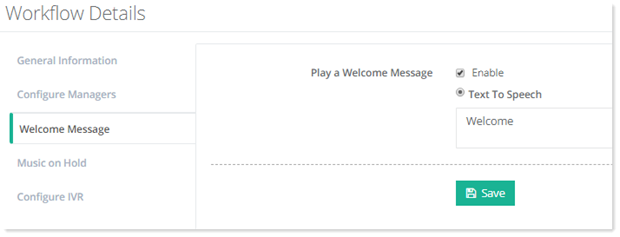
Updating Workflow Welcome Message Settings
To update workflow welcome message settings, click Welcome Message.
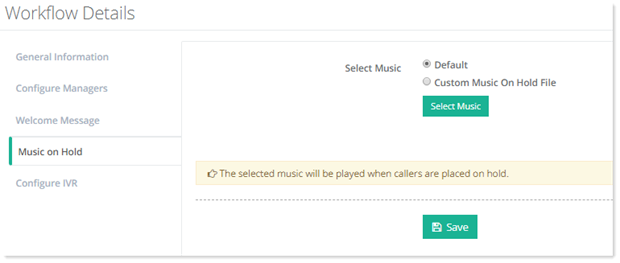
?Updating Workflow Music on Hold Settings
To update workflow music on hold settings, click Music on Hold.
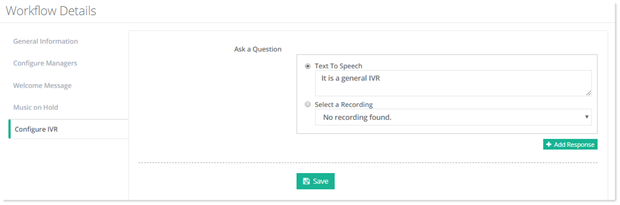
?Updating Workflow IVR Settings
To update workflow IVR settings, click Configure IVR.
?Deleting a Workflow
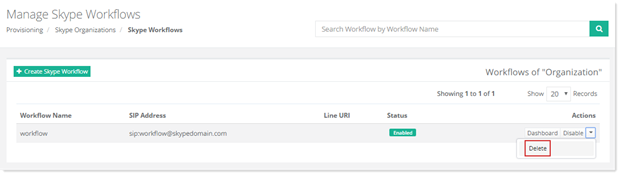
To remove a workflow, click Delete under Actions column.