| Product Documentation
Hybrid Control Panel (v10)
Managing DNS
A DNS zone is a distinct logical entity within the DNS namespace managed by a specific organization or administrator. It refers to a particular domain and its subdomains managed by a single administrator. It contains all the records for a specific domain and its subdomains. Administrators can manage their DNS zones by changing, adding, or deleting records.
Adding a DNS Zone
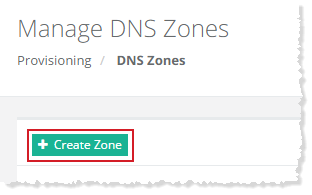
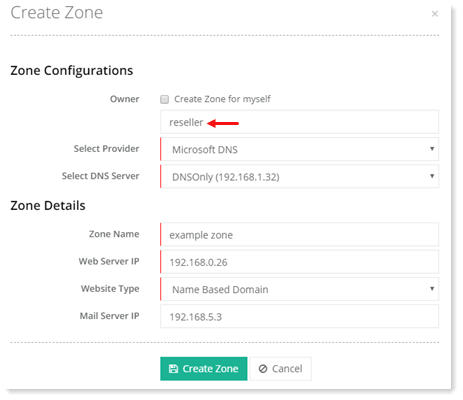
To add a DNS Zone, click + Create Zone and specify required information to proceed.
Myself
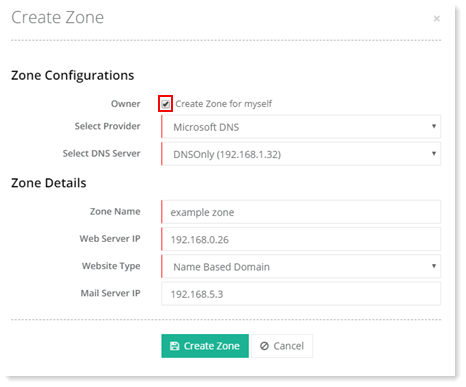
To create zone for myself, select the Create Zone for Myself checkbox and specify required information.
Specified User
To create zone for some specific user, keep the Create Zone for Myself checkbox deselected and owner name to proceed.
Editing through Text Editor
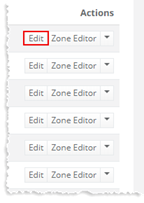
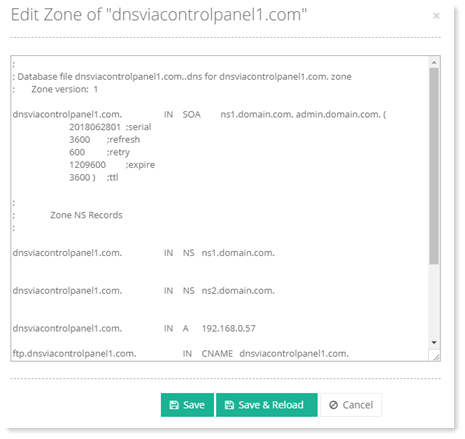
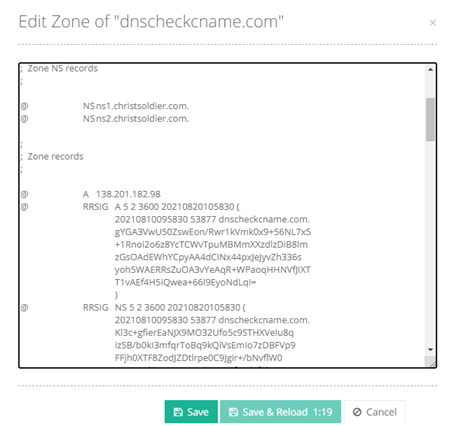
To modify a DNS zone information, click Edit under Actions column. This opens a simple text editor where the DNS zone can be edited
Editing through Zone Editor
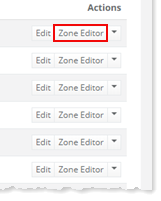
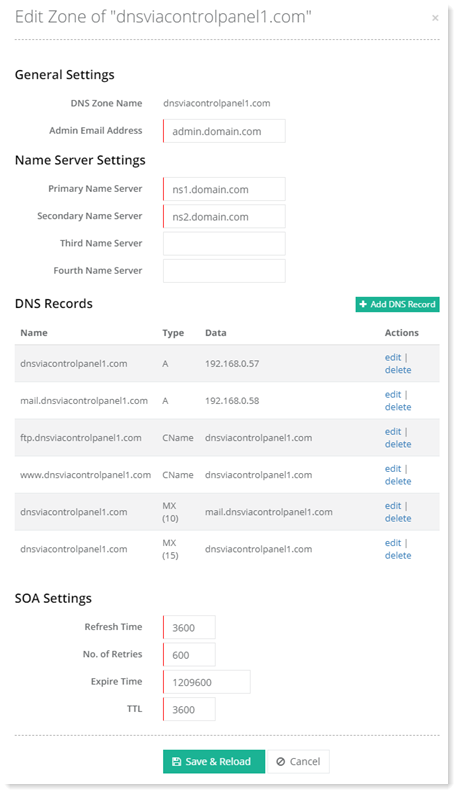
To modify DNS zone information through a user friendly editor, click Zone Editor under Actions column. This opens an advanced zone editor which allows simple insertion of DNS records in a pre-labelled, easy to use editor.
Using DNSSEC for Signing DNS Zones
DNS by itself is not secure. When a recursive resolver sends a query to an authoritative name server, it doesn’t check for credentials before accepting a response. It only checks that a response appears to come from the same IP address where the resolver sent the original query. However it is possible for an attacker to intercept the DNS query and redirect the user to a potentially malicious site without the user realizing it. DNSSEC provides a layer of additional security by digitally signing existing DNS records. These digital signatures are stored in authoritative name servers alongside common record types like A, AAAA, MX, CNAME, etc. The digital signatures use public key cryptography.
Each DNS zone has a public/private key pair. The zone owner uses the zone's private key to sign DNS data in the zone and generate digital signatures that are published with DNS. As the name implies, the private key is stored offline and kept safe somewhere. The public key, however, is published in the zone itself for anyone to retrieve. When a user wants to access a website, a stub resolver on the user's computer requests the website's IP address from a recursive resolver. The recursive resolver when in turn requests this record from an authoritative name server, it also requests the DNSSEC key associated with the zone. It uses the zone's public key to validate the authenticity of the DNS data. If the recursive resolver determines that the DNS data is authentic and comes from its authoritative name server, the resolver resolves the domain name and serves it to the user. If however, the resolver finds out that the data has been altered in transit or is not from the stated source, it assumes an attack, discards the data, and returns an error to the user.
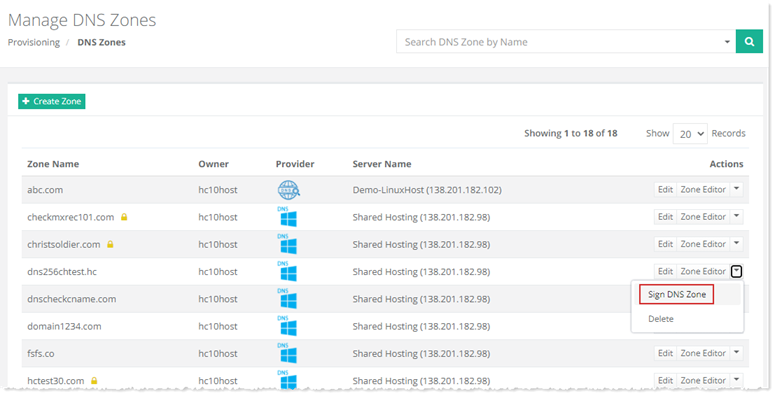
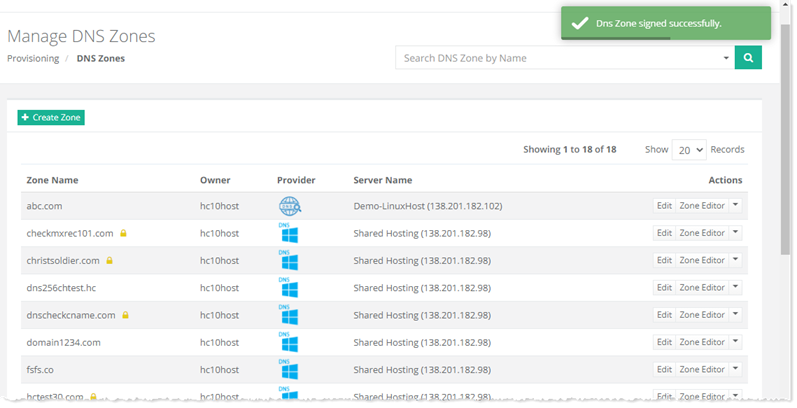
To sign DNS, click Sign DNS Zone under Actions column.
Deleting a DNS Zone
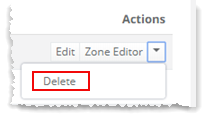
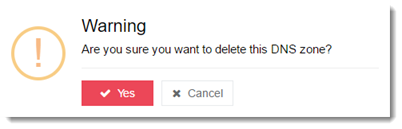
To delete a DNS zone, click Delete under Actions column.