
| Product Documentation
Hybrid Control Panel (v10)
Creating bulk distribution lists
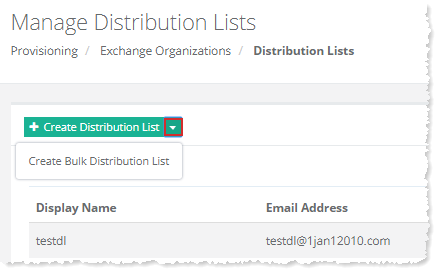
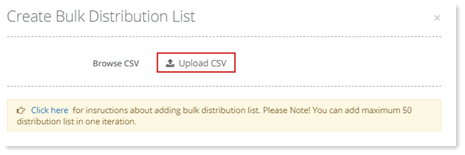
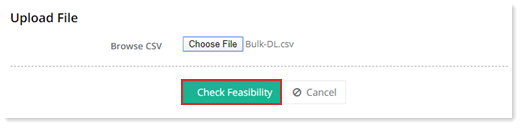
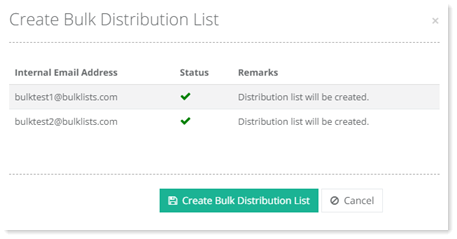
To create bulk distribution lists, click  and then Create Bulk Distribution List. Click Upload CSV File to select and upload a Comma Separated Value file for the distribution list to be added. Once file is selected, you have to check it feasibility, for that click Check Feasibility. After successful feasibility check list of distribution lists is shown with some additional information. Finally, click Create Distribution Lists to add bulk distribution lists to the panel. A message box is displayed accordingly.
For further information, refer to Creating Bulk Distribution Lists.
See how you can Create Exchange Distribution Lists in Bulk.