| Product Documentation
Hybrid Control Panel (v10)
Installing Guest OS
Before you install Guest Operating System, make sure that a Master Virtual Machine has already been created.
To install the guest operating system:
- Boot the created Master Virtual Machine from Windows Server 2012 installation DVD.
The OS installation starts. - Select required language from the Language to install drop-down list box.
- Select required time and currency format from the Time and currency format drop-down list box.
- Select required input method from the Keyboard and input method drop-down list box.
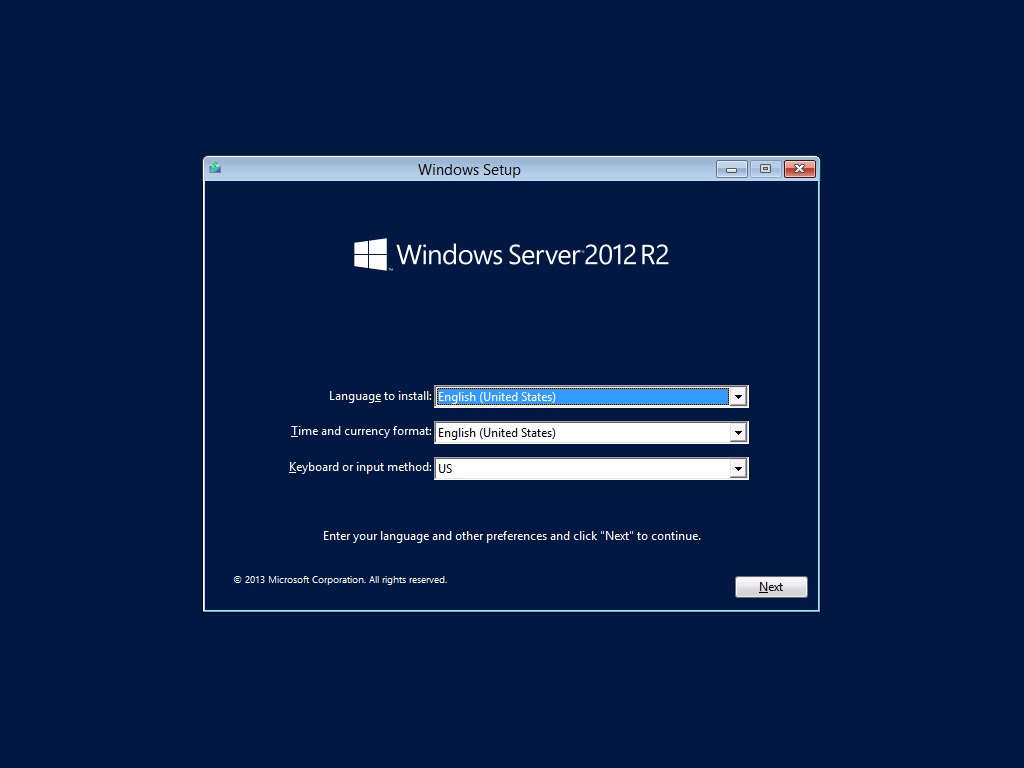
Click Next to proceed. - Click Install Now.
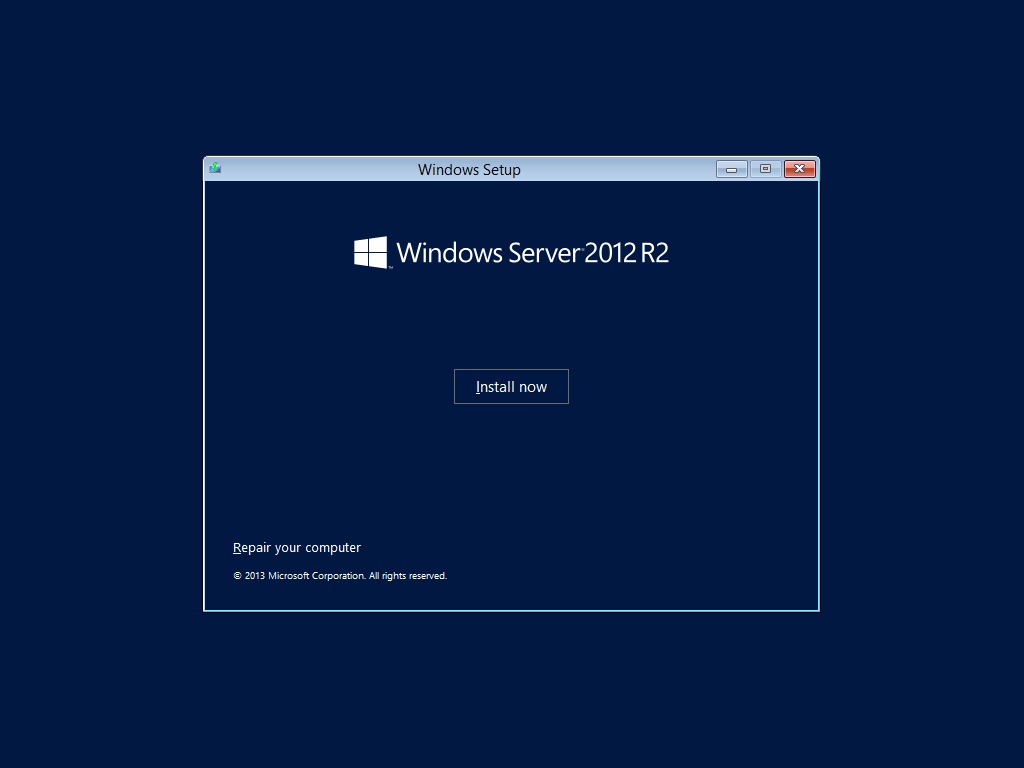
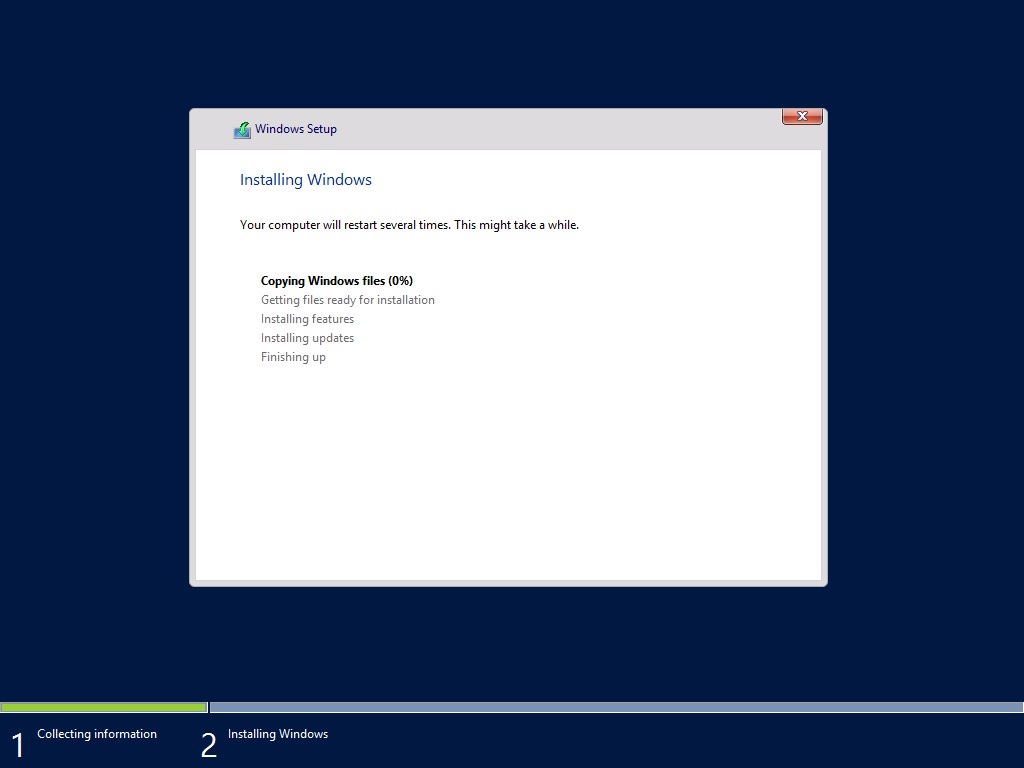
- Installation will commence and would be completed in few minutes.
- Type password for built-in administrator's account.
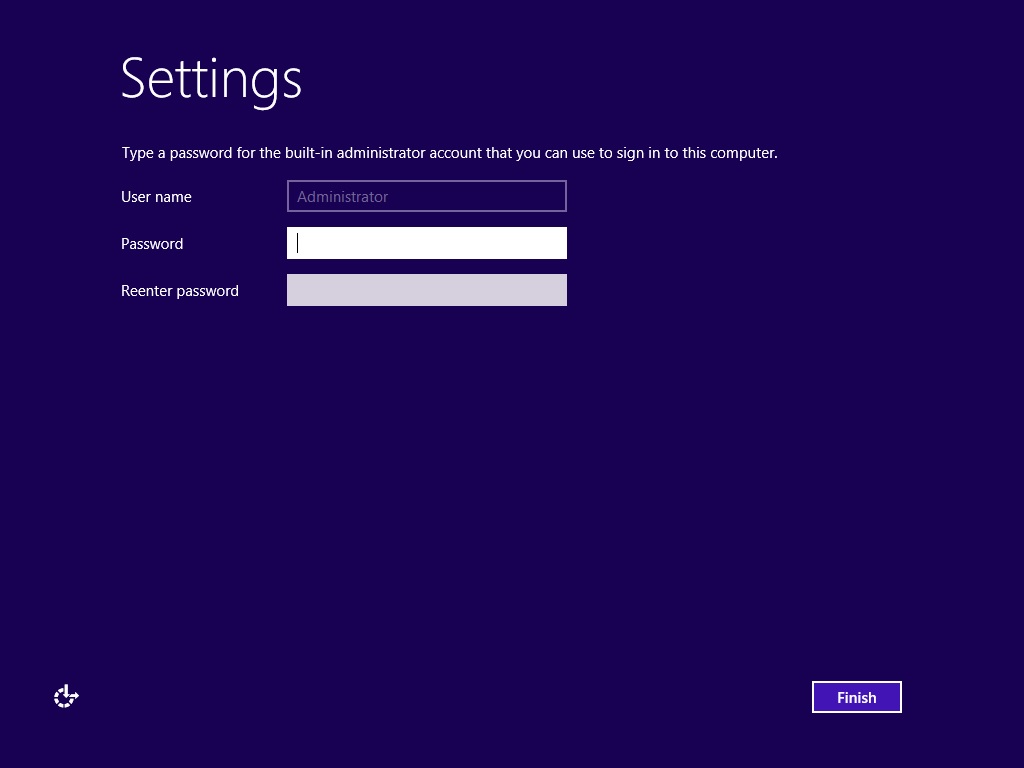
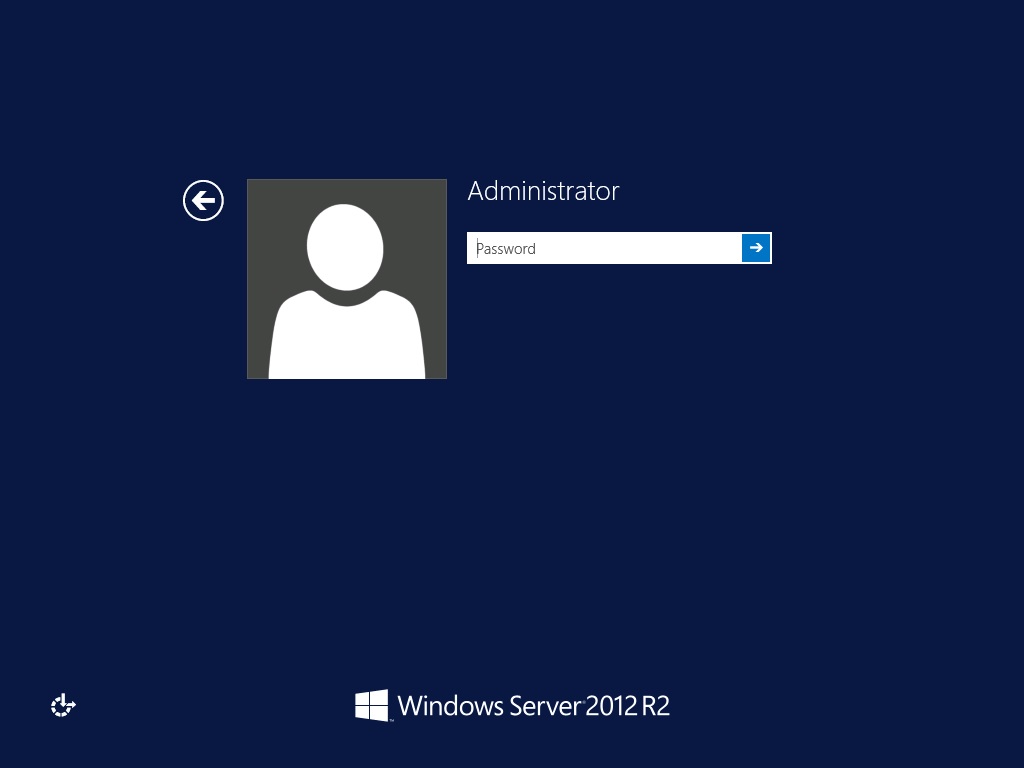
- Click Finish. Once installation is completed, a Windows Welcome Screen displays.