
| Product Documentation
Hybrid Control Panel (v10)
Managing public folders
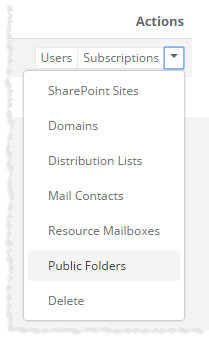
To manage public folders, click Public Folders under Actions column.
|
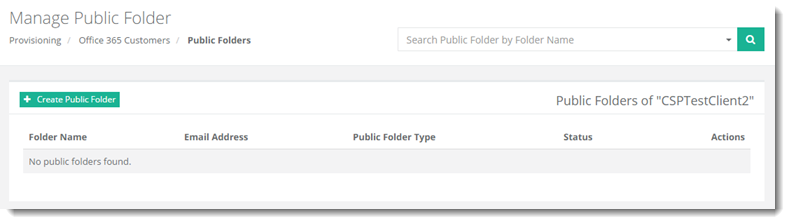
Manage Public Folders page shows existing public folders with additional information as:
|
To manage public folders, click Public Folders under Actions column.
|
Manage Public Folders page shows existing public folders with additional information as:
|