| Product Documentation
Hybrid Control Panel (v10)
Repository Management
Some cases warrant a central location for OS templates. HC allows admins to maintain their OS templates at a central location on a separate Windows server. In case of Hyper-V the .vhdx files can be fetched from this central location and copied to the Hyper-V node (configured in the panel). Central repositories can be added and managed through HC.
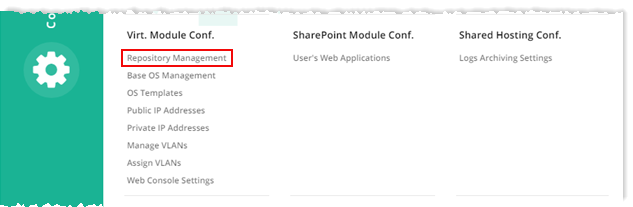
To manage repository, from top right corner of your screen, click  and then go to Virtual Module Configuration >> Repository Management.
|
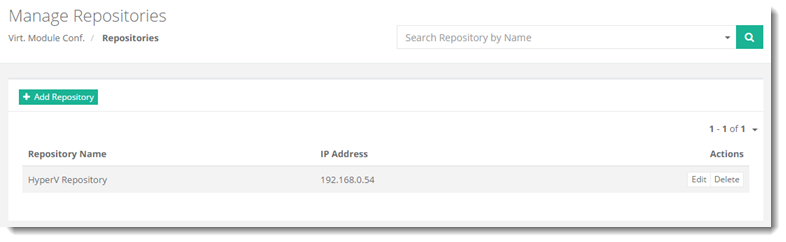
Manage Repositories page shows all the available repositories and additional information as:
|
Adding a Repository
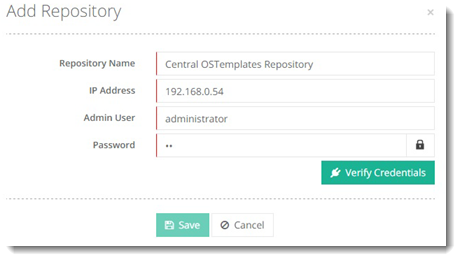
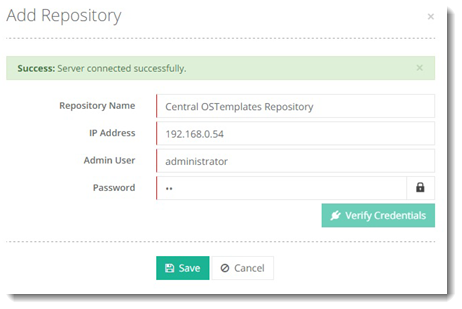
To add a repository, click + Add Repository. Specify required information and then verify credentials to proceed.
Editing a Repository
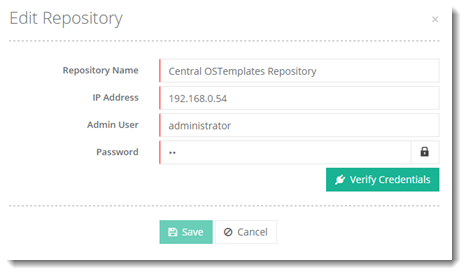
To edit a repository, click Edit under Actions column.
Deleting a Repository
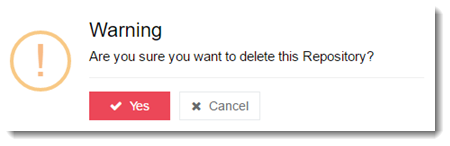
To delete a repository, click Delete under Actions column.