
Logo
| Product Documentation

Hybrid Control Panel (v10)

Virtualization
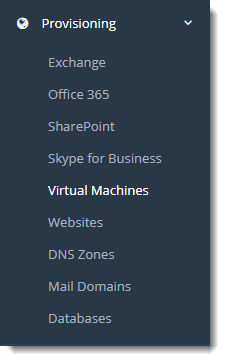
Virtual Machines section allow administrators an easy way to manage their virtual machines. Hosts can add, import as well as transfer them as per their requirements. Hosting Controller supports two virtualization platforms i) Hyper-V ii) VMware ESXi.

To manage virtual machines go to Provisioning >> Virtual Machines.  
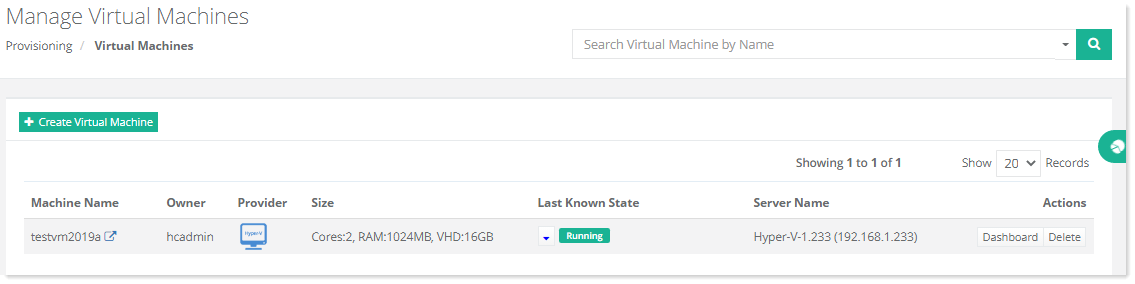
Manage Virtual Machines page shows all the available virtual machines and additional information as:

  • Machine Name - shows name of the virtual machine.
  • Owner - shows name of the machine owner.
  • Provider - shows machine provider. HC10 utilizes VMware ESXi to provision virtual machines. ESXi is an operating system independent hypervisor by VMWare used for virtualizing servers.
  • Size - shows size of the virtual machine.
  • Last Known State - shows last known state of the virtual machine such as Running/Down and so on with power off option.
  • Server Name: shows name of the server.
  • Actions - allow admins to perform various machine related actions.