| Product Documentation
Hybrid Control Panel (v10)
Creating bulk mailboxes
Creating each individual mailbox manually can consume a lot of time and may not be feasible. Microsoft Exchange provides an easy workaround. It allows you to create mailboxes for hundreds or even thousands of users at once. Taking advantage of MS Exchange’s ability to create mailboxes in bulk, Hosting Controller allows you to create mailboxes in bulk through its interface.
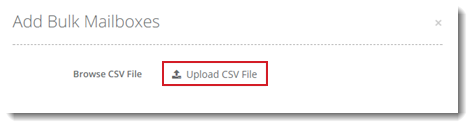
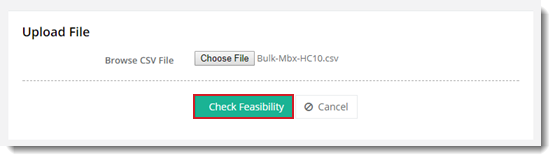
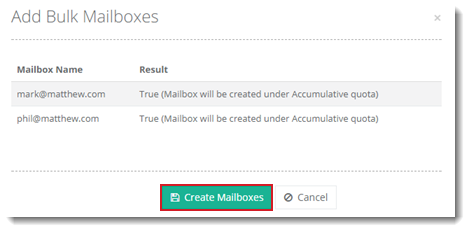
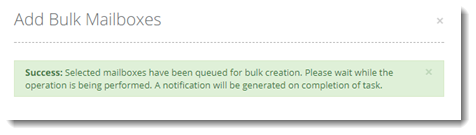
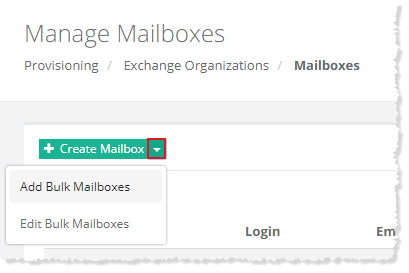
To create bulk mailboxes, click  and then Add Bulk Mailboxes. Click Upload CSV File to select and upload a Comma Separated Value file for the mailboxes to be added. Once file is selected, you have to check it feasibility, for that click Check Feasibility. After successful feasibility check list of mailboxes is shown with some additional information. Finally, click Create Mailboxes to add bulk mailboxes to the panel. A message box is displayed accordingly.
To create mailboxes in bulk you need to have a list of user mailboxes in a CSV file. You can create the file with the help of Microsoft Excel or any other editor.