| Product Documentation
Hybrid Control Panel (v10)
Importing websites
Existing IIS Websites can be imported into HC10. The admin may import Websites for itself or for any customer beneath.
- If you want to import a Website that is running on a dedicated IP then IP quota should be available in Service Plan, sold to the customer under which the Website is being imported. Else you will not be able to import that specific Website.
- If multiple Websites are to be imported under the same customer then sufficient hosting resources must be available in Service Plan sold to the customer.
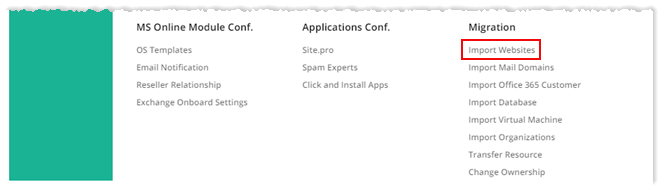
To import website, from top right corner of your screen, click  and then go to Migration >> Import Website.
Fields marked in red are required fields and cannot be left empty.
Myself
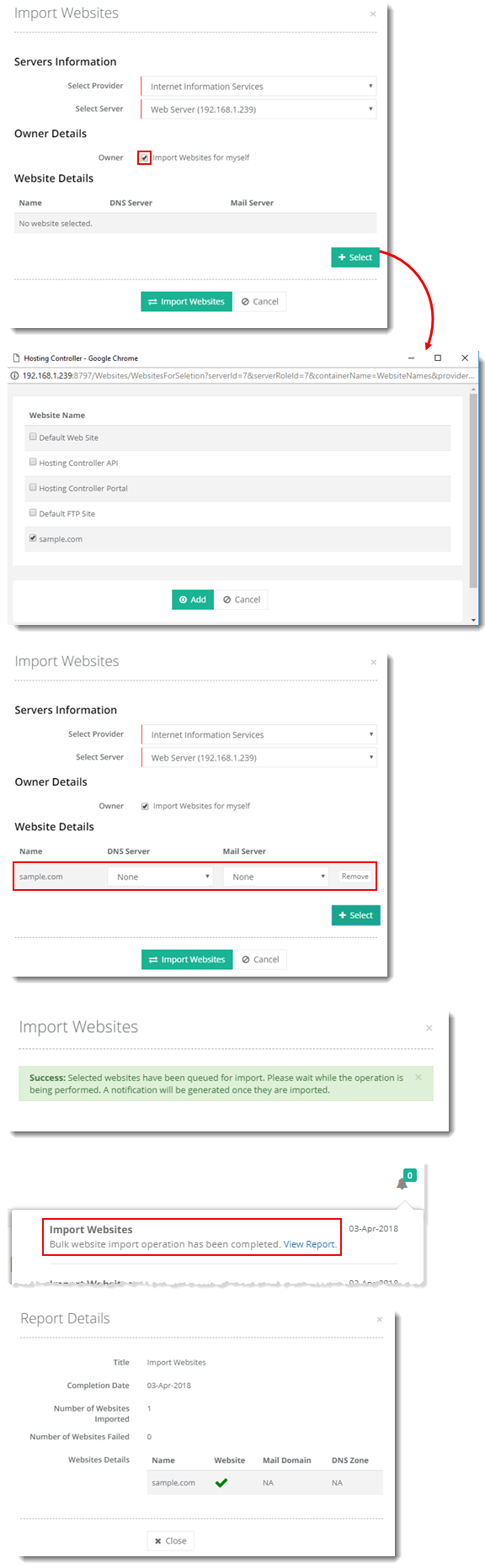
To import website for yourself, select the Import Websites for myself checkbox and specify required information as:
While importing a website, you can also create an associated DNS zone and mail domain just by specifying a DNS and mail server.
Selected User
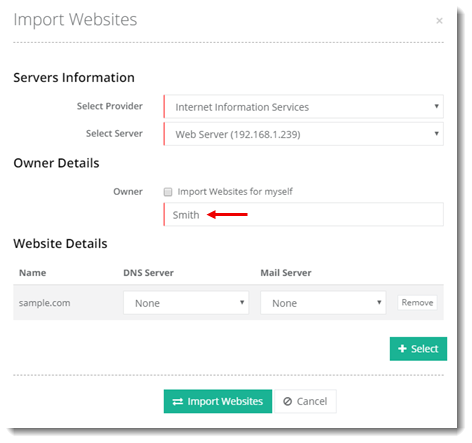
To import website for selected user, deselect the Import Website for myself checkbox, specify user name and other required information as: