| Product Documentation
Hybrid Control Panel (v10)
Customizing Email Templates
Every action that requires a notification or an alert to be sent out to users through email has a predesigned and ready to use email template in HC. However these templates may be customized by the host according to its requirements.
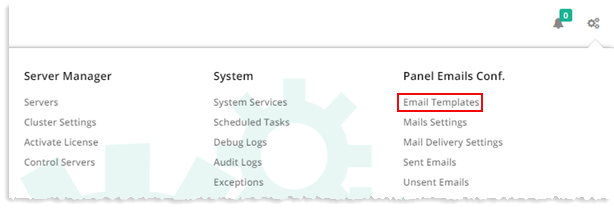
To customize email templates, from top right corner of your screen, click  and then go to Panel Emails Configuration >> Email Templates. Any of the templates can be customized as per your requirements. To customize template click Edit under Actions column.
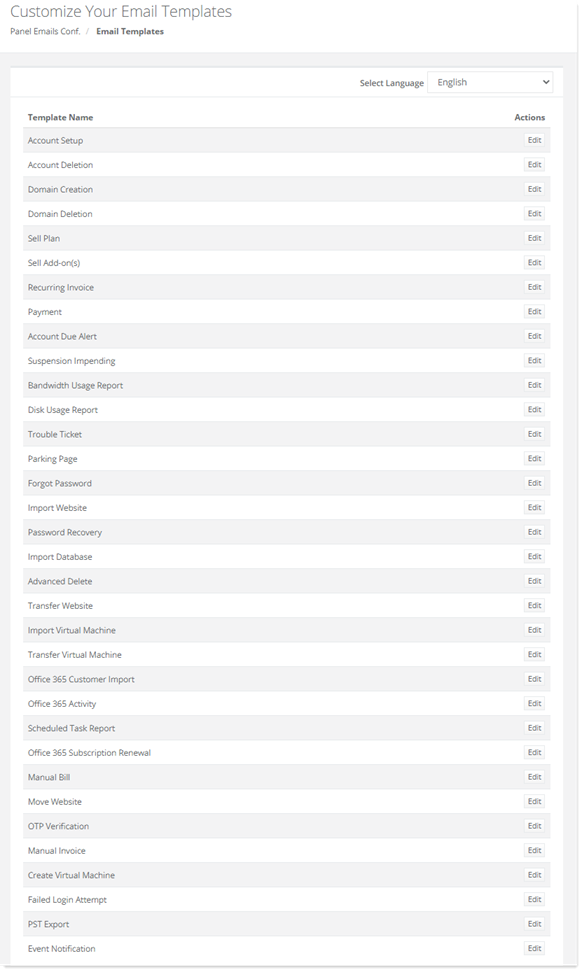
Fields marked in red are required fields and cannot be left empty.
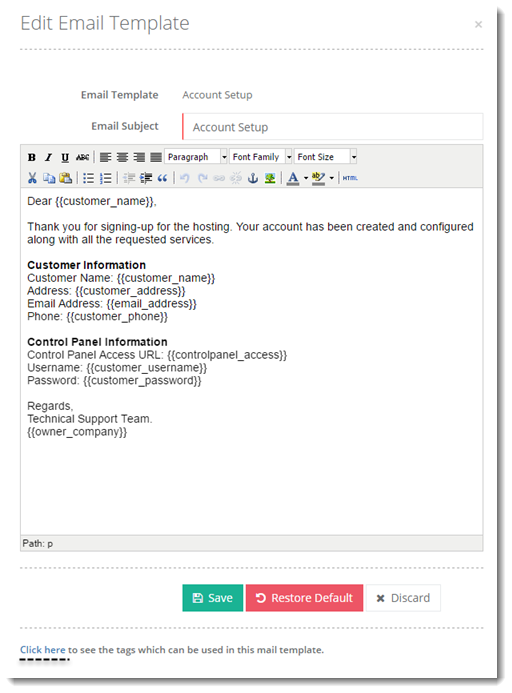
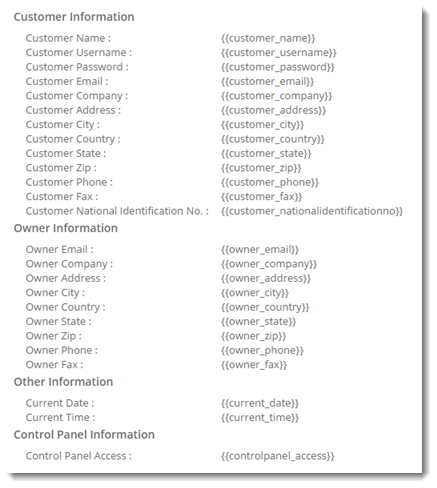
To see the tags which can be used in mail templates click Click here. For details, refer to the following section:
Click here
To review the list of tags that are allowed to use in any template, click Click here. Following image show tags for the Account Setup template.