| Product Documentation
Hybrid Control Panel (v10)
View Exchange SPLA Report
Enterprises and service providers may want to view the number of Exchange resources in use, such as user and shared mailboxes, across all their servers. They can view individual resources, across all their servers with the Exchange SPLA report.
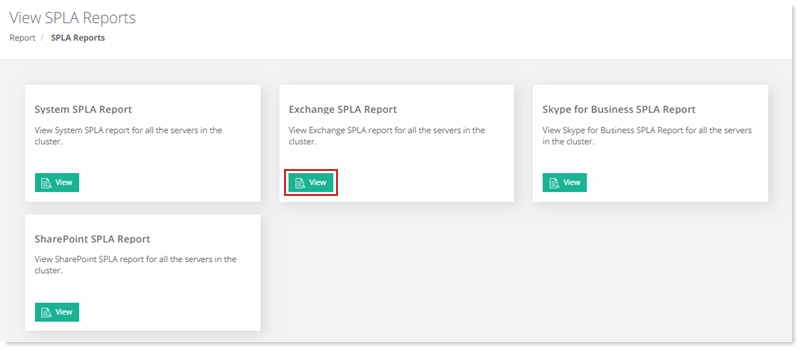
To view Exchange SPLA report, go to Reports >> SPLA Reports and click View under Exchange SPLA Report to proceed.
|
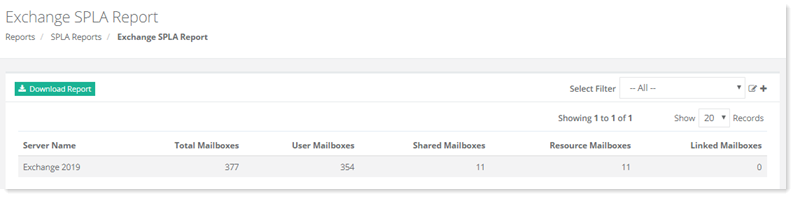
Exchange SPLA Report page shows details as:
|
Exchange SPLA Report page allow admins to download the detailed report and add search filter as required. For further details, refer to the following sections:
Downloading SPLA Report
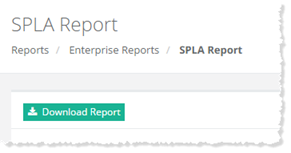
To download detailed SPLA report, click Download Report.
Adding a Search Filter
To add a search filter, click  at top right to proceed.
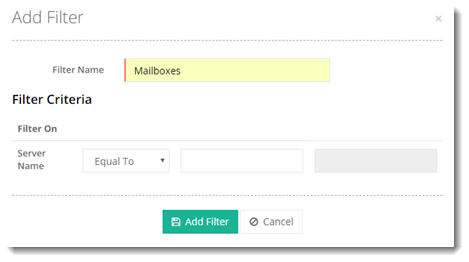
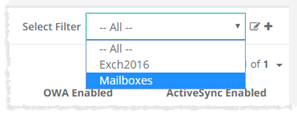
Added filter can be seen on SPLA Report page in the Select Filter list as: