
| Product Documentation
Hybrid Control Panel (v10)
Viewing users of a batch
To view users of a batch, click Users under Actions column,
|
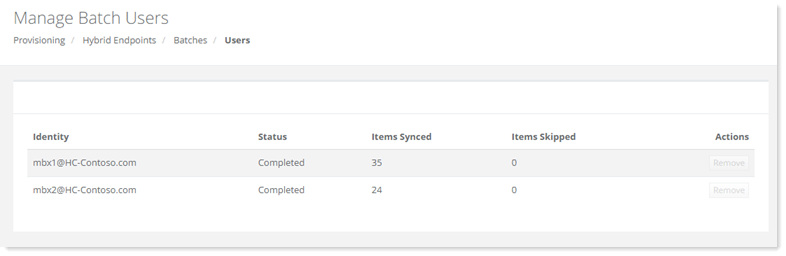
Manage Batch Users page shows existing batch users with additional information as:
|
To view users of a batch, click Users under Actions column,
|
Manage Batch Users page shows existing batch users with additional information as:
|