| Product Documentation
Hybrid Control Panel (v10)
Auditing Logs
Auditing Logs in HC10 provide a convenient way to track down operations performed by HC10 users and record events. The audit trail includes IP logs, time stamps, and user login information besides other useful details.
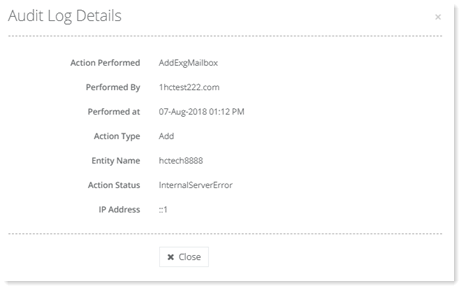
To view the audit logs, from the top right corner of your screen, click  and then go to System >> Audit Logs. Under the Actions column click Audit Logs. There you will be able to view all the logs for a particular user. To view details of every action performed, click Show Details under Actions column.
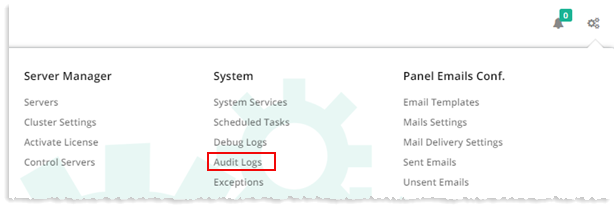
Audit Logs are available for all three levels global admin, reseller, and client.
|
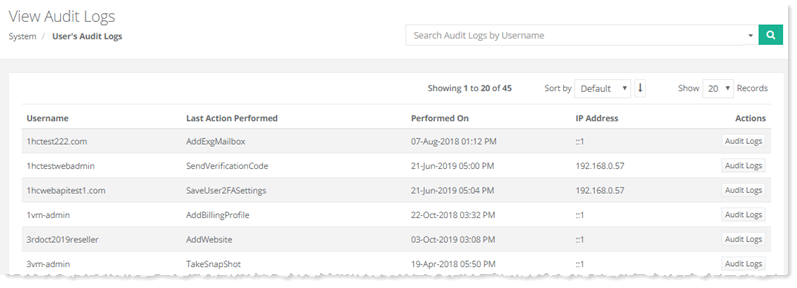
View Audit Logs page shows users' audit logs and additional information as:
|
|
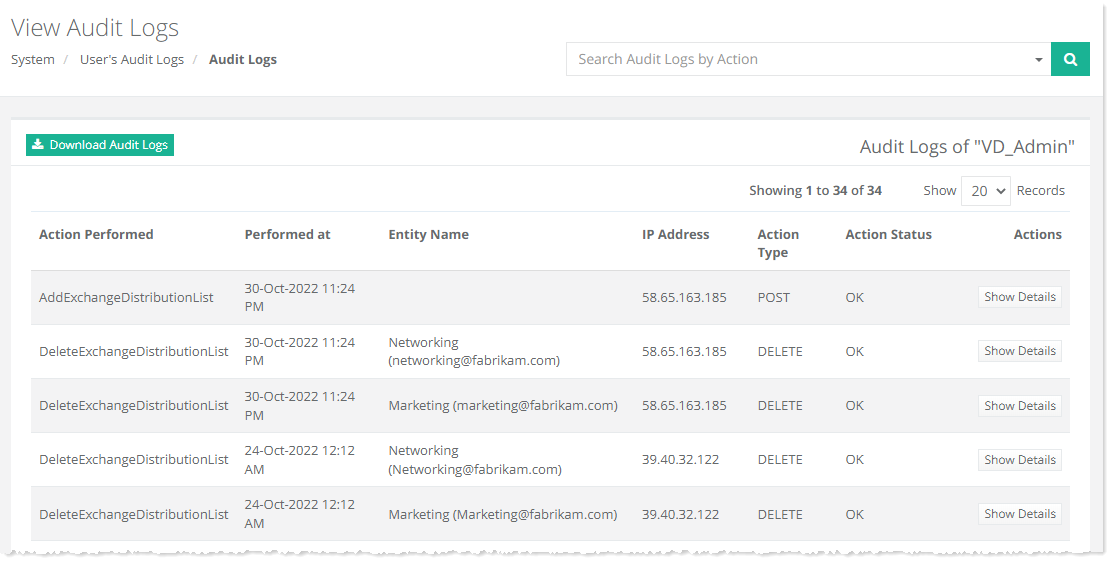
View Audit Logs page show complete logs and additional information as:
|