
| Product Documentation
Hybrid Control Panel (v10)
Managing domains
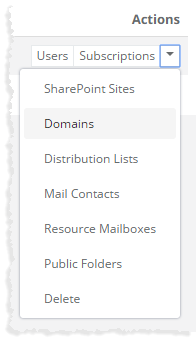
To manage domains, click Domains under Actions column.
|
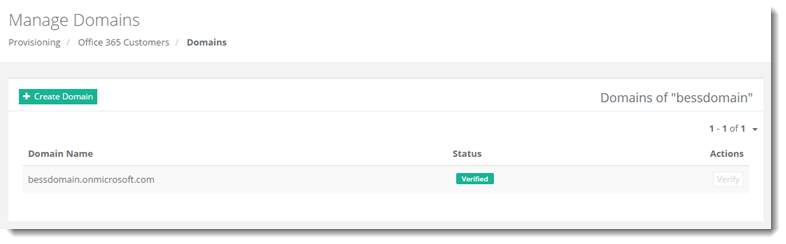
Manage Domains page shows existing domains with additional information as:
|
Manage Domains section allow admins to add and verify domains as required. For further details, refer to the following sections:
Adding a Domain
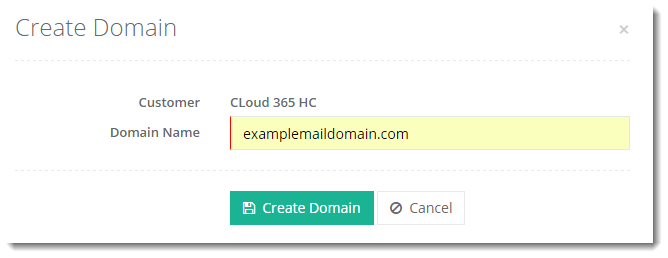
To add a domain under any customer, click + Create Domain at top left and specify information as required.
Verifying a Domain
To verify a domain under any customer, click Verify under Actions column.