
| Product Documentation
Hybrid Control Panel (v10)
Websites
Being a web host, you are required to manage arrays of websites across your customers' portfolios and many other hosting related services. Hosting Controller, effectively assists in this management through its shared hosting feature. Host administrators can view all the existing websites in the control panel as well as create new websites as required.
Hosting Controller creates folders for Websites at the Web Root specified in the Web Server Settings. The hierarchy followed is X:\Webspace\domain.com. 'domain.com' folder contains four sub-folders:
- .www
- .special
- .log
- .db
The www folder holds all the files for the website. These may include HTML, PHP, ASP, JPG, GIF or any other relevant files. The folders for Awstats reside in the special folder while the db folder is responsible for holding backups of user databases. The backups are stored in files with .bak extension.
The website logs are located in the log folder. The logs are stored in the W3SVC5 format.
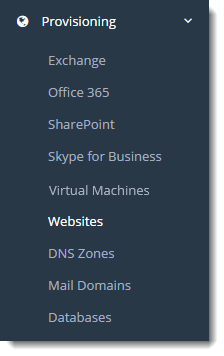
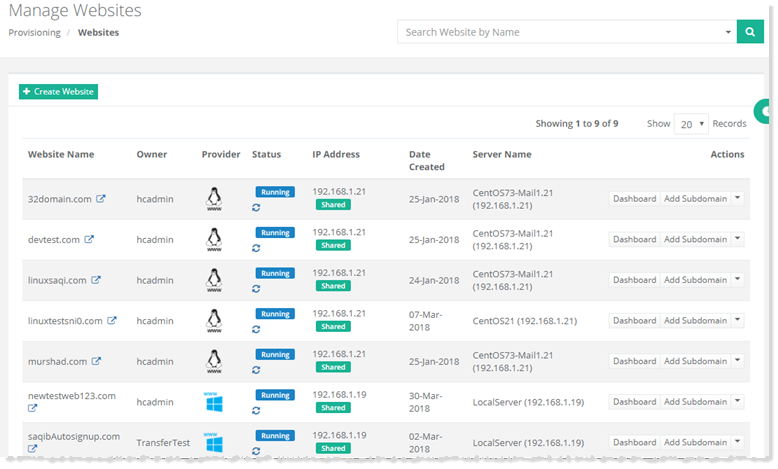
To view existing websites in the panel go to Provisioning >> Websites.
|
Manage Websites page shows list of existing websites with additional information as:
|