| Product Documentation
Hybrid Control Panel (v10)
Managing VLANs
Virtual LANs are Virtual Local Area Networks that are secure, cost effective and easy to manage. They increase network performance by allowing only limited traffic to access the network. They are sub networks that connect various networks and subnets via single switch. Using VLANs, one can assign priorities to various traffic types as required. VLANs are divided into various segments depending on their departments, work groups or usage of application. A unique domain is assigned to each VLAN and therefore, only the allowed ports can communicate with each other. Thus blocking unwarranted traffic from overloading the network.
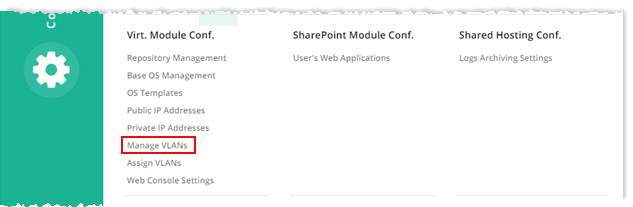
To manage VLANs, from top right corner of your screen, click  and then go to Virtual Module Configuration >> Manage VLANs.
|
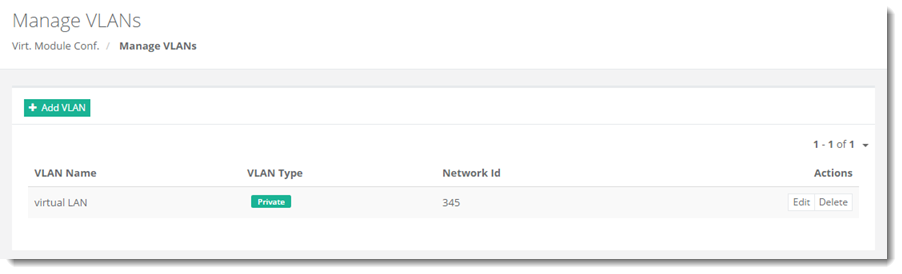
Manage VLANs page shows all the available VLANs and additional information as:
|
Adding a VLAN
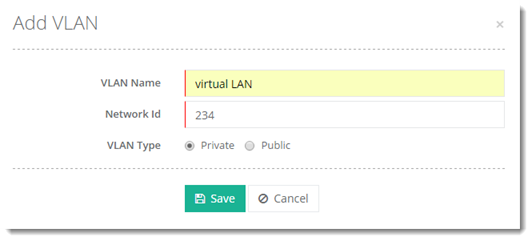
To add a VLAN, click +Add VLAN and specify required information:
Editing a VLAN
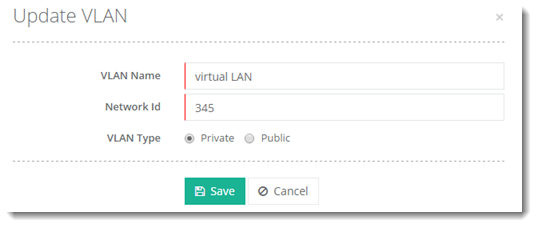
To update information of a virtual LAN, click Edit and modify details as required.
Deleting a VLAN
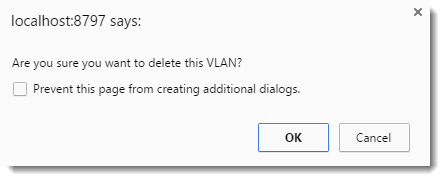
To delete a virtual LAN, click Delete.