
| Product Documentation
Hybrid Control Panel (v10)
Changing website basic settings
There are certain basic settings that can be changed for a website. These settings appear on its dashboard on the front and can easily be changed here. 
Install Automated SSL
The automated SSL in this case is Let's Encrypt. Let’s Encrypt is a free, automated, and an open certificate authority (CA). It gives users the digital certificates they need in order to enable HTTPS (SSL/TLS) for their websites, for free. HC gives you the option to install free SSL using Let's Encrypt.
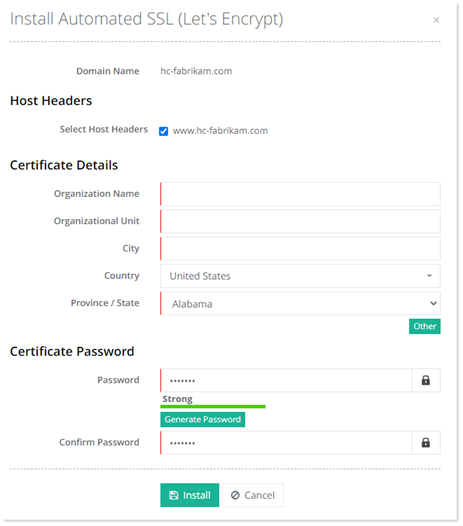
To install automated SSL (Let's Encrypt), click Install Automated SSL. Select required host header and generate password. Click Install to proceed.
Assign Dedicated IP
To assign dedicated IP, click Assign Dedicated IP. Select the IP address and click Save to proceed.
Stop Website
To stop a running website, click Stop Website.

Start Website
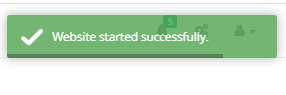
To start a stop website, click Start Website.
Recycle App Pool
To recycle application pool, click Recycle App Pool.
Restore Defaults
To restore default settings, click Restore Defaults.
