| Product Documentation
Hybrid Control Panel (v10)
Login History
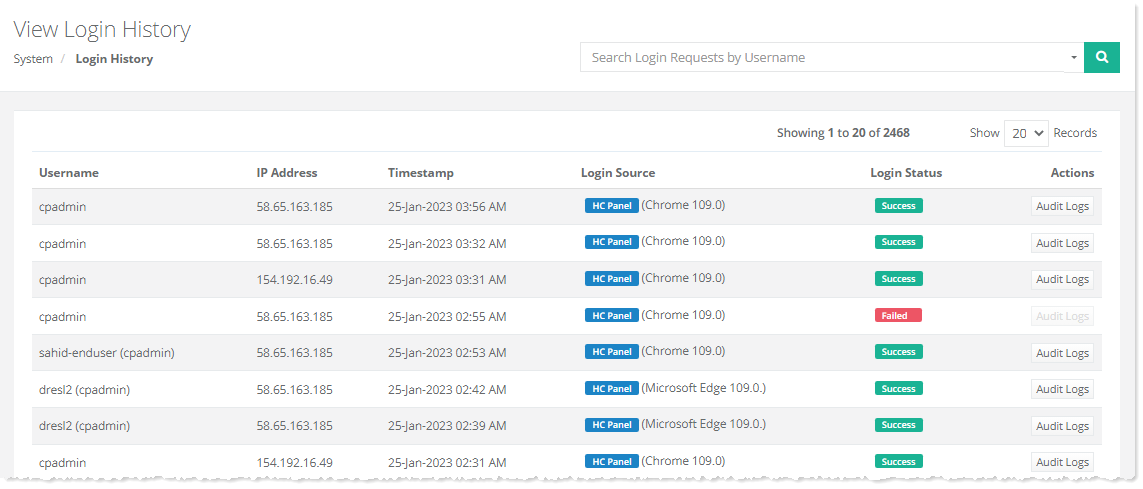
Login History in Hosting Controller gives useful information about different users who access the system. It gives the username, IP address, date, and time of logging in, etc. This helps in tracking user logins and identifying the browsers through which they logged in.
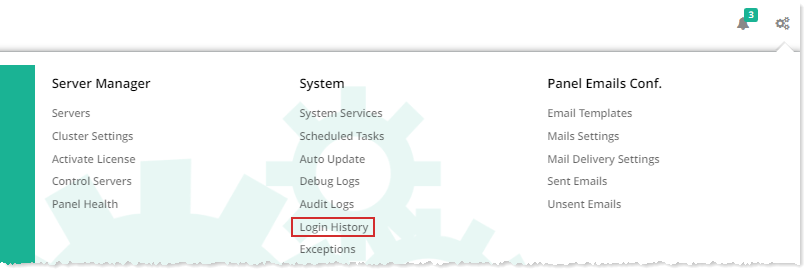
To view login history or details, from top right corner of your screen, click  and then go to System >> Login History.