| Product Documentation
Hybrid Control Panel (v10)
HC Primary Installation
Download HC Primary installers and follow the steps as stated to install HC on the Primary server:
- Execute HC_x64.msi to run the installation wizard.
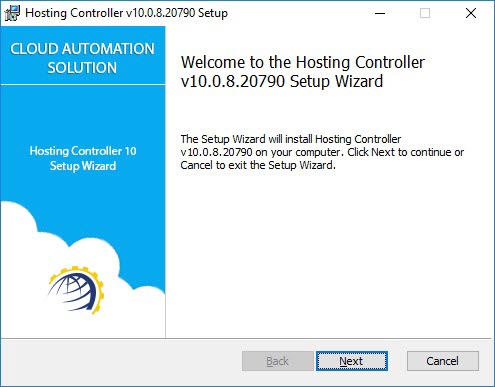
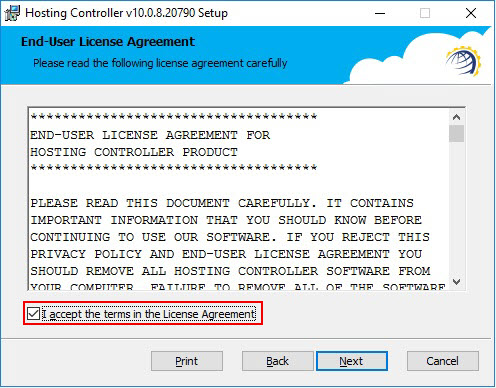
Click Next to proceed. - Read the license agreement carefully and accept it to start the installation process.
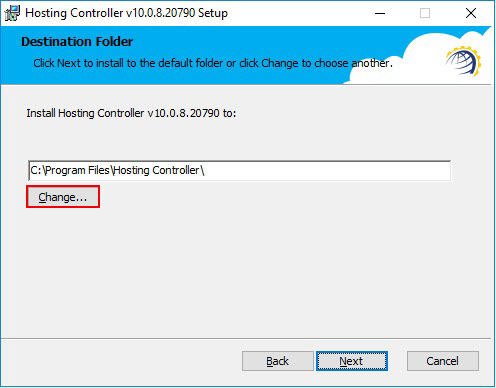
Click Next to proceed. - Specify installation path. It can be changed if required.
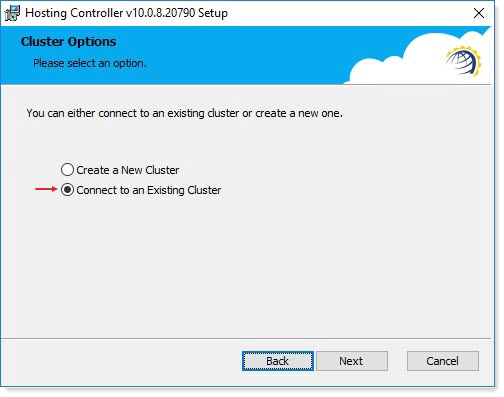
Click Next to proceed. - You can either connect to an existing cluster or create a new one by selecting Create a New Cluster.
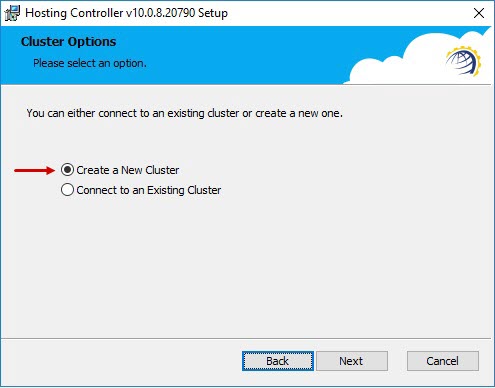
Click Next to proceed.** Create a New Cluster - A new cluster means a new database. This means you are performing the installation for the first time with a fresh database.
** Connecting to an Existing Cluster - This means an HC cluster already exists and this installation will add a second primary server to the cluster. This type of installation is generally performed to achieve loading balancing between two or more primary servers. - Specify whether you want to create a new empty database or want to use a blank database that you have already created. In case of new database, select Create a New Database.
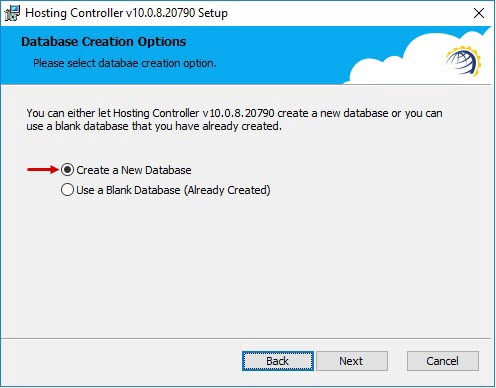
Click Next to proceed. - Specify database server details.
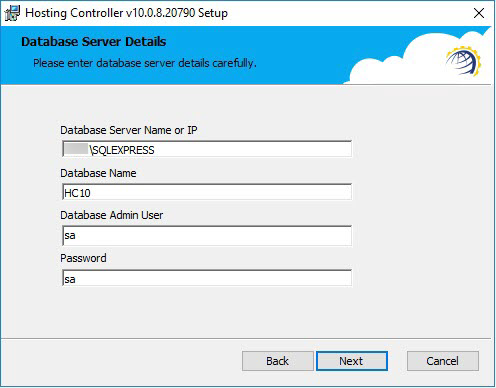
Click Next to proceed.In the Database Server Name field provide the full instance name of a Default Instance or a Named Instance.
** Default Instance: It is only the name of the server e.g. Hostname.
** Named Instance: It is the hostname plus the instance name that you specify during installation of SQL e.g. Hostname\SQLExpress - Specify database login details.
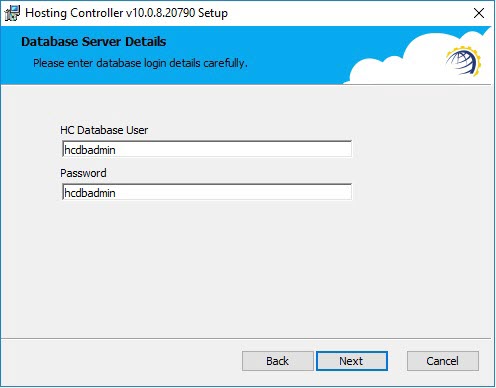
Click Next to proceed. - Specify Global Admin credentials. This is the top most administrator of the panel.
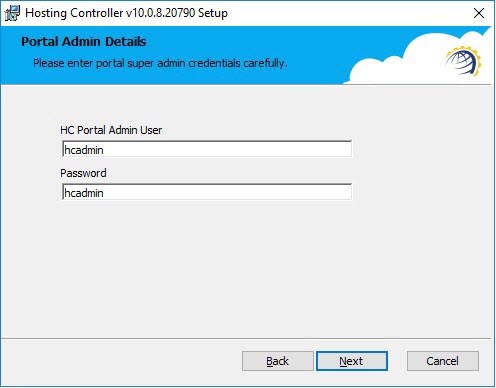
Click Next to proceed. - Specify primary server credentials.
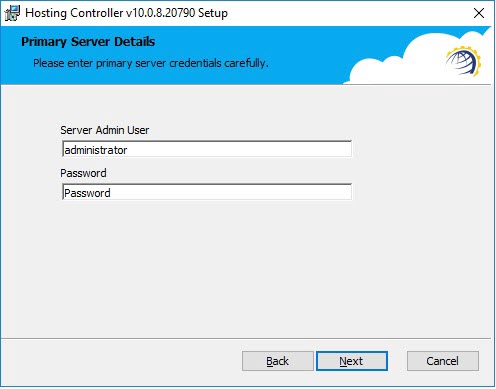
Click Next to proceed. - Click Install to start installation.
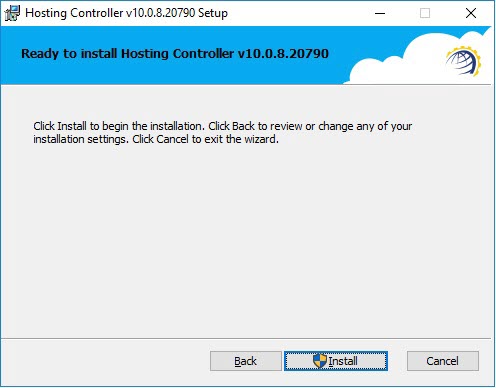
It will take few minutes to complete the installation.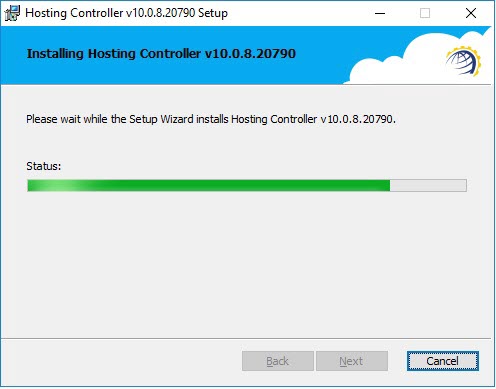
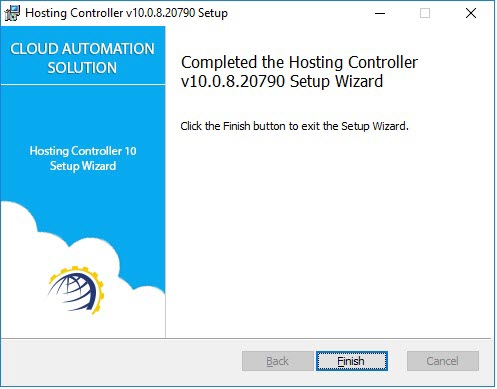
- Click Finish once installation is done.
Installation of Additional Portal Server
In case of installation on an additional Portal Server use the Connect to an Existing Cluster option. This is mainly used for adding a second Portal Server to the cluster, to achieve high availability (HA).