
| Product Documentation
Hybrid Control Panel (v10)
View AD SPLA Report
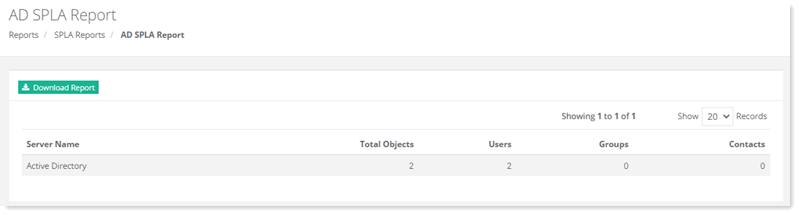
AD SPLA Report shows the total and individual number of Active Directory objects in use, across all Active Directory servers in the cluster. The objects displayed are users, groups and contacts.
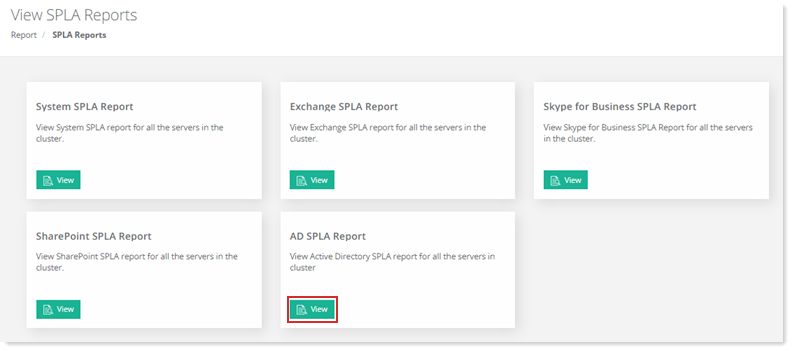
To view AD SPLA report, go to Reports >> SPLA Reports and click View under AD SPLA Report to proceed.
|
AD SPLA Report page shows details as:
|
To view report details click Download Report.