
| Product Documentation
Hybrid Control Panel (v10)
Remote Desktop Services
Remote Desktop Services (RDS) allow you to virtualize your applications and desktops. It lets users interact with your applications and full desktops without having to install the applications on end user devices. It appears as if the applications are running on the users’ local desktop, however in reality they are running in a session on the RDS server. This presents a cost effective and reliable method of deploying applications for an enterprise.
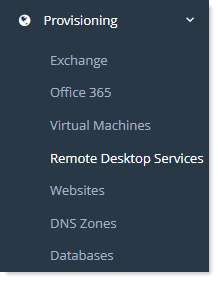
To manage RDS go to Provisioning >> Remote Desktop Services.
|
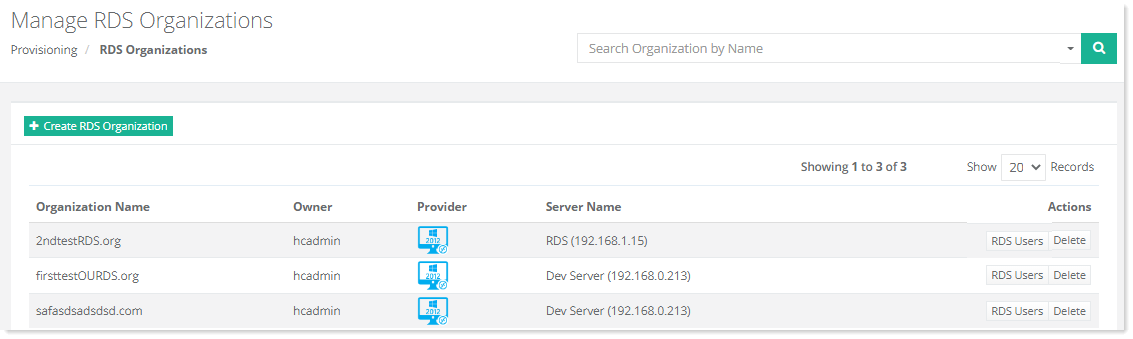
Manage RDS Organizations page shows list of existing RDS organizations with additional information as:
|