| Product Documentation
Hybrid Control Panel (v10)
Managing users
Users are Active Directory users in Azure. Different services may be enabled against users such as Exchange, SharePoint, Skype for Business etc.
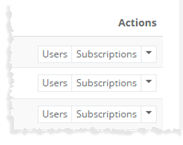
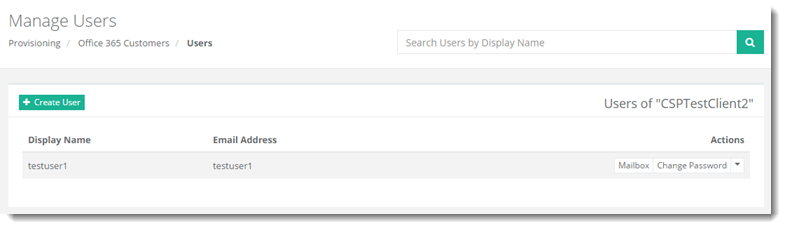
To manage users of any customer, click Users under Actions column. Manage Users page facilitate admins with absolute management of users as required.
|
Manage Users page shows existing users with additional information as:
|
Manage Users section allow admins to search/create user(s), view mailbox dashboard, change password of user and delete any user. For further details, refer to the following sections:
Adding a User
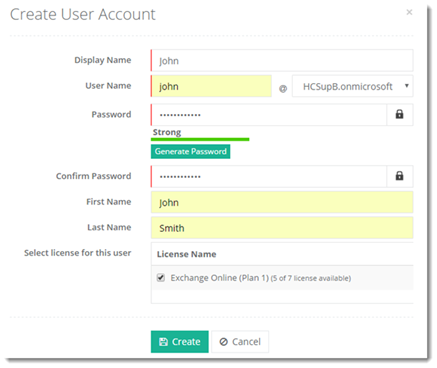
To add a new user under any customer, click + Create User at top left and specify required information to proceed.
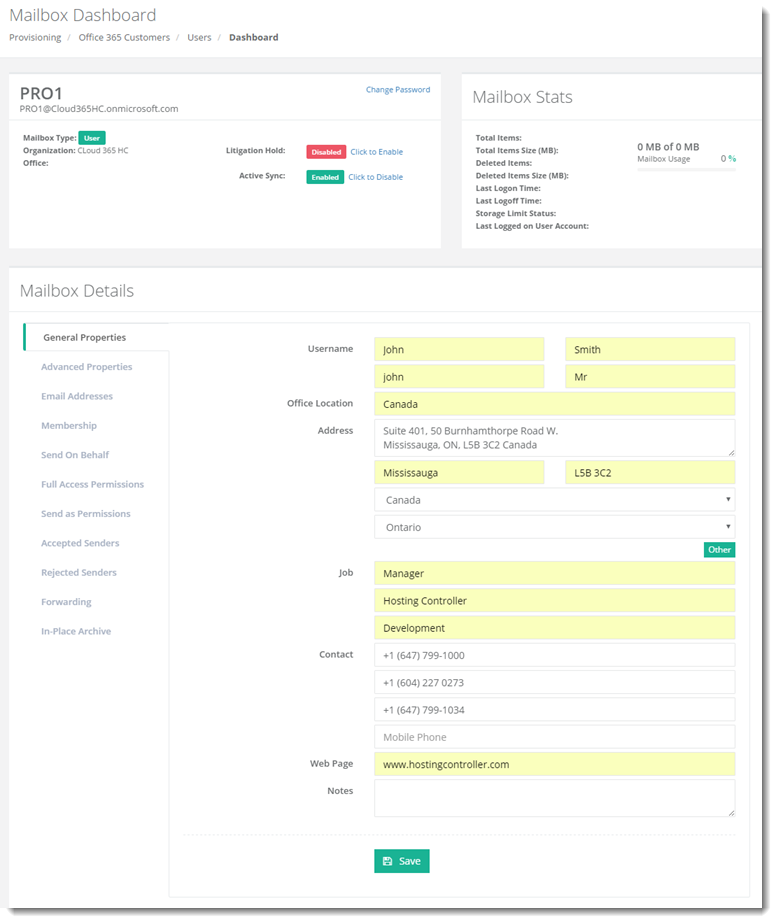
Viewing Mailbox of a User
To view mailbox of a user, click Mailbox under Actions column.
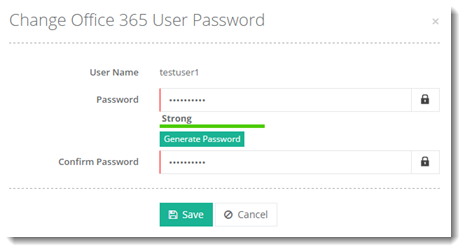
Changing Password of a User
To modify password of a user, click Change Password under Actions column.
Deleting a User
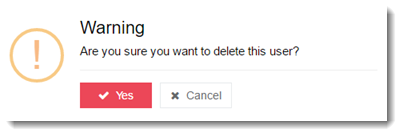
To delete a user, click Delete under Actions column.