
| Product Documentation
Hybrid Control Panel (v10)
Viewing own hosting quota
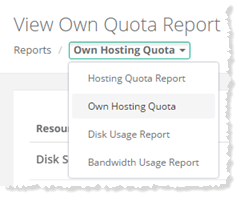
To view own hosting quota report, go to Reports >> Quota Reports and select Own Hosting Quota to proceed.
|
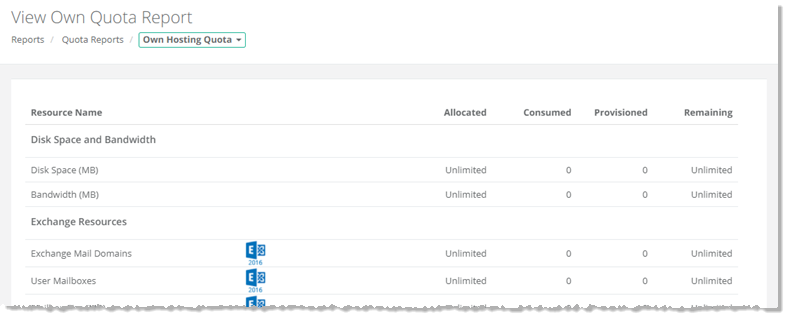
View Own Quota Report page shows your own hosting quota with additional information as:\
|