| Product Documentation
Hybrid Control Panel (v10)
Scheduled Tasks
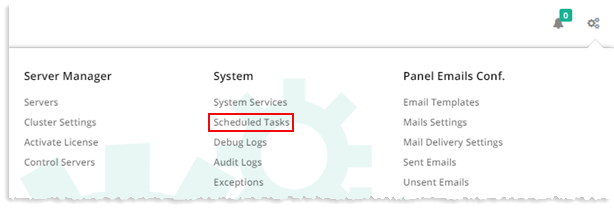
To view already scheduled system tasks, from top right corner of your screen, click  and then go to System >> Scheduled Tasks.
|
Scheduled Tasks page shows all the system tasks are already scheduled and additional information such as:
|
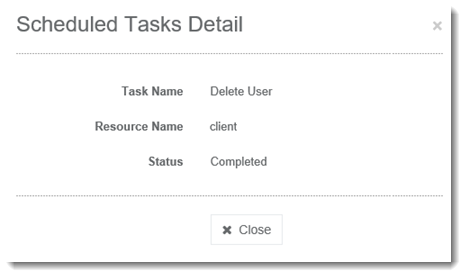
Under Actions column, select Start/Cancel to initiate/abort the selected action respectively as required. To view detailed information regarding any of the task in the list, click Show Details.