| Product Documentation
Hybrid Control Panel (v10)
Viewing disk usage report
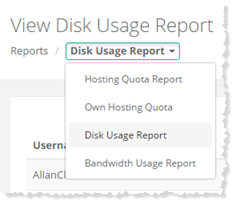
To view disk usage report, go to Reports >> Quota Reports and select Disk Usage Report to proceed.
|
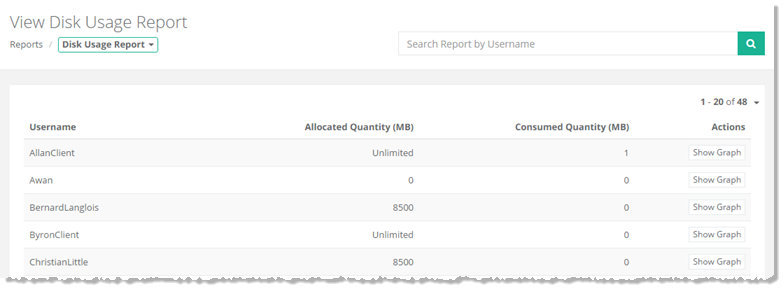
View Disk Usage Report page shows disk usage reports of existing users with additional information as:
|
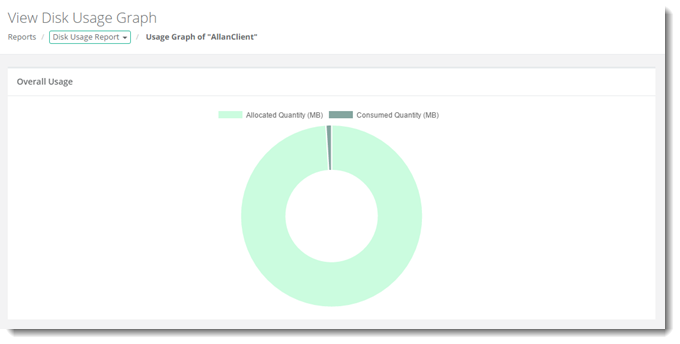
To view graphical representation of disk usage report, click Show Graph under Actions column