| Product Documentation
Hybrid Control Panel (v10)
Creating a SIP domain
Session Initiation Protocol (SIP) is a signaling protocol used for controlling multimedia sessions involving voice, video and instant messaging over IP networks. A user of a SIP network is identified by a Uniform Resource Identifier (URI), which adopts an alphanumeric syntax quite similar to an email address. It takes the form sip:username@domain.com where domain.com requires DNS SRV records to locate the servers for SIP domain. The domain.tld here is the SIP domain and can be created through HC.
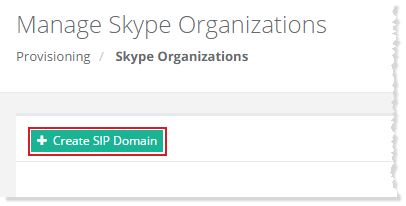
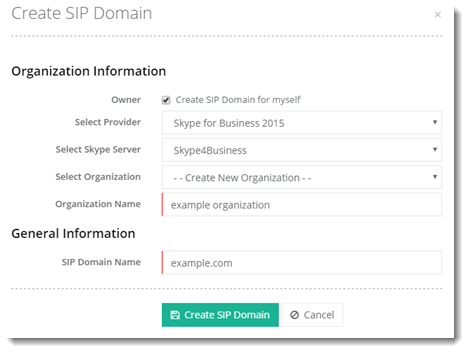
To create a SIP domain, click + Create SharePoint Site at top left. Specify required information to proceed.
Myself
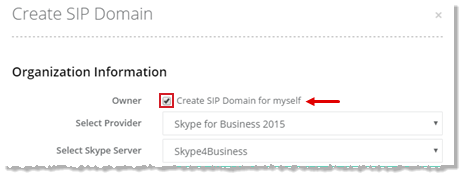
To create a SIP domain for myself, select Create SIP Domain for myself checkbox to proceed.
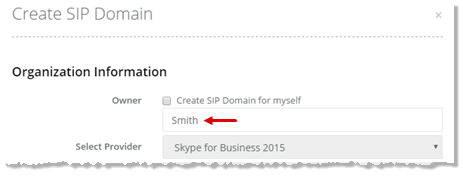
Specified User
To create a SIP domain for specified user, type user name to proceed.
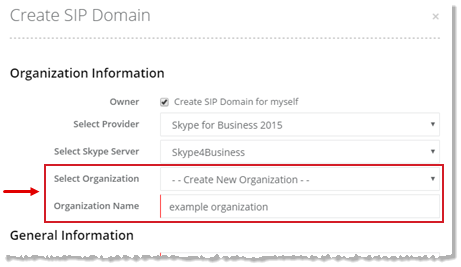
New Organization
To create a SIP domain for a new organization, type Organization Name to proceed.
Existing Organization
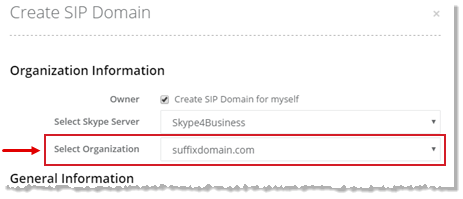
To create a SIP domain for an existing organization, select required organization from the list to proceed.