| Product Documentation
Hybrid Control Panel (v10)
Managing NAT
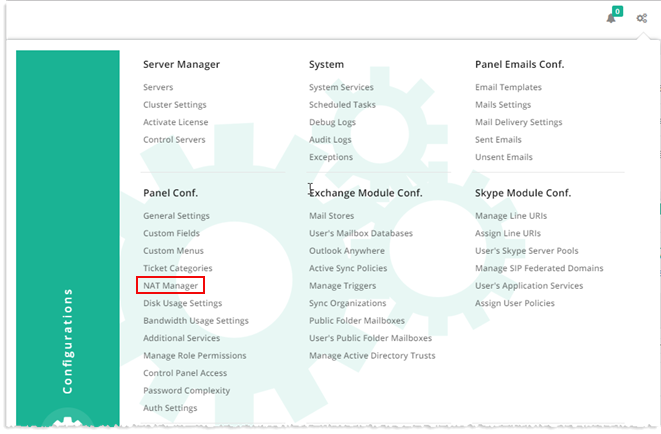
To manage NAT, from top right corner of your screen, click  and then go to Panel Configuration >> NAT Manager.
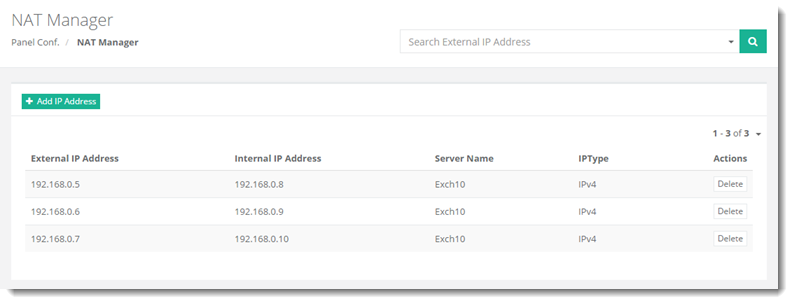
Fields marked in red are required fields and cannot be left empty.
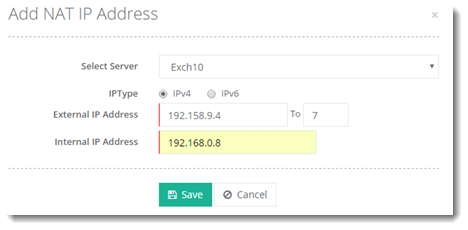
Adding an IP Address
To add an IP address, click + Add IP Address and specify required details.
Deleting an IP Address
Click Delete under Actions column to remove the required IP address.