| Product Documentation
Hybrid Control Panel (v10)
Importing office 365 customers
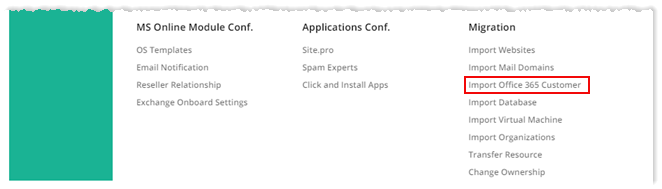
To import office 365 customers, from top right corner of your screen, click  and then go to Migration >> Import Office 365 Customers.
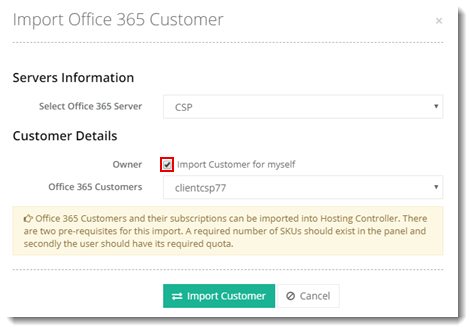
For Myself
To import customer for yourself, select the Import Customer for myself check box and customer from the drop-down list. Click Import Customer to proceed.
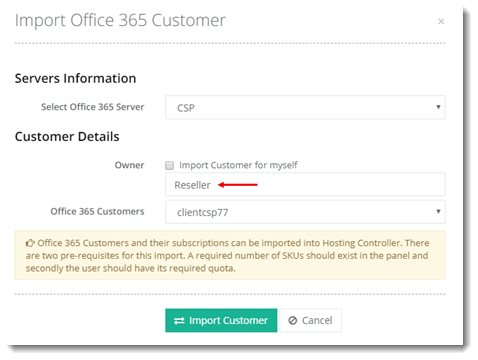
For Selected User
To import customer for selected user, type Owner name and select customer from the drop-down list. Click Import Customer to proceed.